Document security covers a few different measures that are designed to protect access and discourage improper use of your PDFs or other types of documents. Even when working from home, you have the same responsibility for document security as you would in the office. PDF Reader provides the following 3 security measures that you can use when working from home:
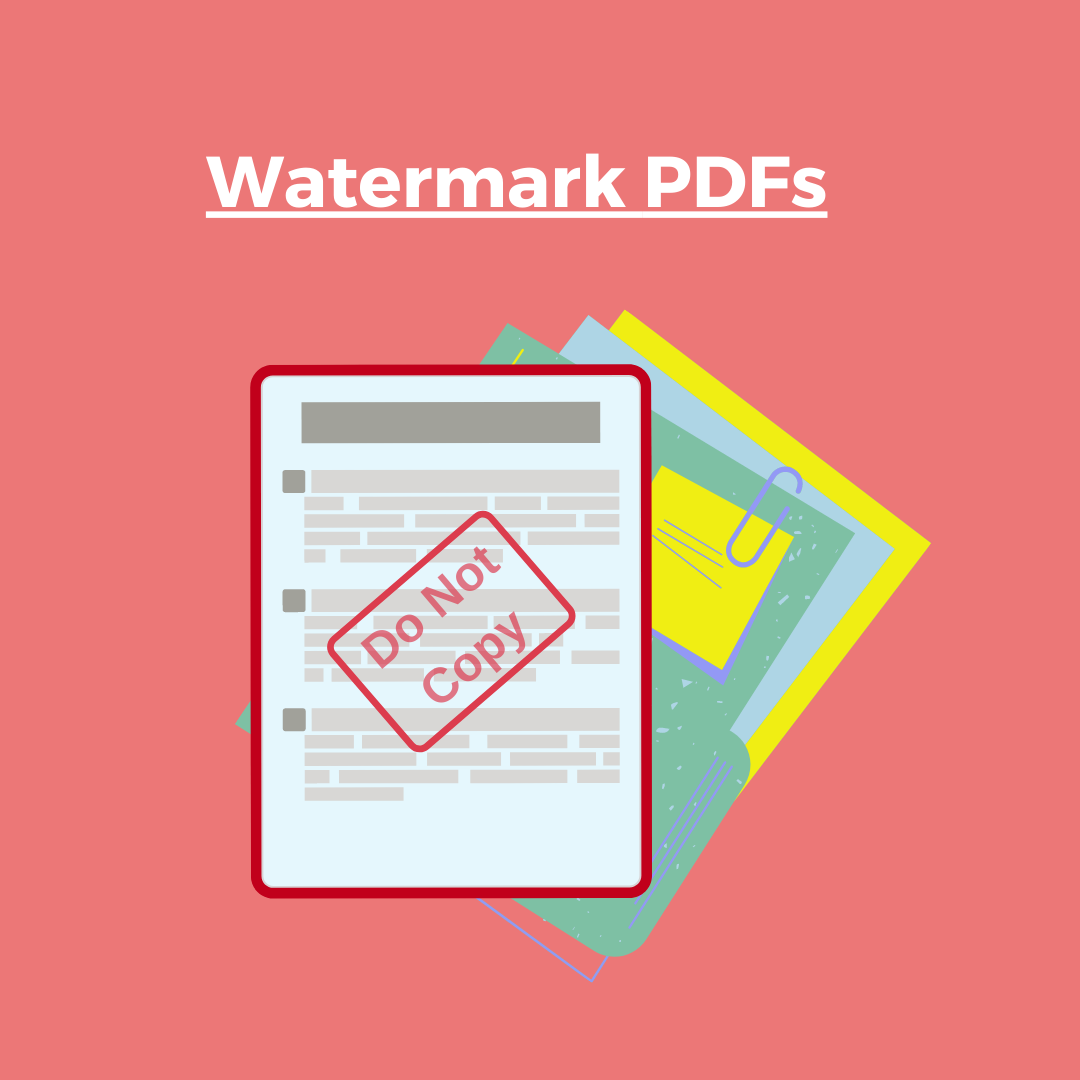
Watermark Your PDFs
Organizations usually watermark documents with identifying information (e.g. company and username) to prevent individuals from leaking documents and to help identify the source of the copy:
- Select and open the PDF document
- Tap “Tool” from the menu bar on top of the screen and choose “Add Watermark”
- Tap either “Text” or “Image” to insert a watermark into the PDF
- You can customize the watermark by changing its color, opacity, position, and page range (See the detailed tutorials here)
Encrypt Your PDFs
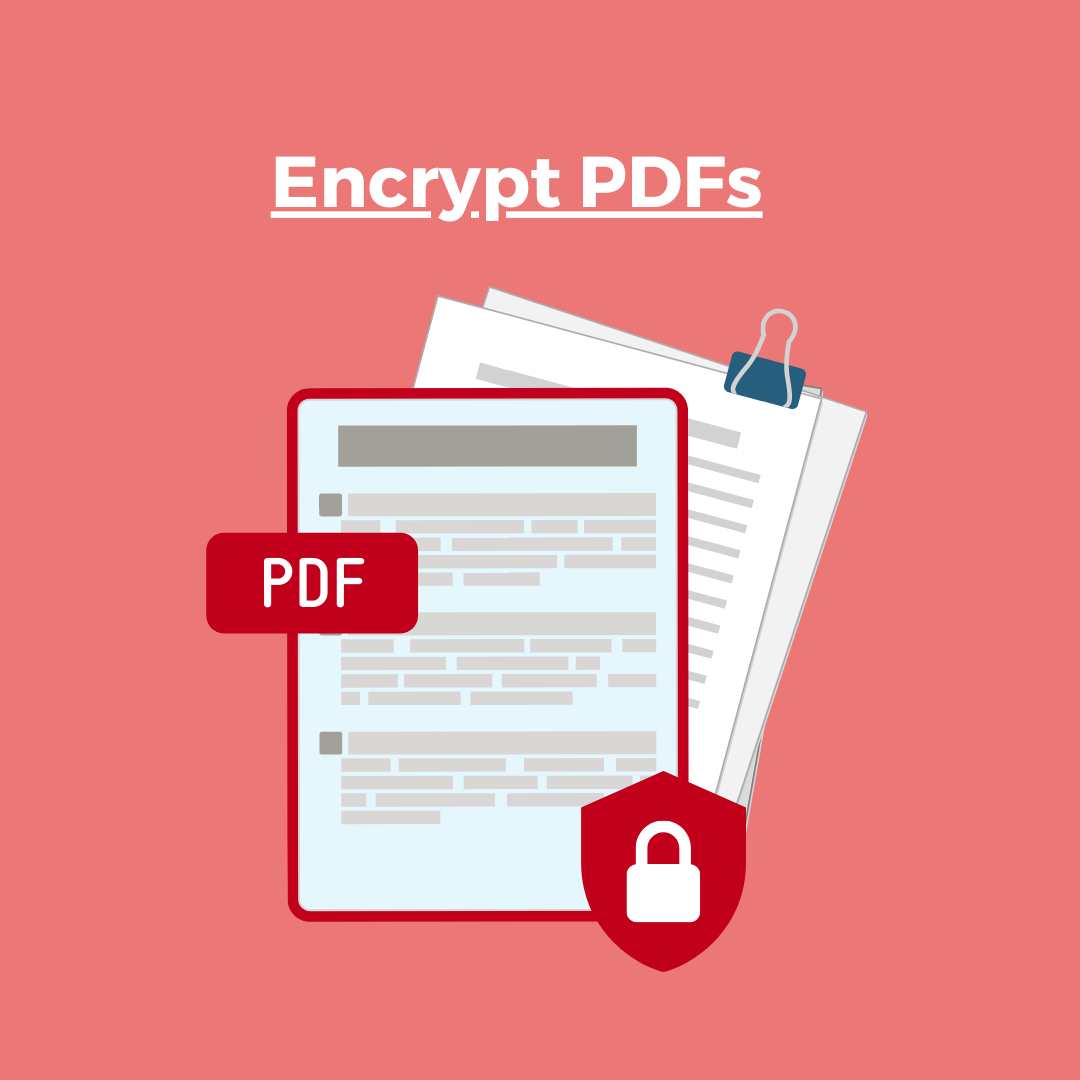
If the document is secured with a password, only the intended recipient in possession of the correct password will be able to open it:
- Open a PDF and click the “Security” button in the top toolbar
- Choose “Set Password” from the pop-up menu
- Enter a password and set how you want to secure the PDF (You can protect the PDF from being viewed, copied and printed)
- Then press the “Encrypt” button to start encryption (See the detailed tutorials here)
Send Password-Protect Links
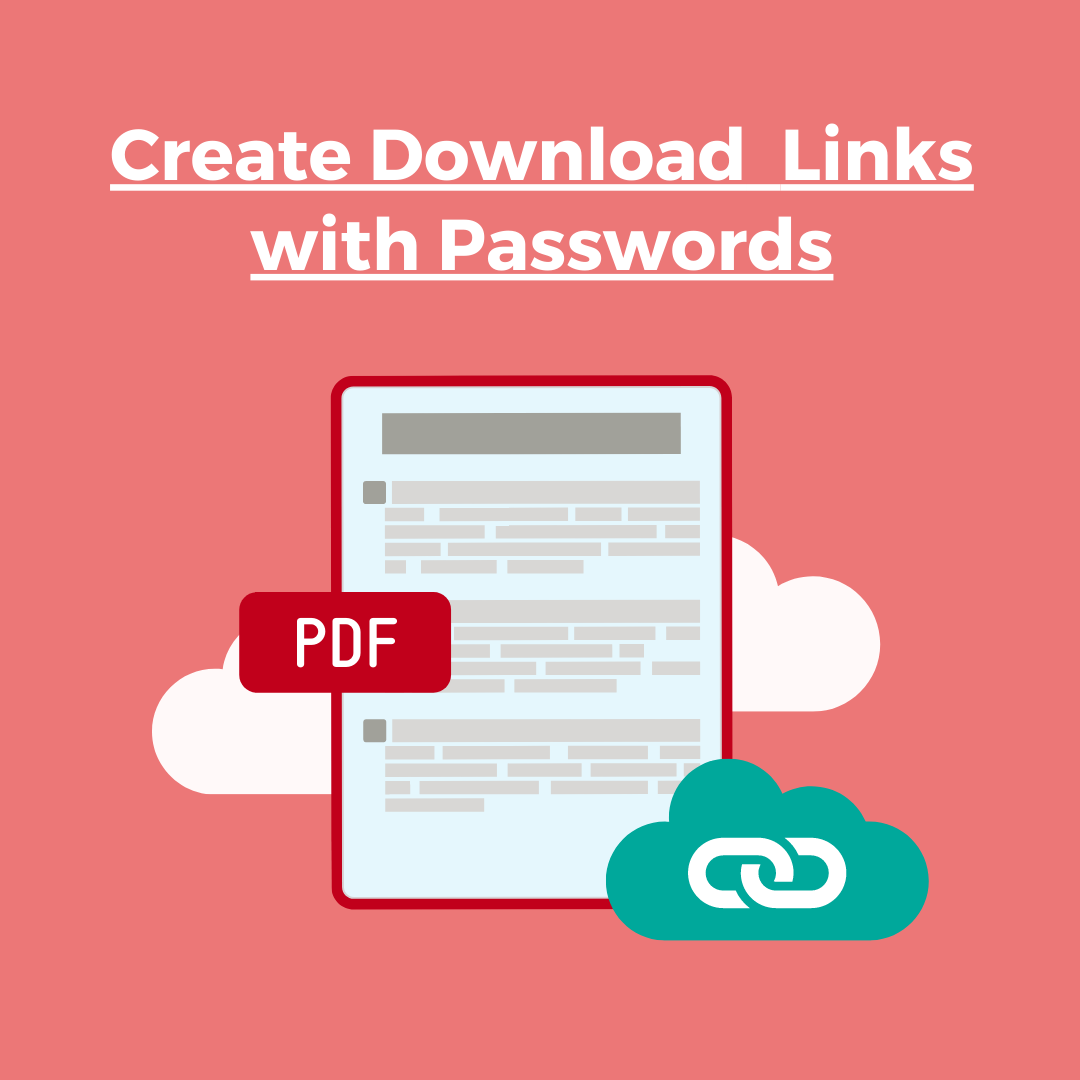
You can password protect individual files via the Kdan Cloud and send them as password protected download links:
- Sign in with your Kdan ID on the Kdan Cloud web page
- Find out the target file and tap “Share File Link”
- Choose “Password Protected” from the pop-up window
- Then enter one password to secure the download link
- Once the recipients enter the correct password, they can download the files through Kdan Cloud (See the detailed tutorials here)
Download PDF Reader now to your iOS, Android, Mac, and Windows 10 devices. You can easily work with PDFs across different systems and devices!
Updated
Comments
0 comments
Please sign in to leave a comment.