In the Animation Desk, you have several options for importing a customizable background layer: add pictures, videos or ad.packages.
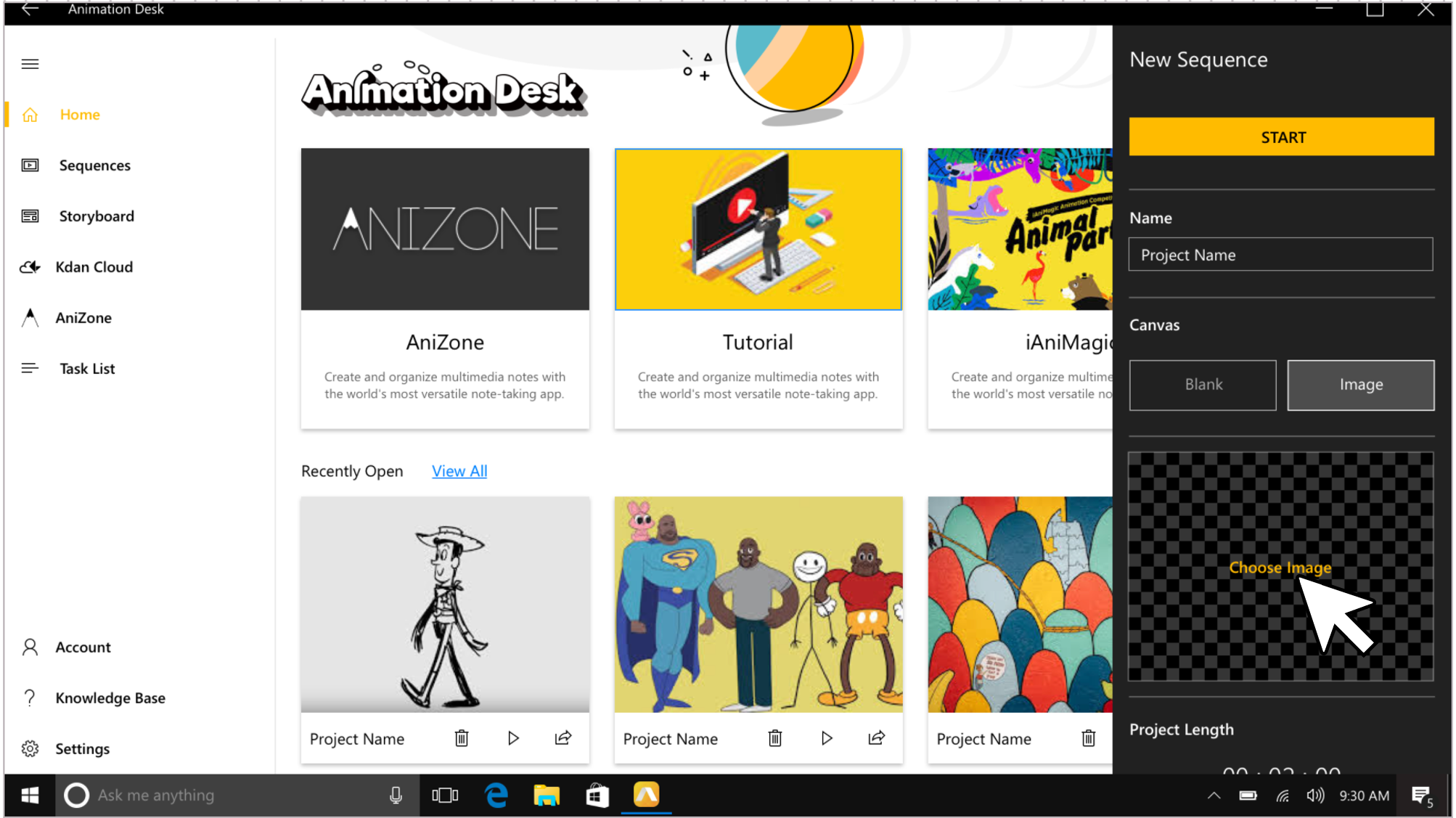
1. When creating an animation, you can choose to use a picture as the static background of the animation.
2. In the editing interface, select the background layer and choose to add pictures, videos or ad.packages from the menu.
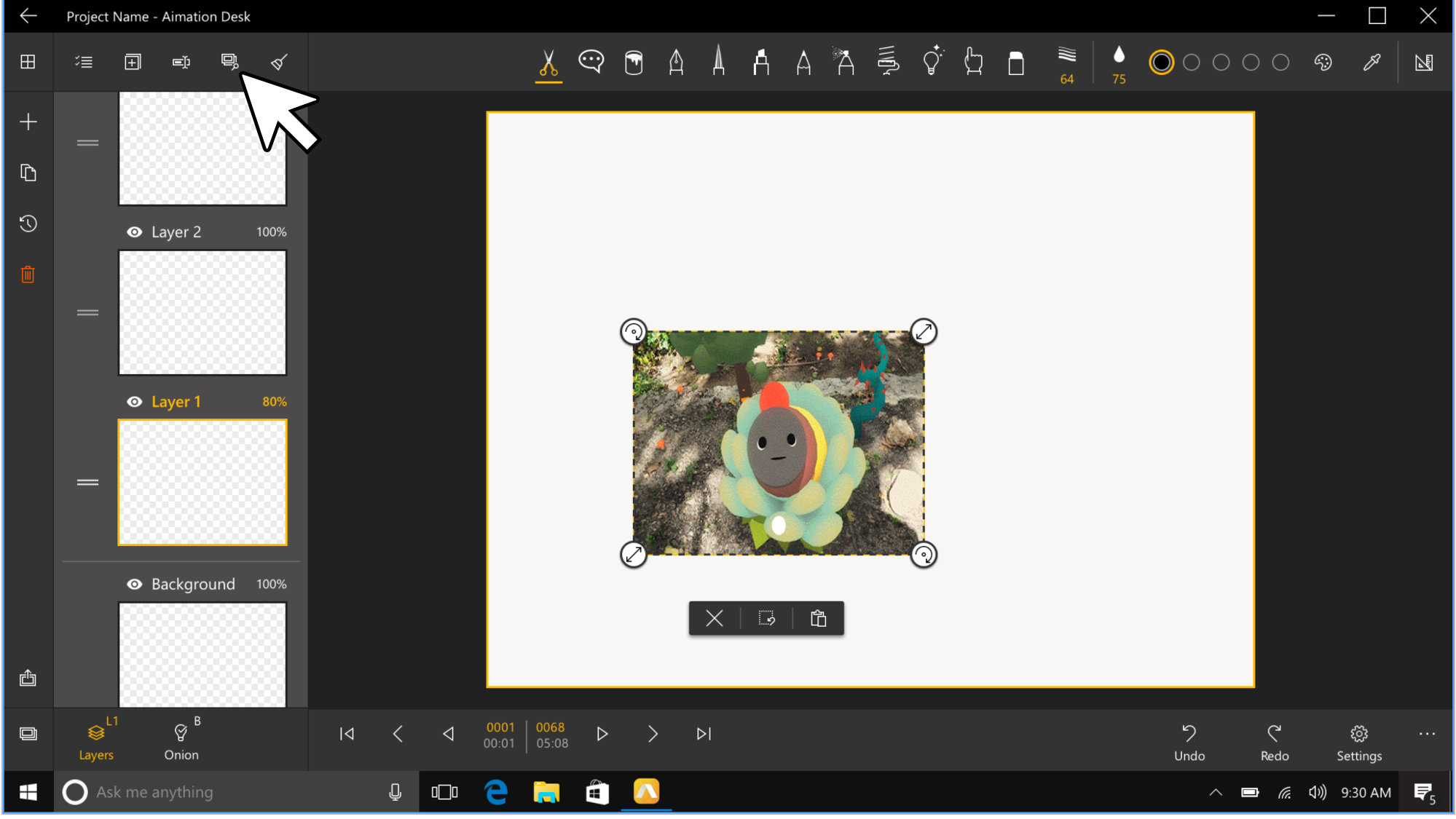
If you want to learn more about layer functions or how to import files, click here to see the Animation Desk Windows 10 product webpage to view the tutorial videos.
Updated
Comments
0 comments
Please sign in to leave a comment.