Patterns can spice up any boring design. Whether it’s a sketch of a dress, a background you want to make more interesting, or even to test out different sample designs, NoteLedge has a built-in pattern “brush.” Using a brush instead of having to draw out the patterns by hand is much more efficient and neat. Learn how to paint with patterns -- keep reading!
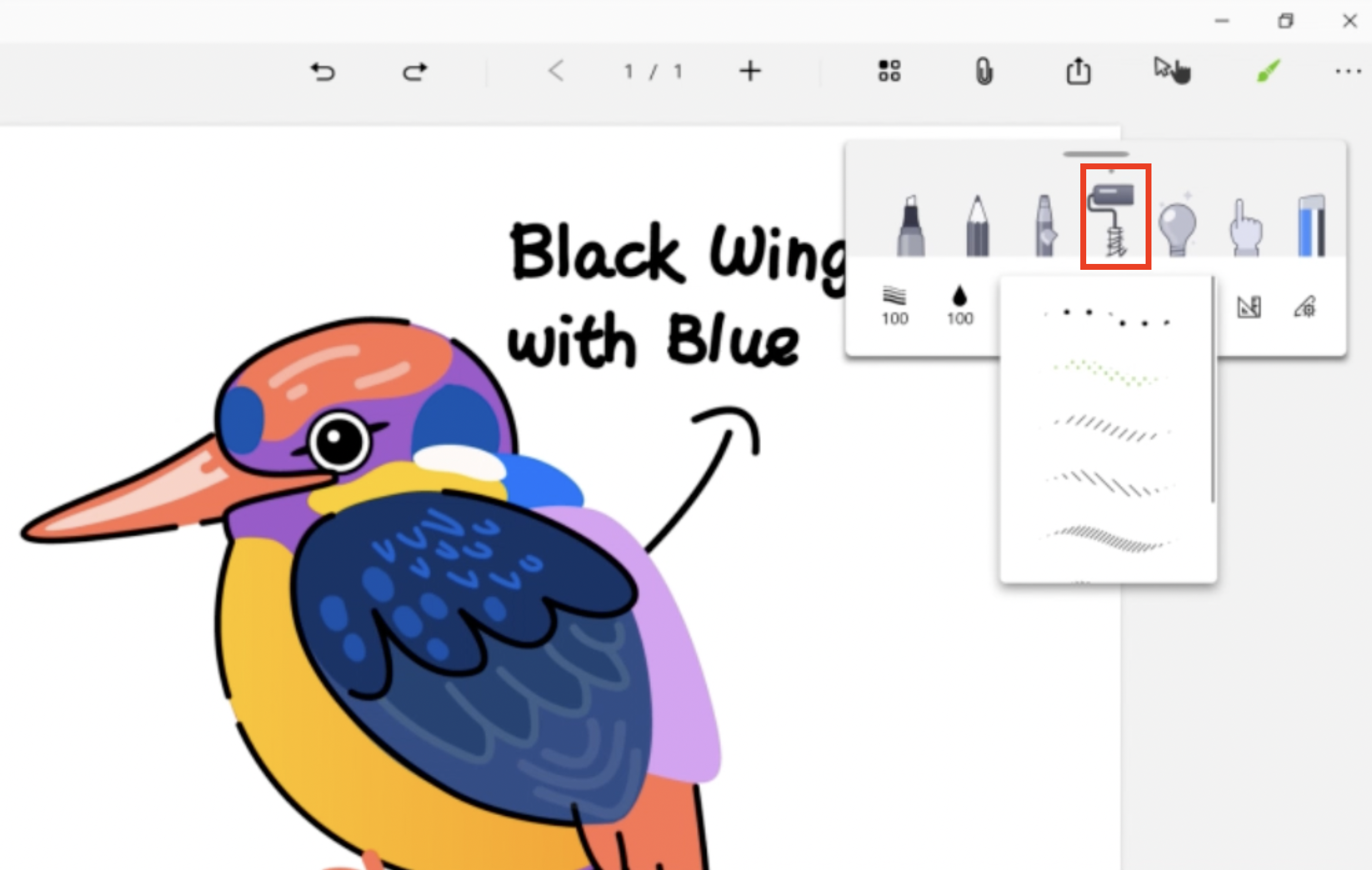
- Click on the Brush icon, and find the pattern tool.
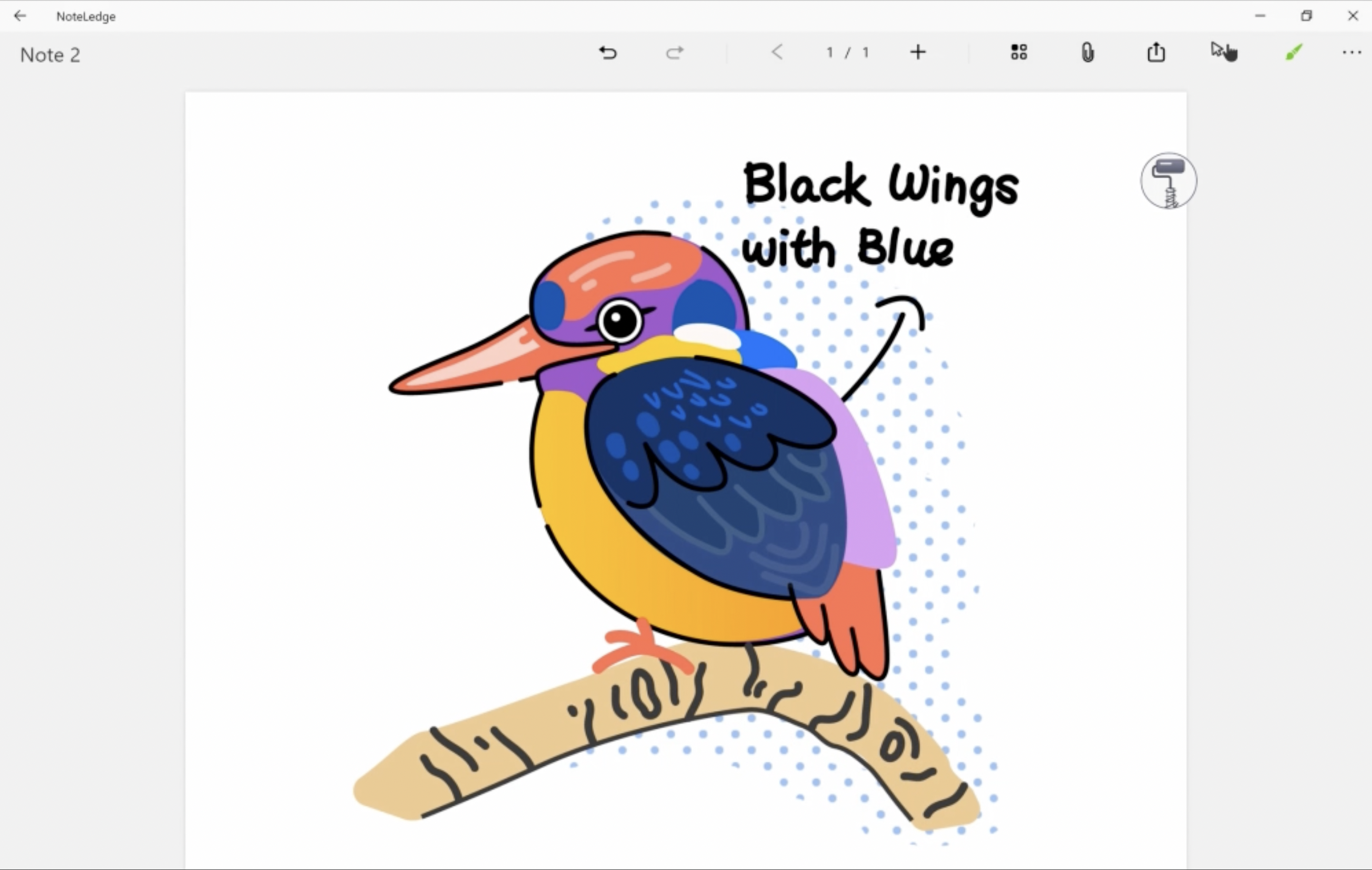
- Select a pattern and start painting!
- You can try different colors, and get creative with the patterns.
To try this function, update your NoteLedge Windows to the latest version! If you don’t have NoteLedge, download it here!
Updated
Comments
0 comments
Article is closed for comments.