You can add sound to your animations when you export them.
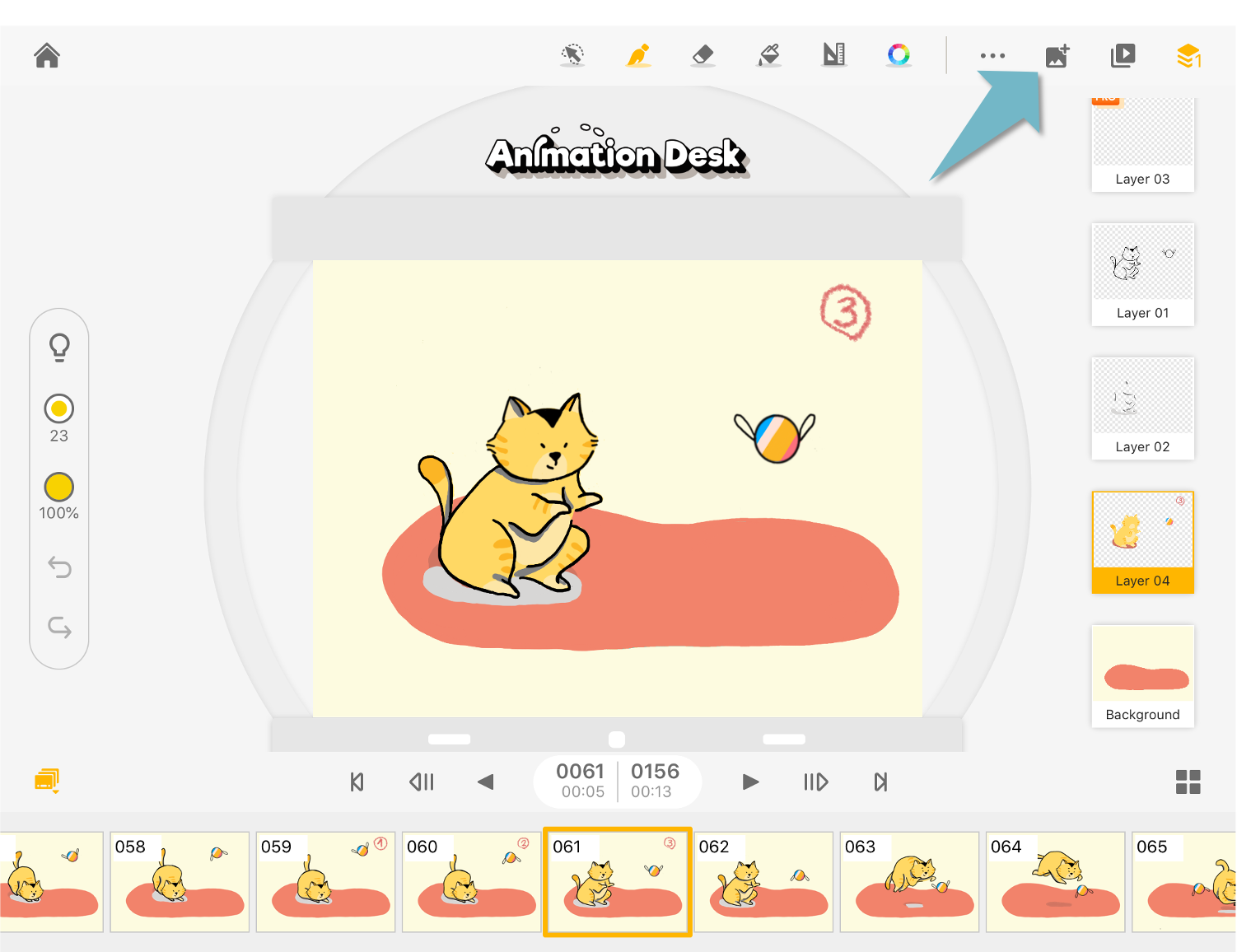
Tap the "Export" icon to export your animation.
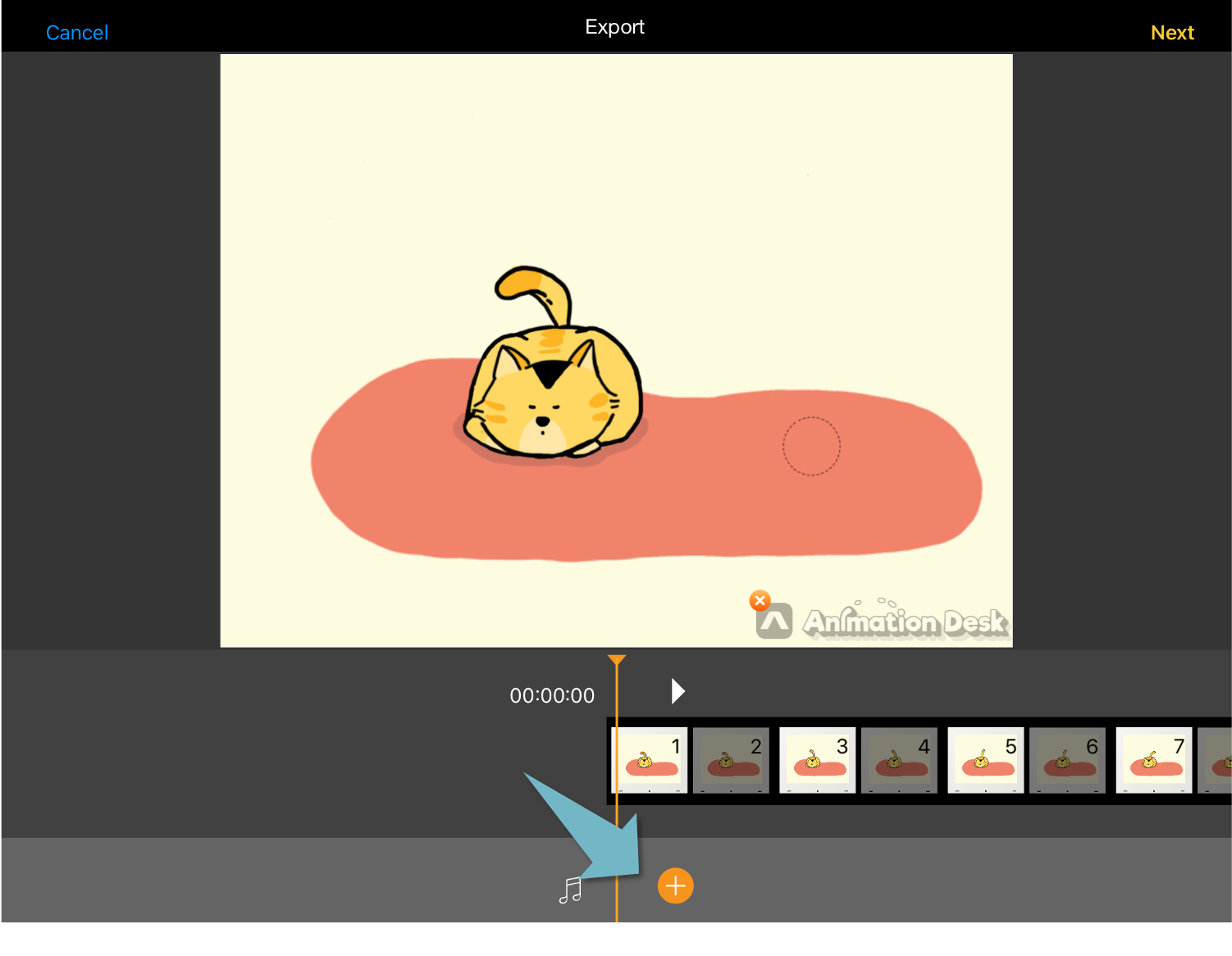
Tap the "+" to add sound.
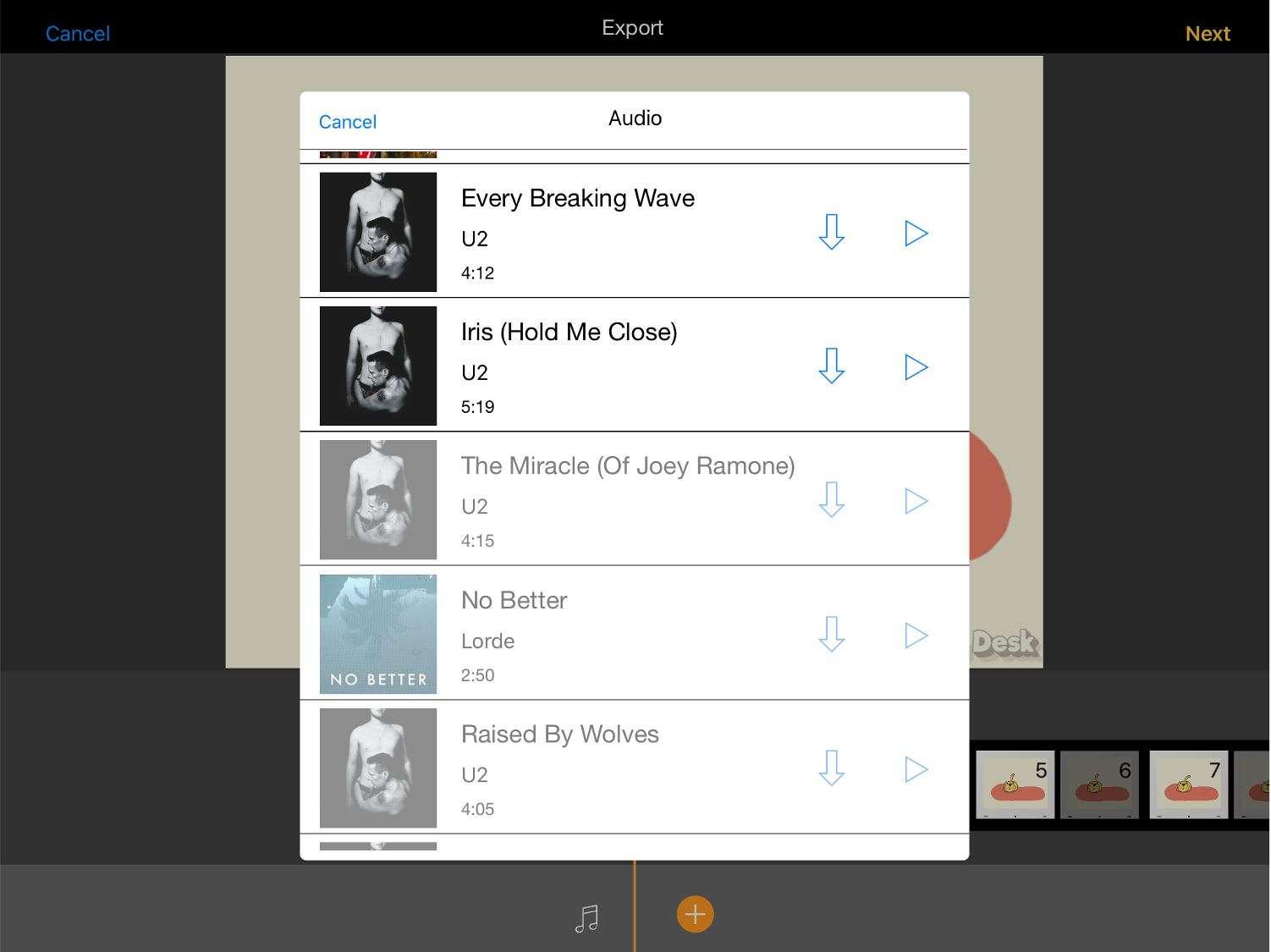
Select the audio or music clip you want to use from iTunes. If the music file is stored in iCloud, please click the arrow symbol to download the file to your device first.
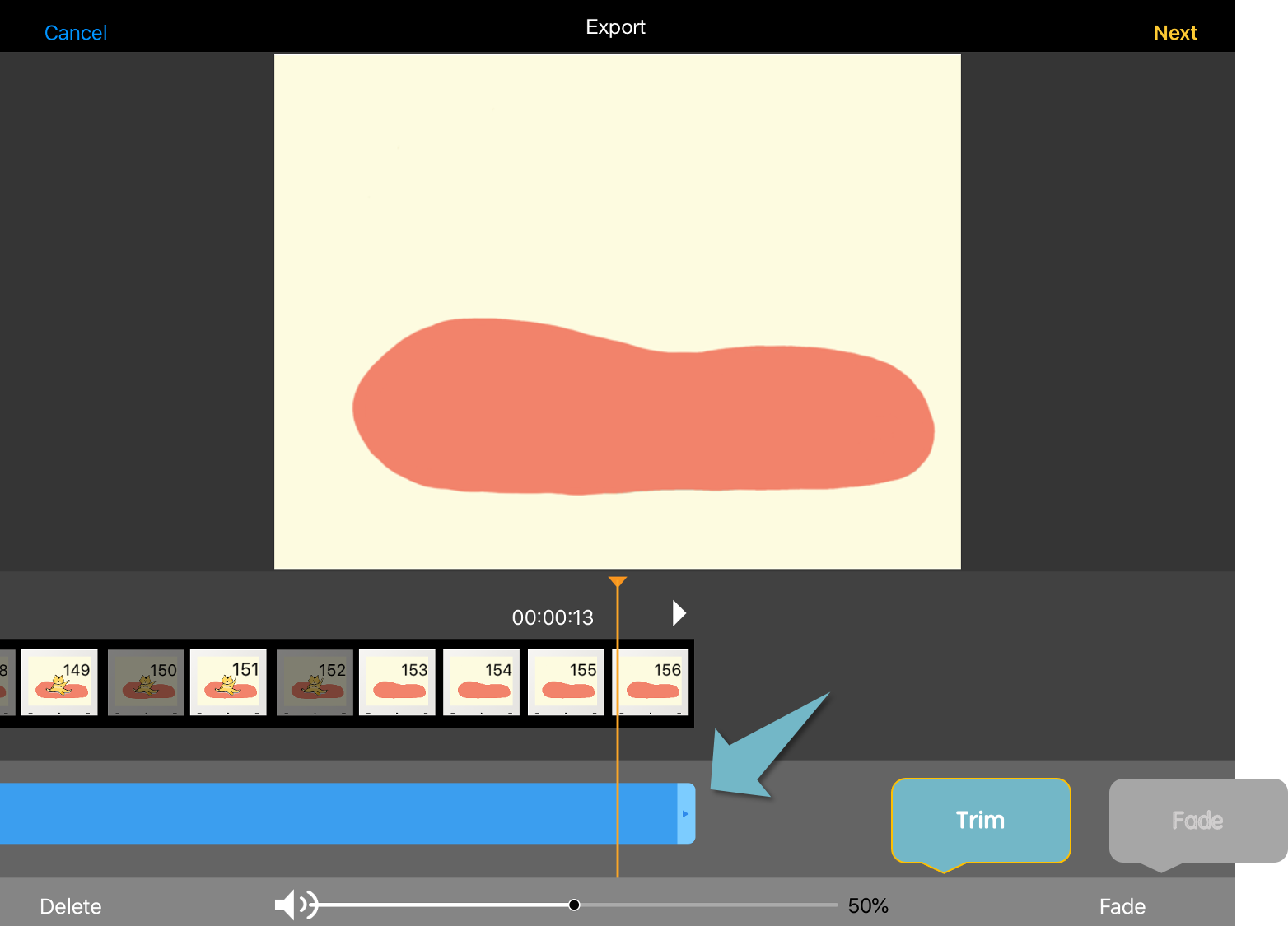
In the editing mode, you can drag the ends of the audio track to edit the length of the audio track.
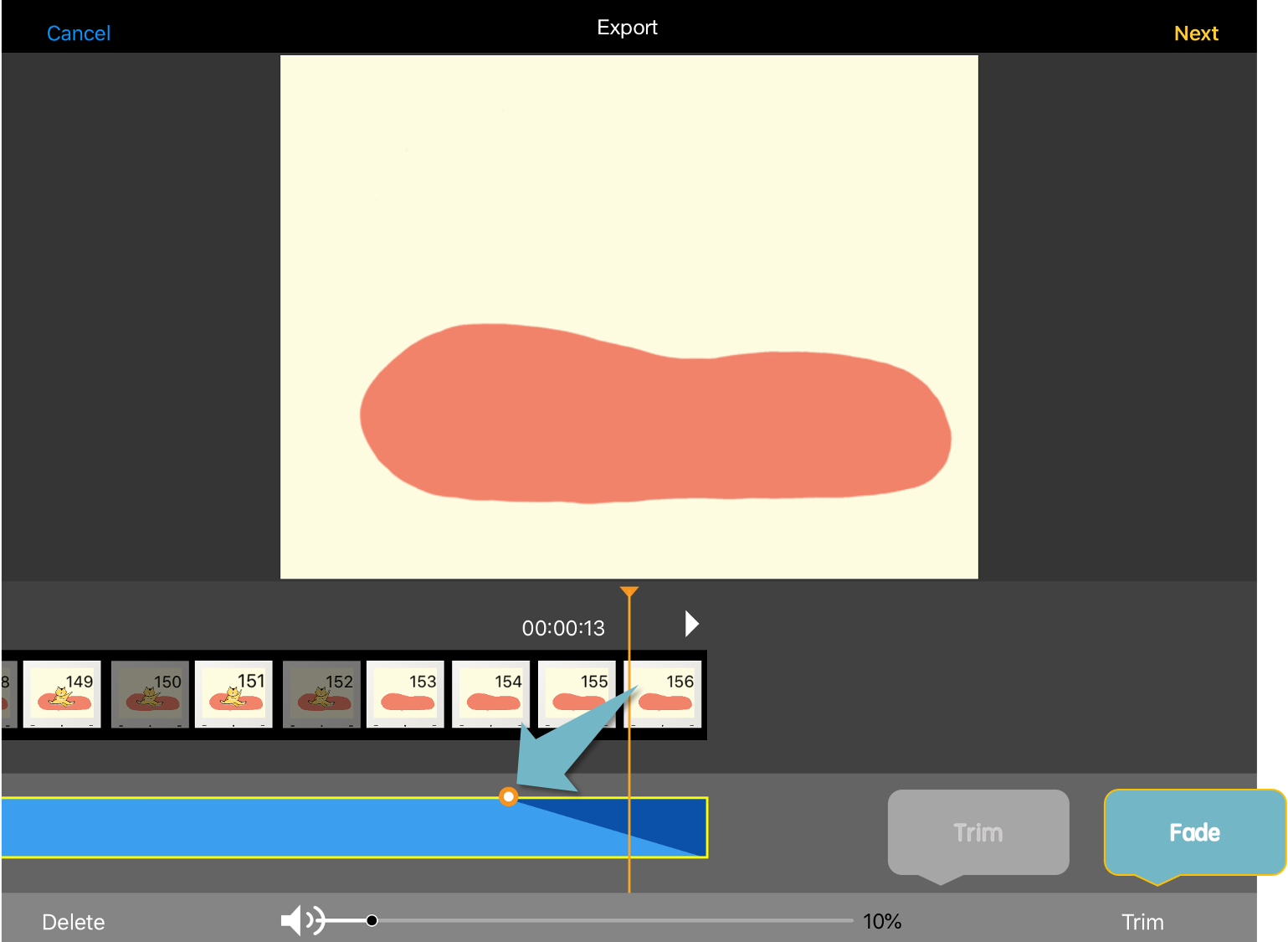
In the fade-in/fade-out mode, drag the end points of the audio track to adjust the duration of the fade-in and fade-out.
We also encourage you to use other movie editing apps, like Write-on Video or iMovie to add sounds in your animation. They are more video-editor bases and allow you to make more adjustments on the track.
For more information:
How To Add Music Or Recording To Your Video in Write-on Video.
How to Add Transition in Write-on Video
Updated
Comments
0 comments
Please sign in to leave a comment.