If you just want to keep your highlights and annotations to yourself, no problem! You can easily turn off the web content on Markup.
Here are the steps:
1. Click on your profile picture to open the sidebar.

2. Once you tap your profile icon, the sidebar will unfold.
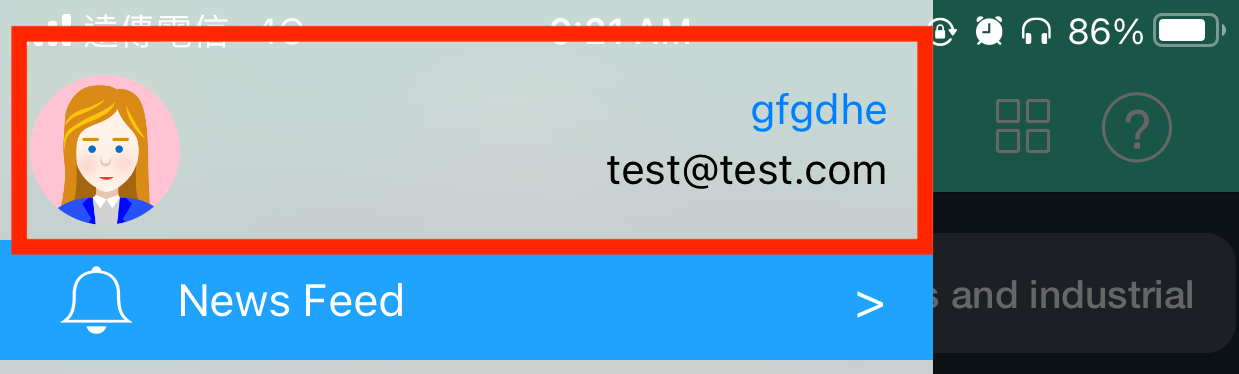
3. Tap on your profile icon again, you will see a popup window. You will see “Share Web Content” under the Markup Community.
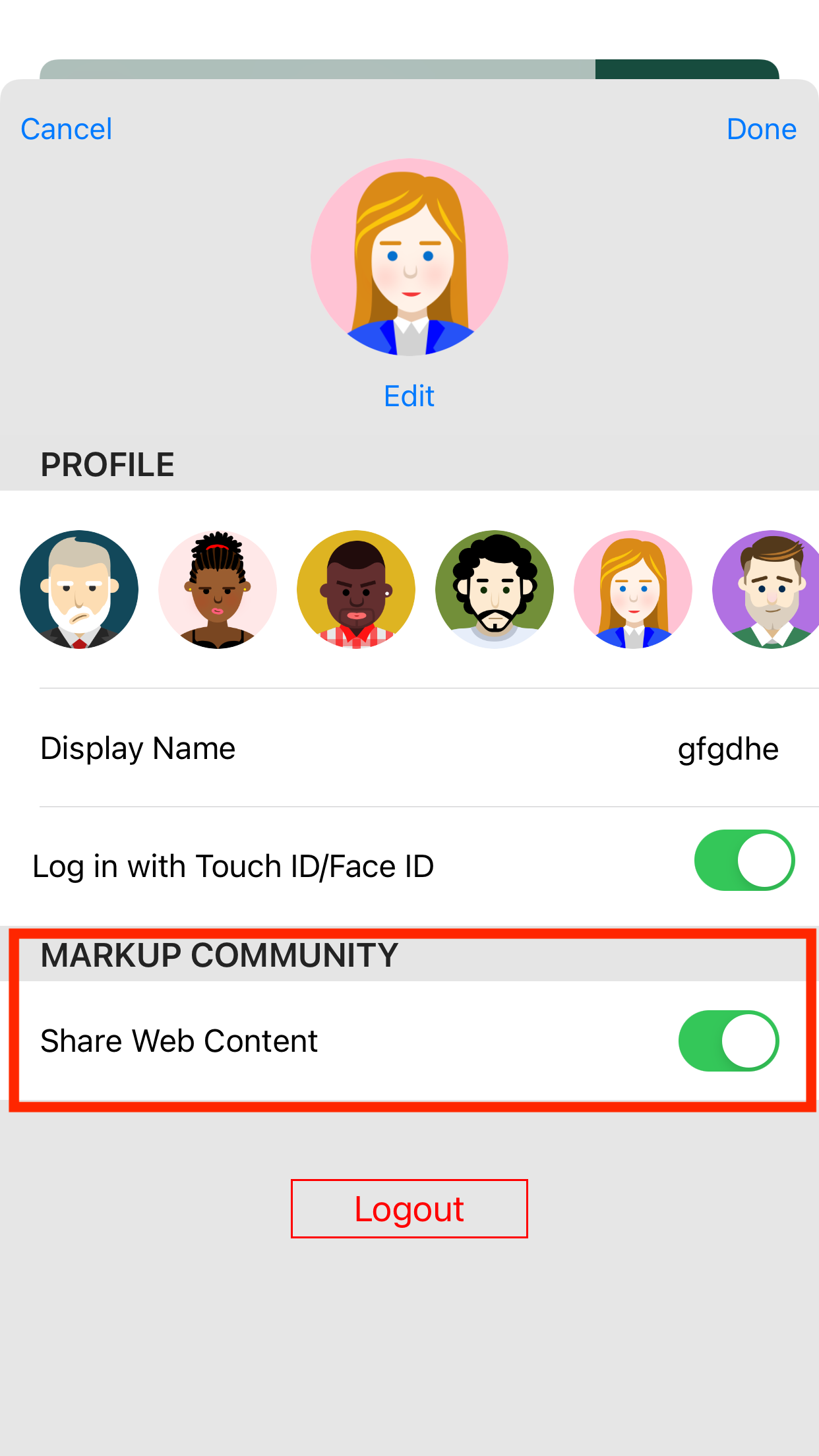
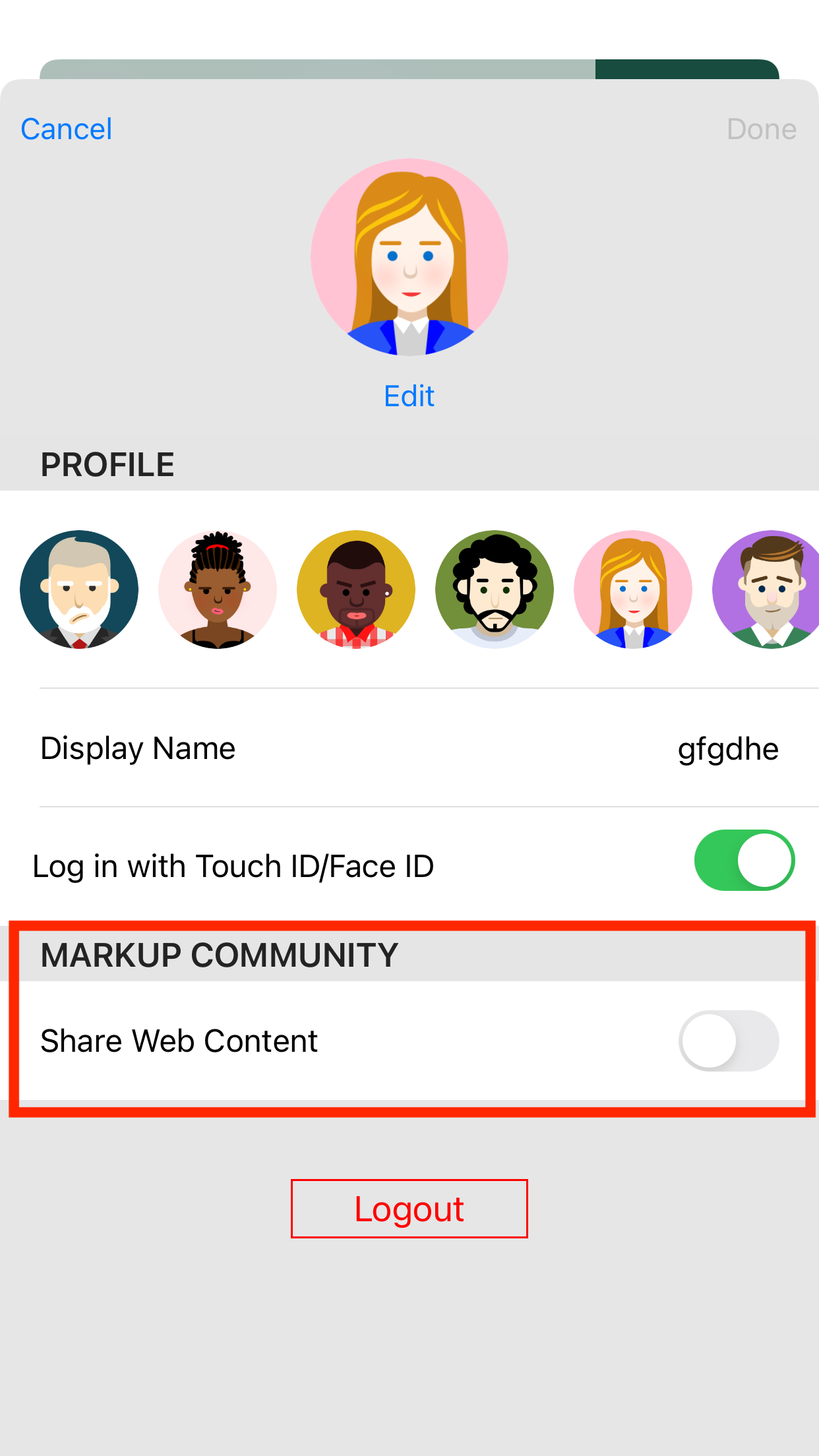
4. Turn it off and your content will not be displayed on Explore.
Open your Markup or subscribe to enjoy 30% off and experience the power of smart reading right away!
Updated
Comments
0 comments
Please sign in to leave a comment.