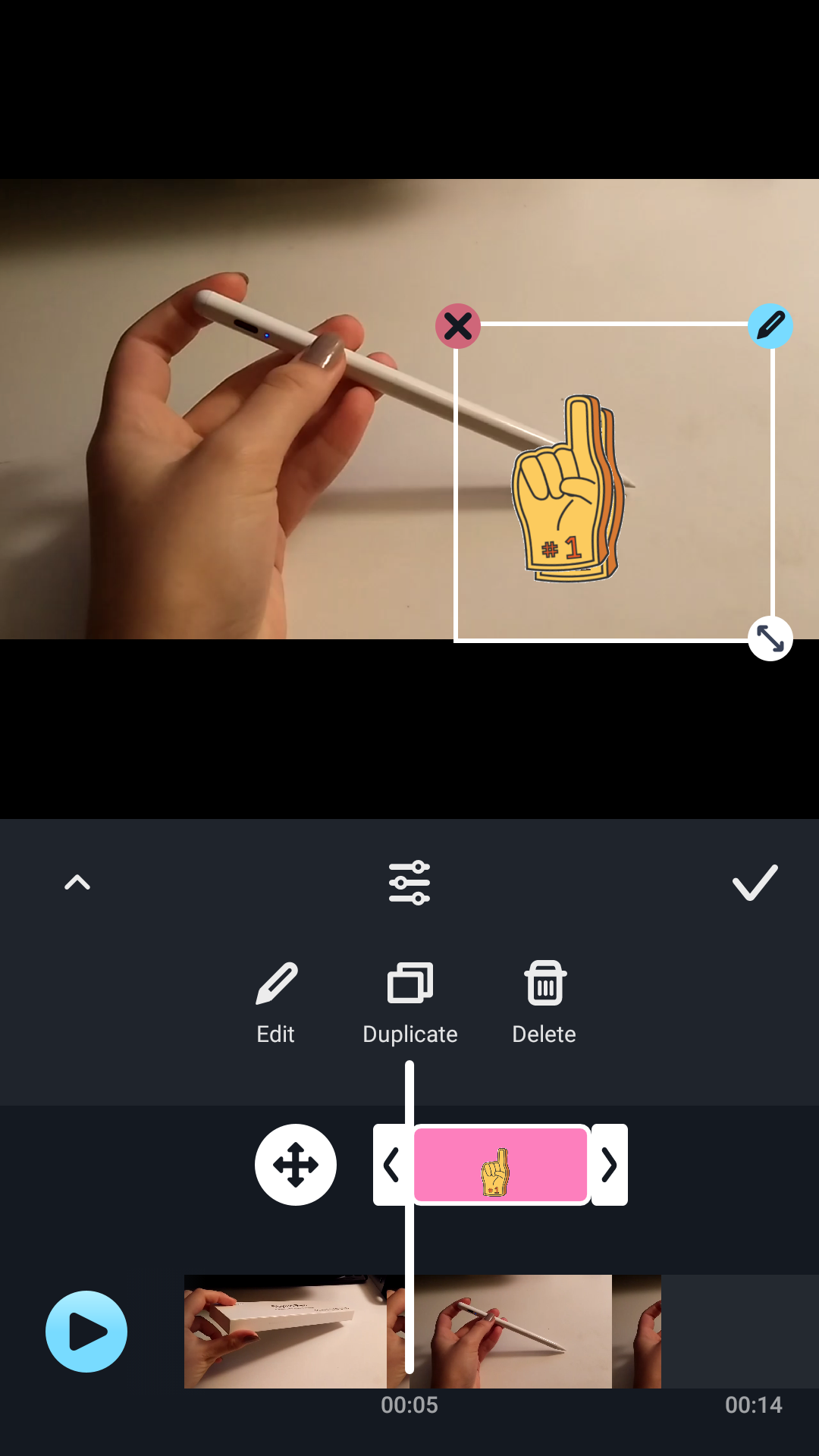
Stickers make your video content fun and interesting. Besides the pre-install sticker set, you can also create your own stickers and animated stickers.
Add Stickers to Your Video
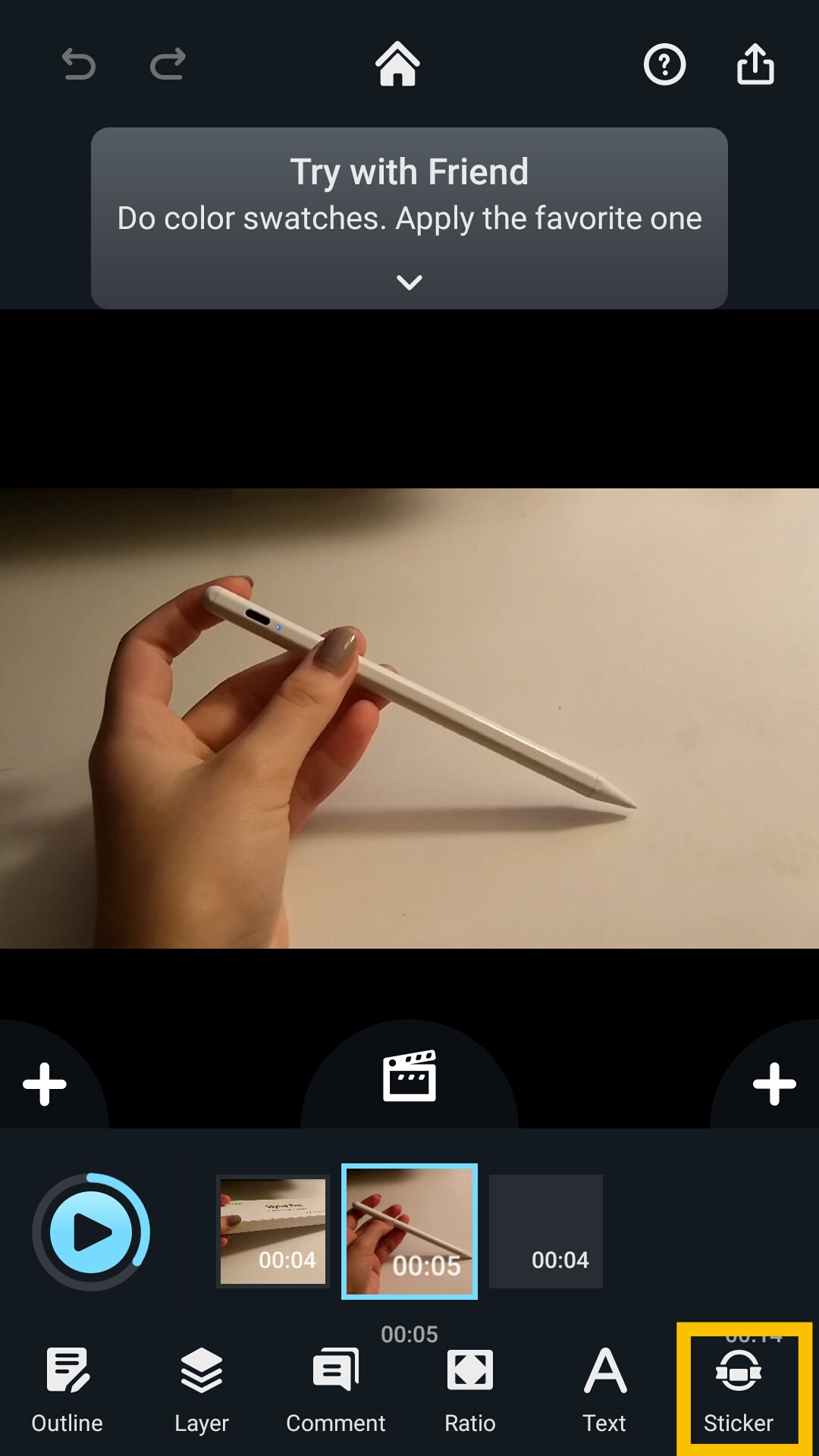
You can find the sticker sets in by tapping the “Sticker” button. The basic plan includes 2 sets of stickers. The subscription package includes these 2 sets of free stickers, plus 2 motion stickers, and customized sticker tool.
Create Your Own Stickers
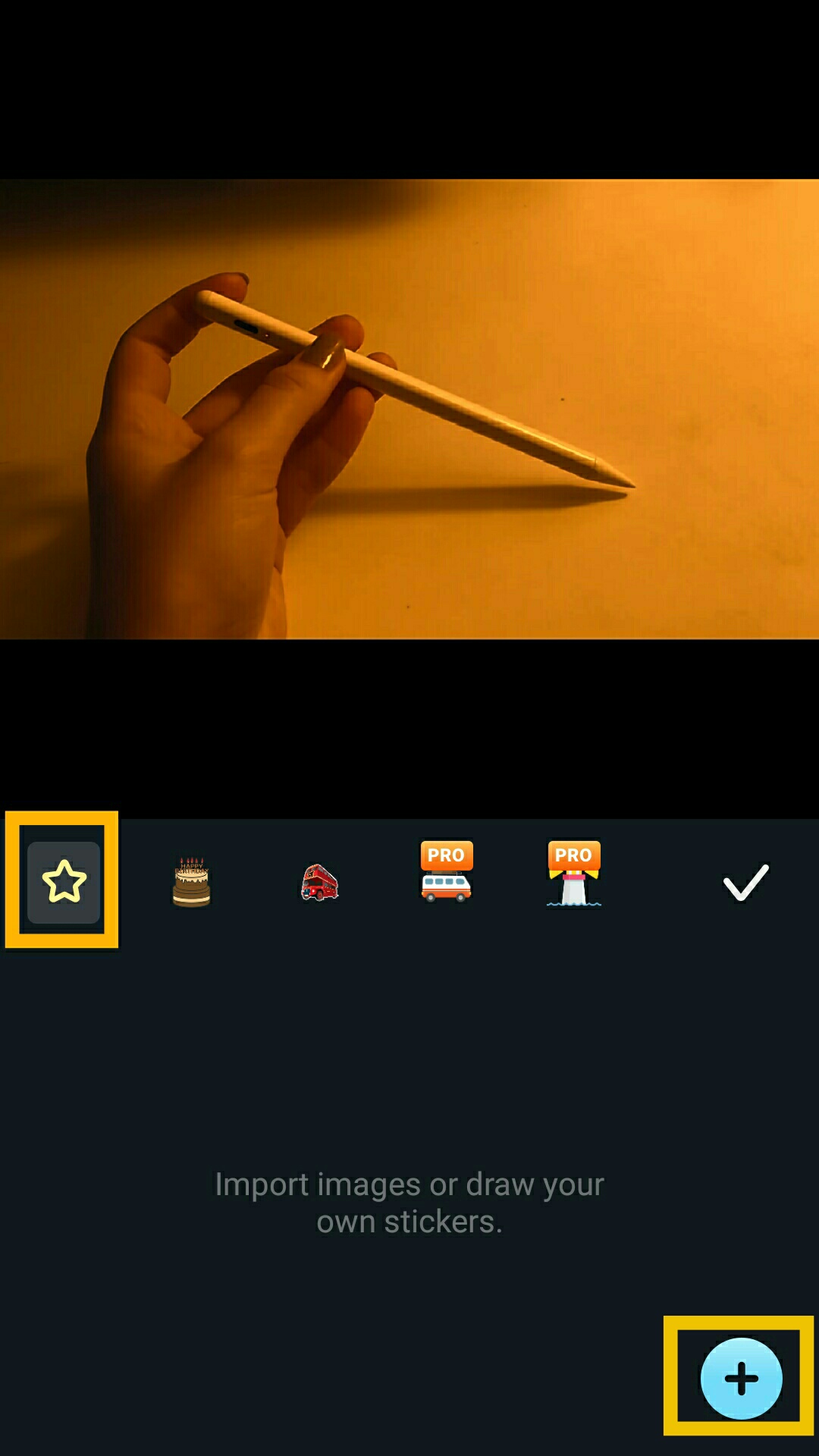
Tap the same sticker button. Tap the “Start” button in the sticker panel, and tap “+.”
Updated
Comments
0 comments
Please sign in to leave a comment.