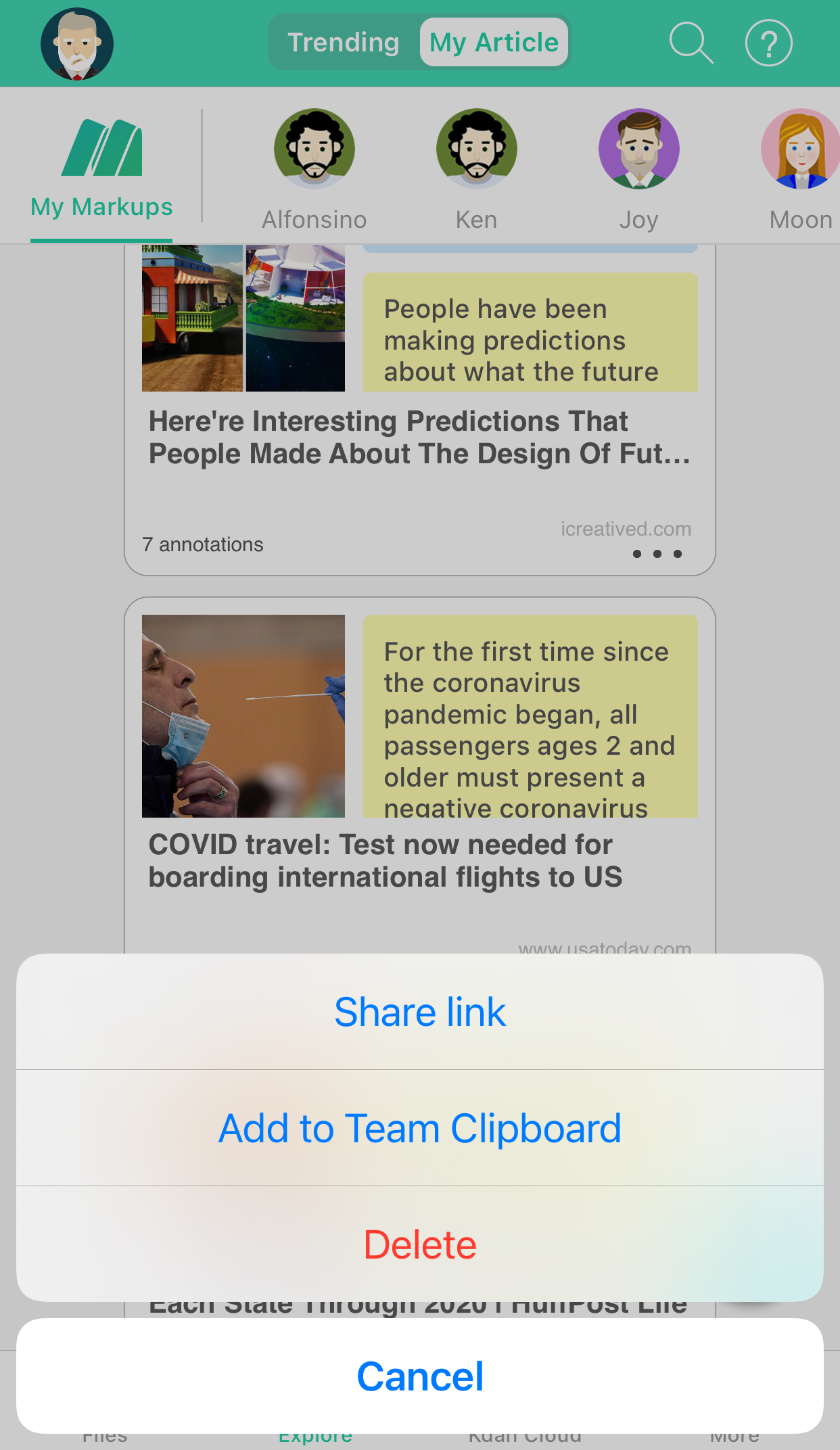
1. Go to My Article.
2. Select the “more icon” on the bottom-right corner of the article.

3. Then you can choose to share link, add to team Clipboard, or delete.
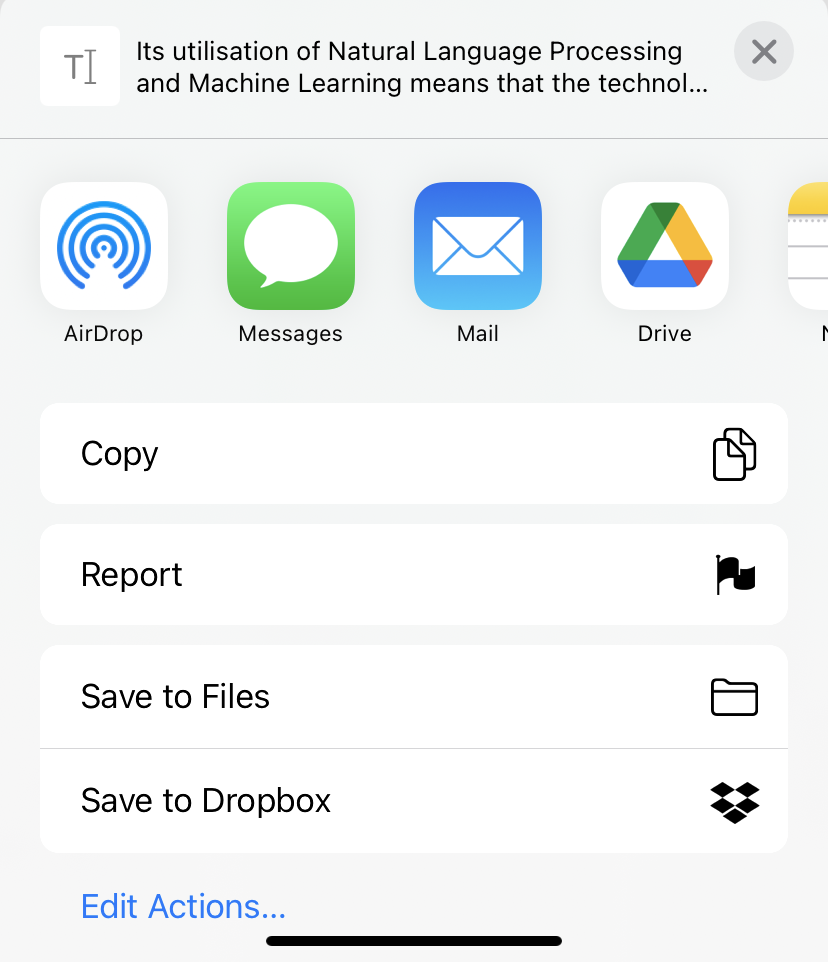
4. You can share the annotated article with your friends via social media or copy it to your own notebook.
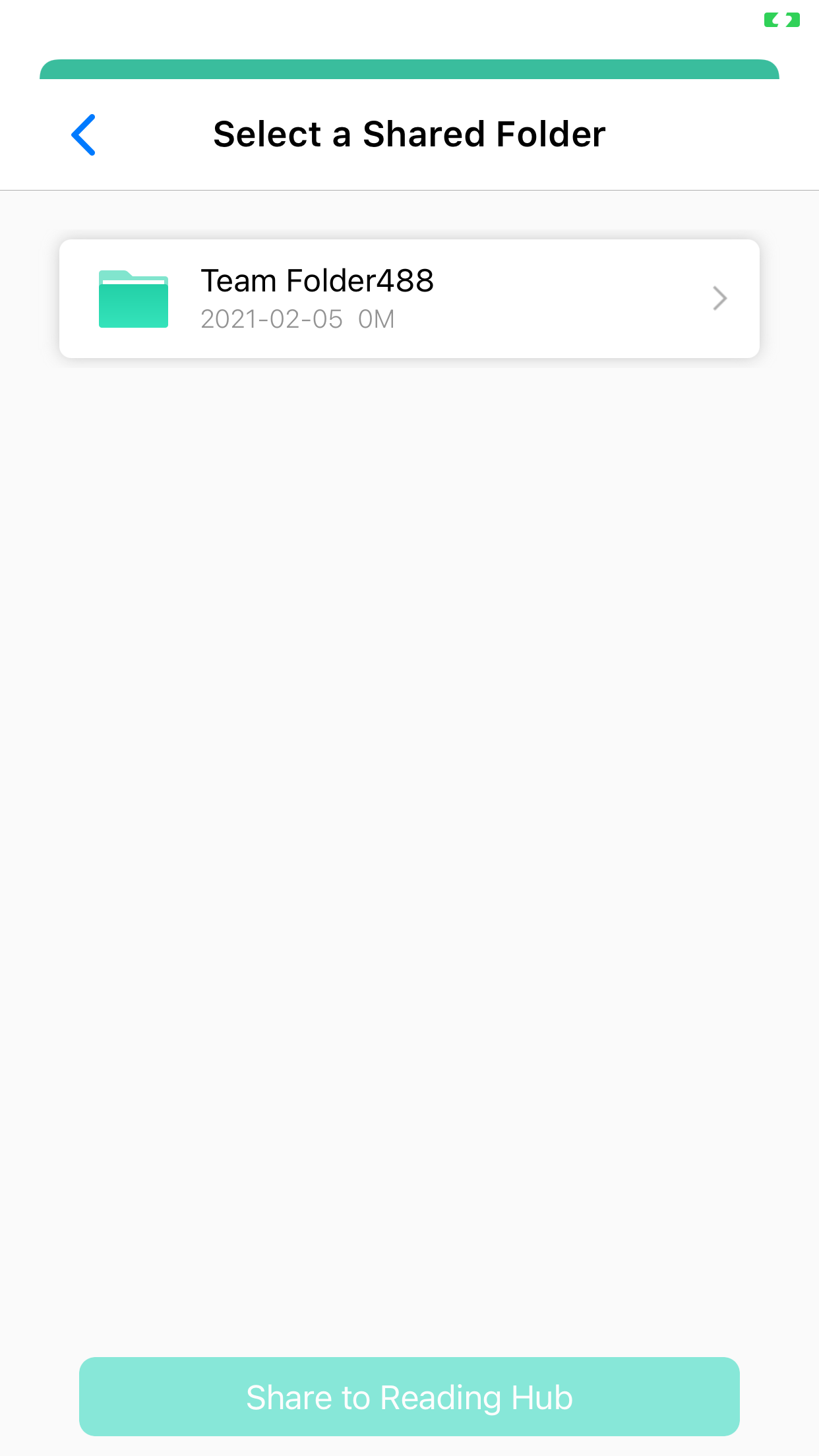
5. Or you can also share it with your teammates and colleagues.
Open your Markup and try this new feature, or subscribe to enjoy 30% off and experience the power of smart-reading right away!
Updated
Comments
0 comments
Please sign in to leave a comment.