What is Auto Summary?
Auto Summary is an AI-integrated reading tool that can extract key points from large files or texts. You can not only maximize your learning efficiency but also collect and manage your ideas all in one place.
________________________________________________________________________________________
Keeping everyone updated is super easy. Once you have generated the Auto Summary, you can easily share the summary with your teammates, classmates, or friends just within three steps!
1. Firstly, generate Auto Summary from your files, articles from the in-app browser, or Markup Explore.
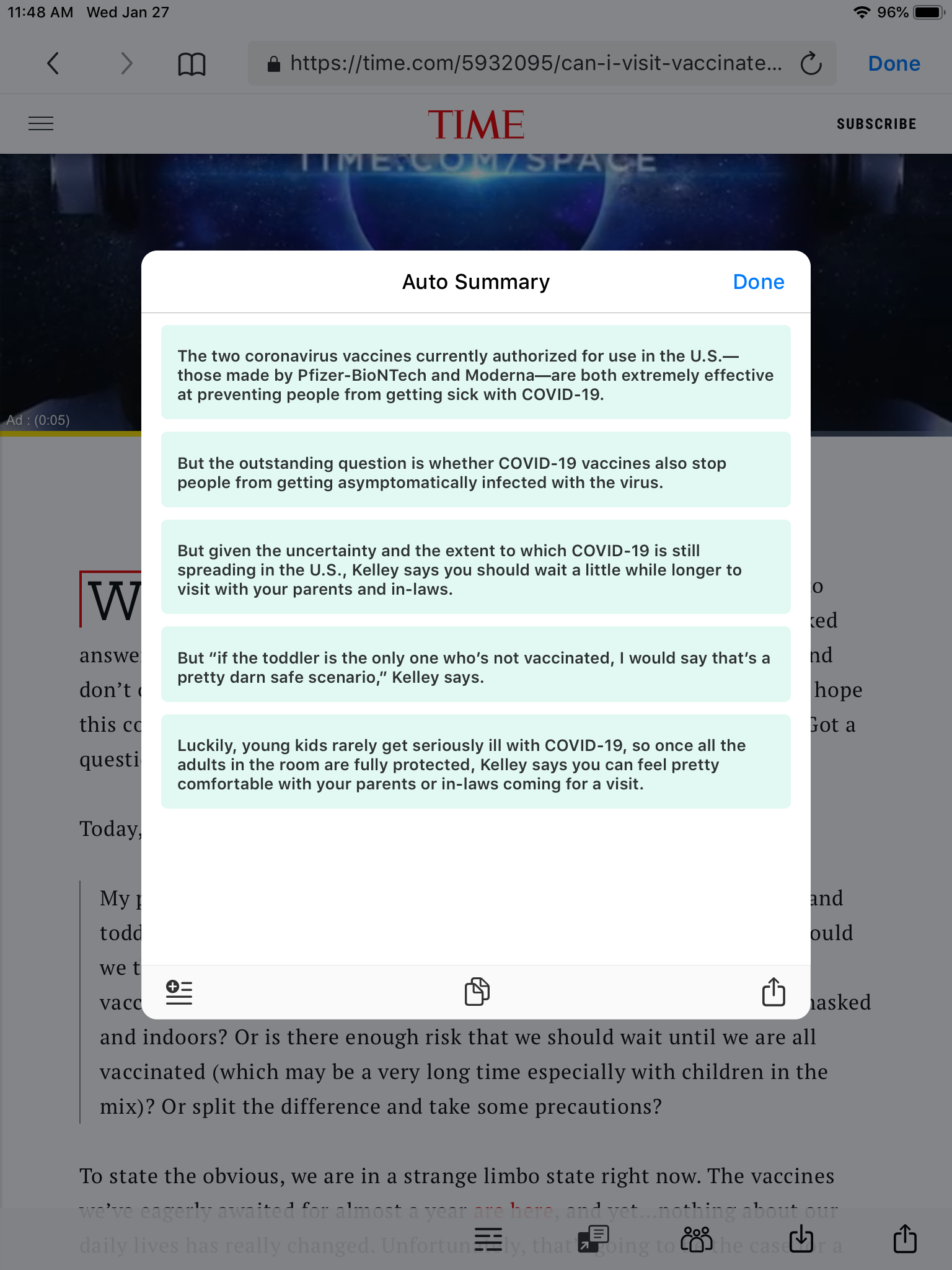
2. Select the share icon on the bottom right.

3. Then you can choose the medium you want and share!
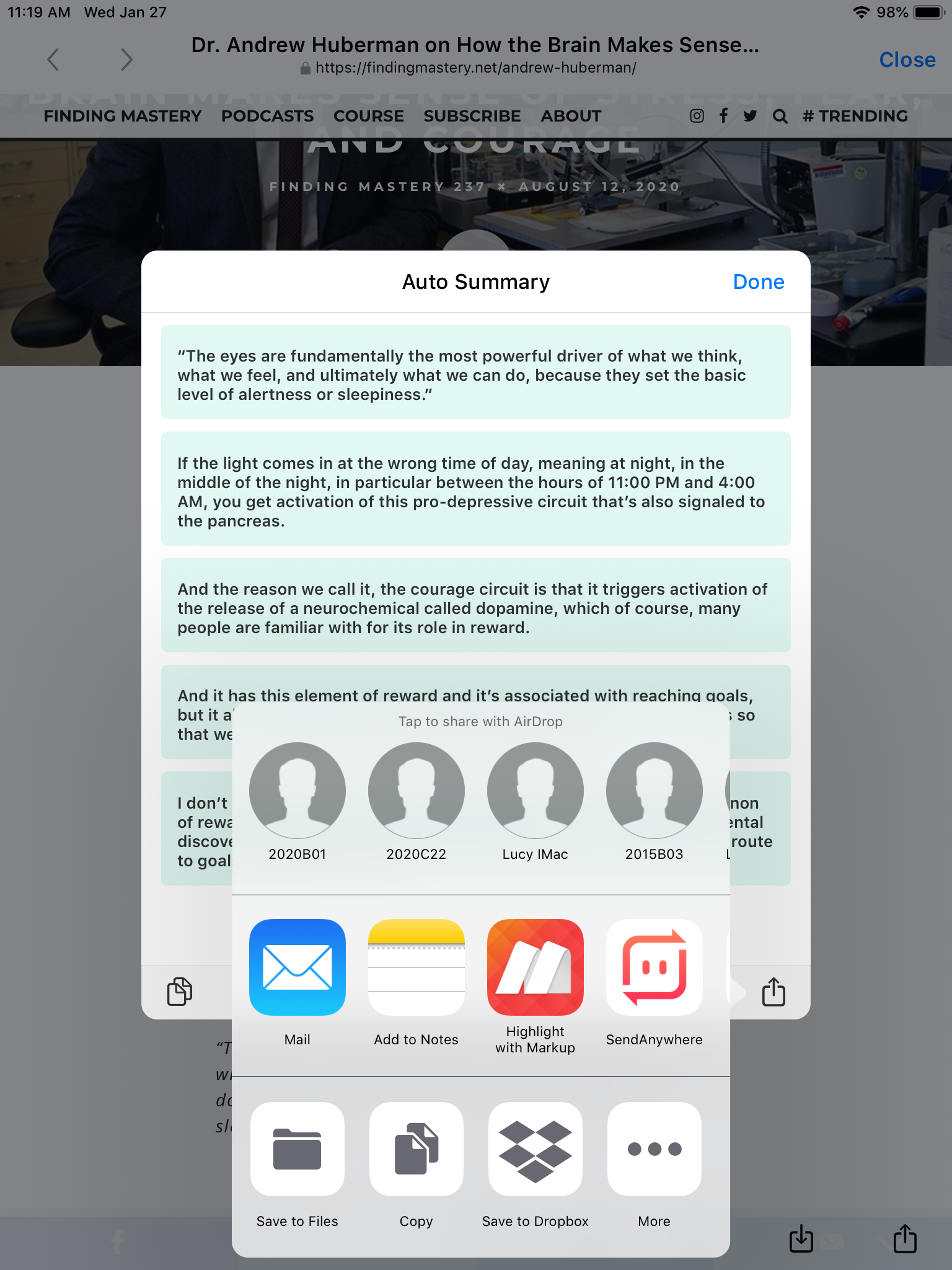
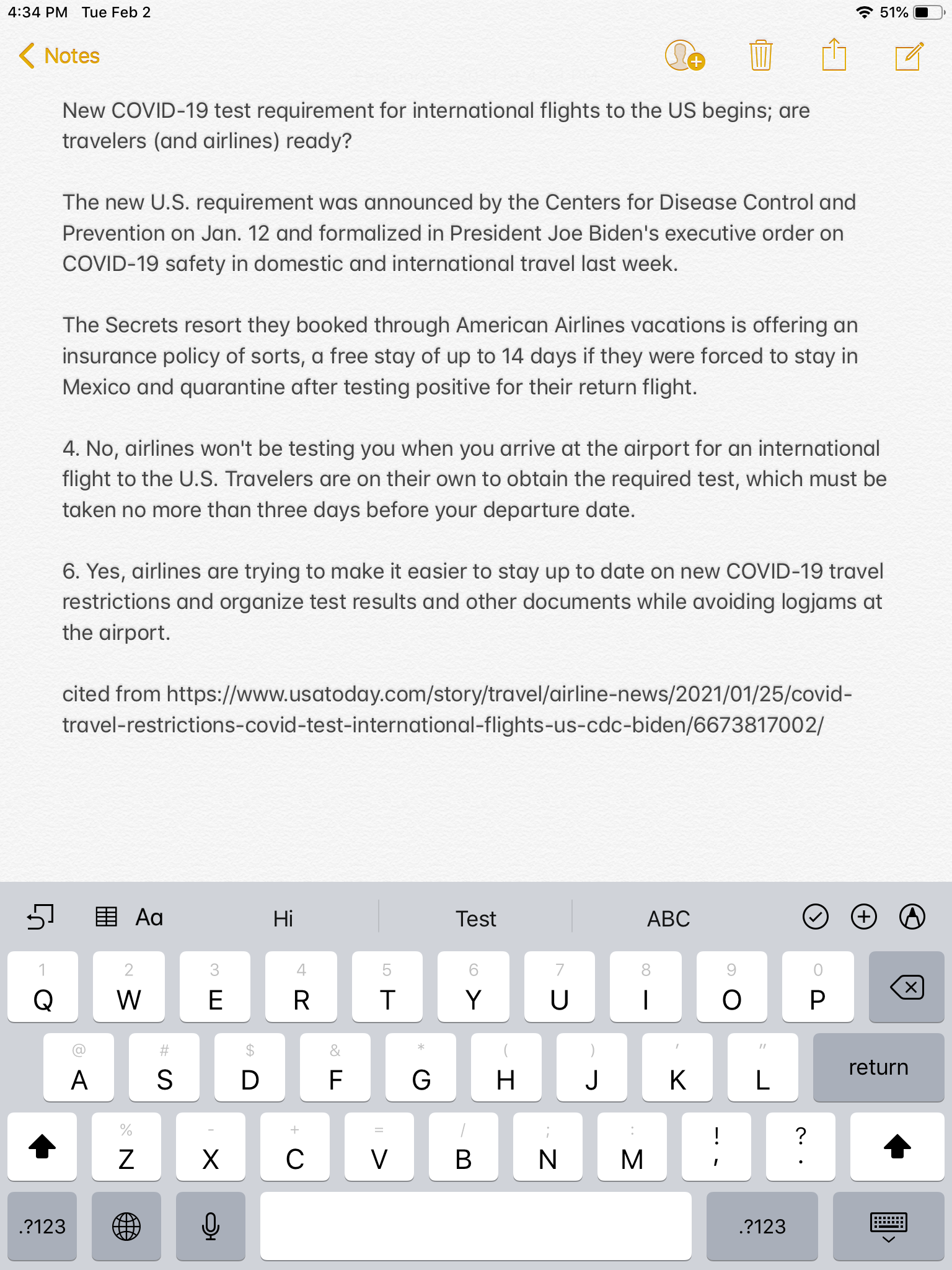
4. Share the summary to your notes, files, or mail to yourself, where you can easily access it whenever and wherever you want!
Open your Markup and try this new feature, or subscribe to enjoy 30% off and experience the power of smart-reading right away!
Updated
Comments
0 comments
Please sign in to leave a comment.