In this tutorial, we will show you how to use an Animation Desk Pro redeem code on Kdan Creativity Store. Please note, Animation Desk Pro is now only available on Animation Desk iOS.
Please visit Animation Desk Pro Creative Store page.
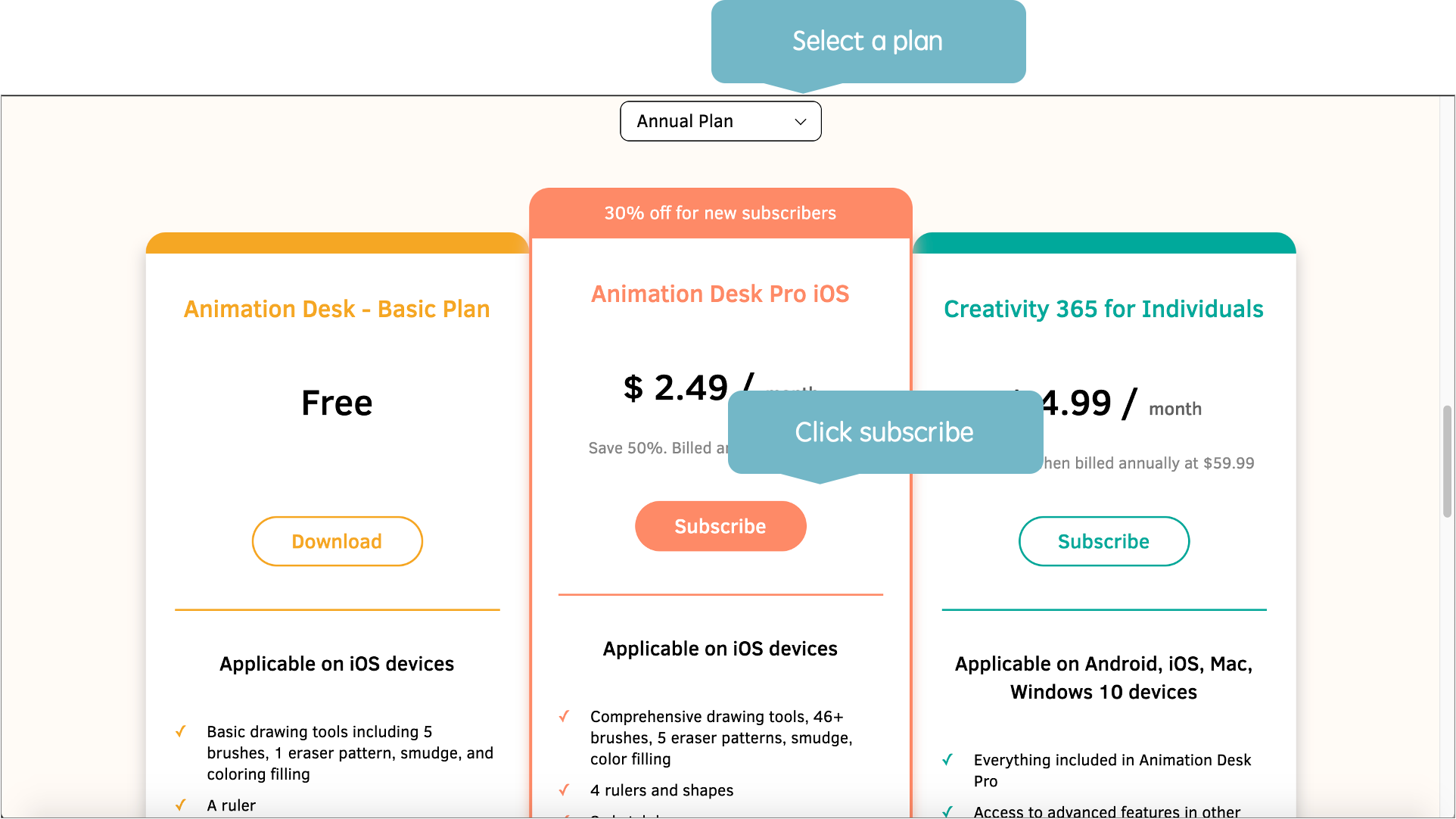
Scroll down and find the "Animation Desk Pro" section, and click "Subscribe".
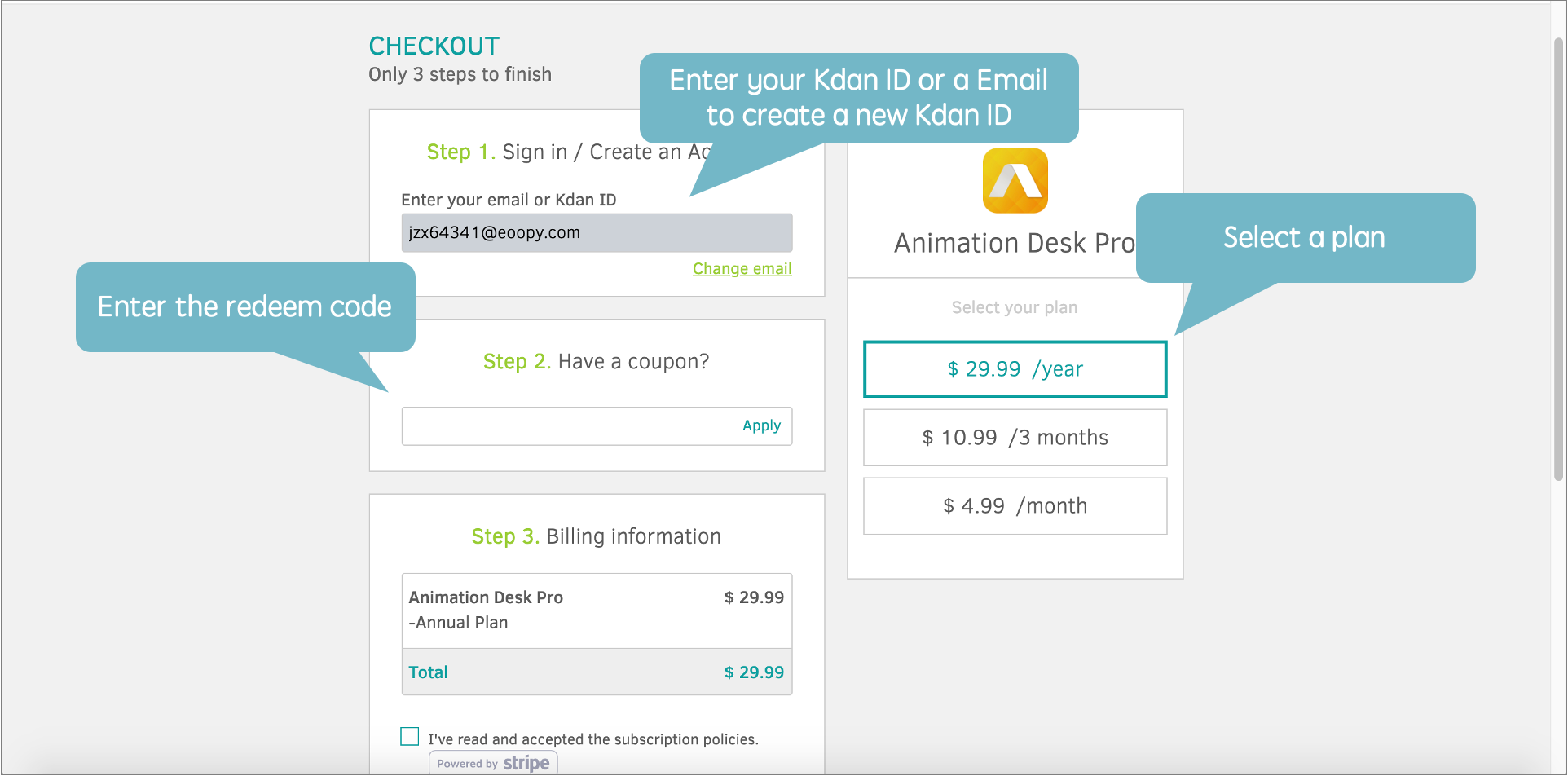
On the next page, please enter your Kdan ID. If You don't have a Kdan ID, please enter an Email to create a new account.
If you don't have a Kdan ID, you will be led to an account setup page after you enter your email.
After setting up a new account, please choose to go back to the Creative Store to continue the redeem process.
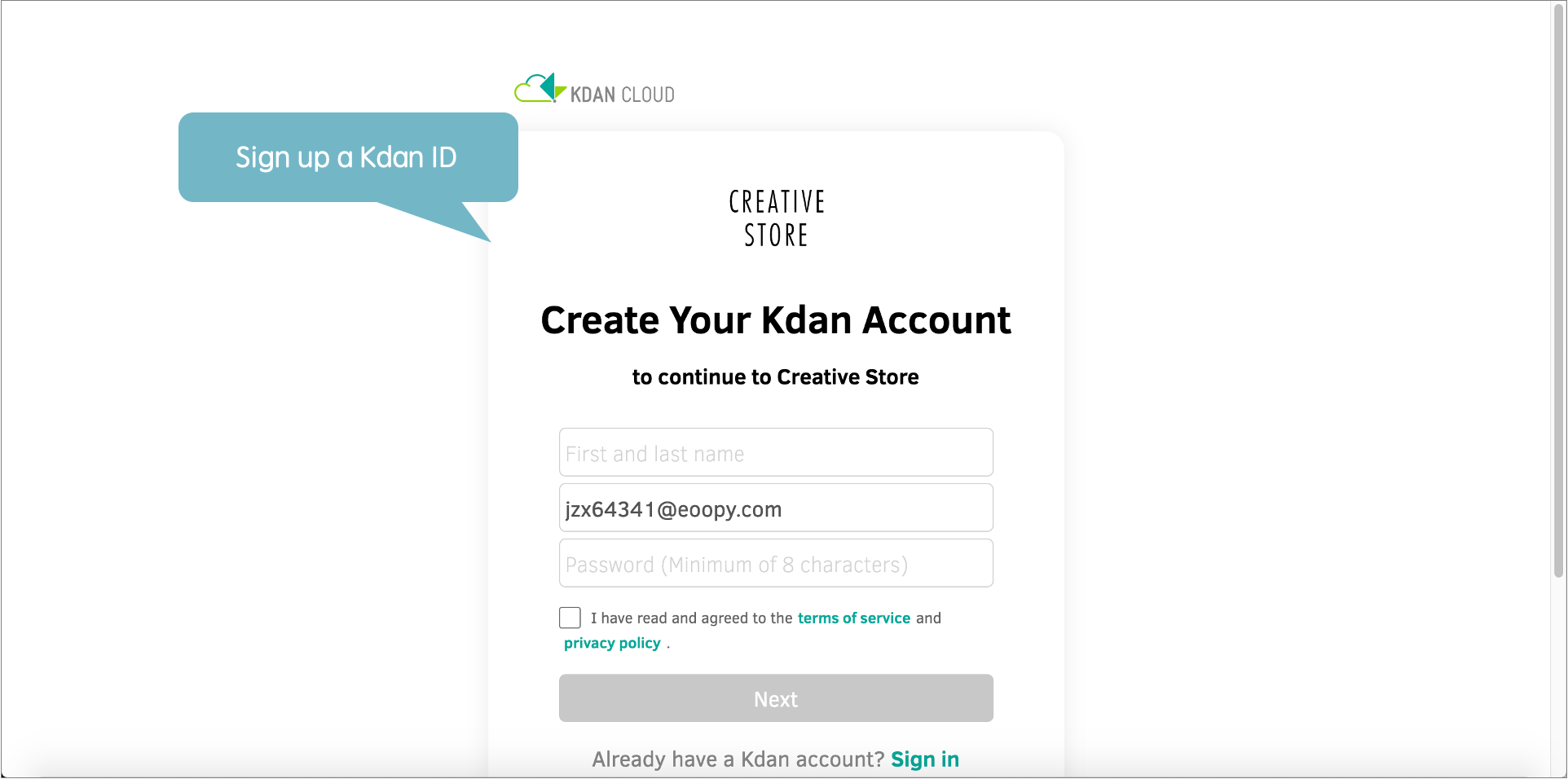
By default, subscribers enjoy a 30% discount for their first billing of Animation Desk Pro yearly plan.
If you don't want to use the default coupon, please switch to other plans and click "change". Switch back to any of the plans to enter a new coupon code.
Depending on the coupon, you might be requested to enter your credit card number. Please note the subscription is an auto-renewal. Please cancel the subscription 24-hour before the next billing cycle if you wish to stop using our service.
If you wish to cancel the subscription, please log in to your Kdan ID in Kdan Creative Store. Go to Order History under your account and click "cancel the subscription"
Updated
Comments
0 comments
Please sign in to leave a comment.