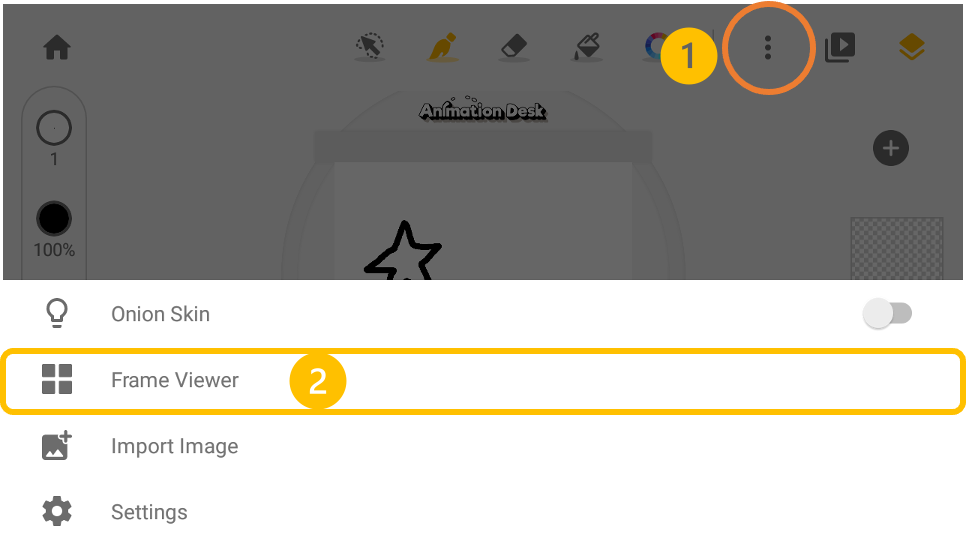
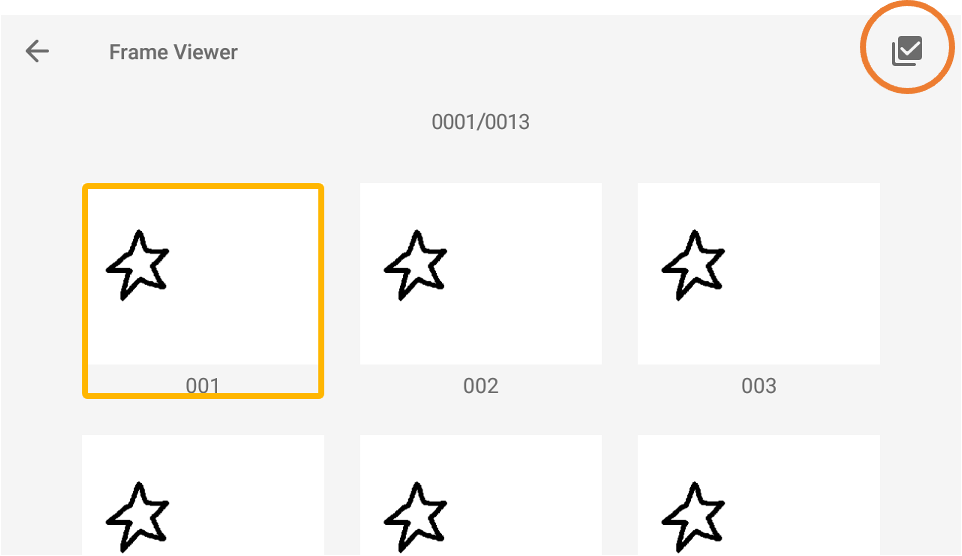
Go to the frame viewer. Tap the selection button on the top-right, and select one or more frames which you want to export. Please make sure that you allow Animation Desk to access your photo album.

Updated
Go to the frame viewer. Tap the selection button on the top-right, and select one or more frames which you want to export. Please make sure that you allow Animation Desk to access your photo album.
Updated
Comments
0 comments
Please sign in to leave a comment.