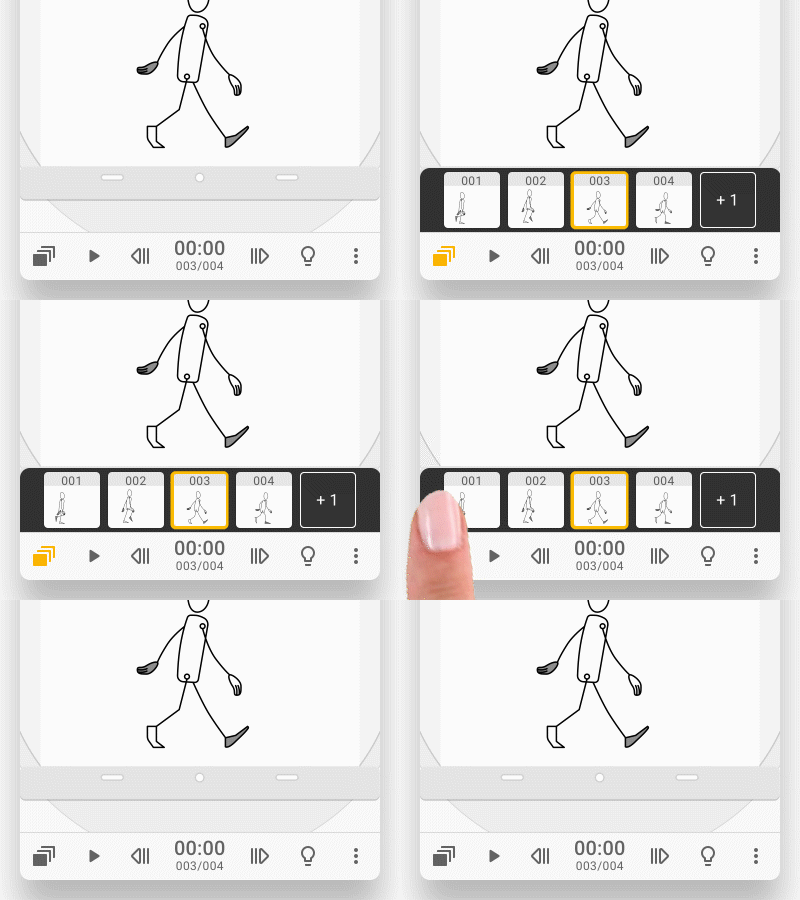
A timeline shows all the frames in sequence. The timeline is always at the bottom of the interface, but you can hide the timeline.
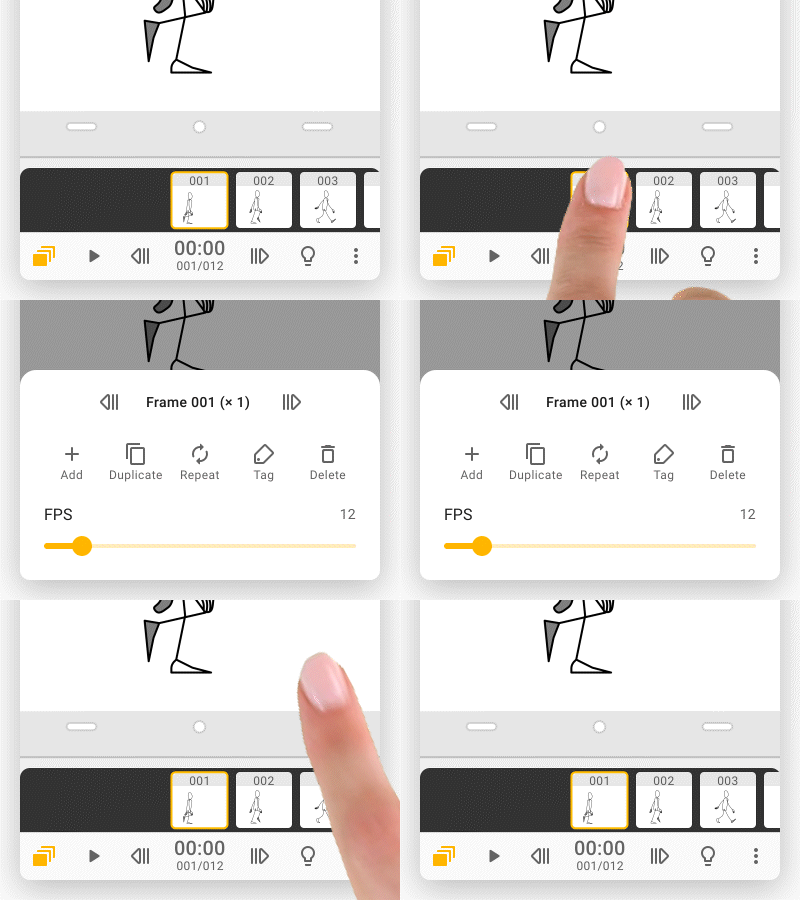
Tap on the frame thumbnail below to add, delete, duplicate or repeat a frame. If you wish to process multiple frame at once, please go to the frame viewer to do so.
More about the frame timeline and frame viewer, please check the "Frame" section.
Updated
Comments
0 comments
Please sign in to leave a comment.