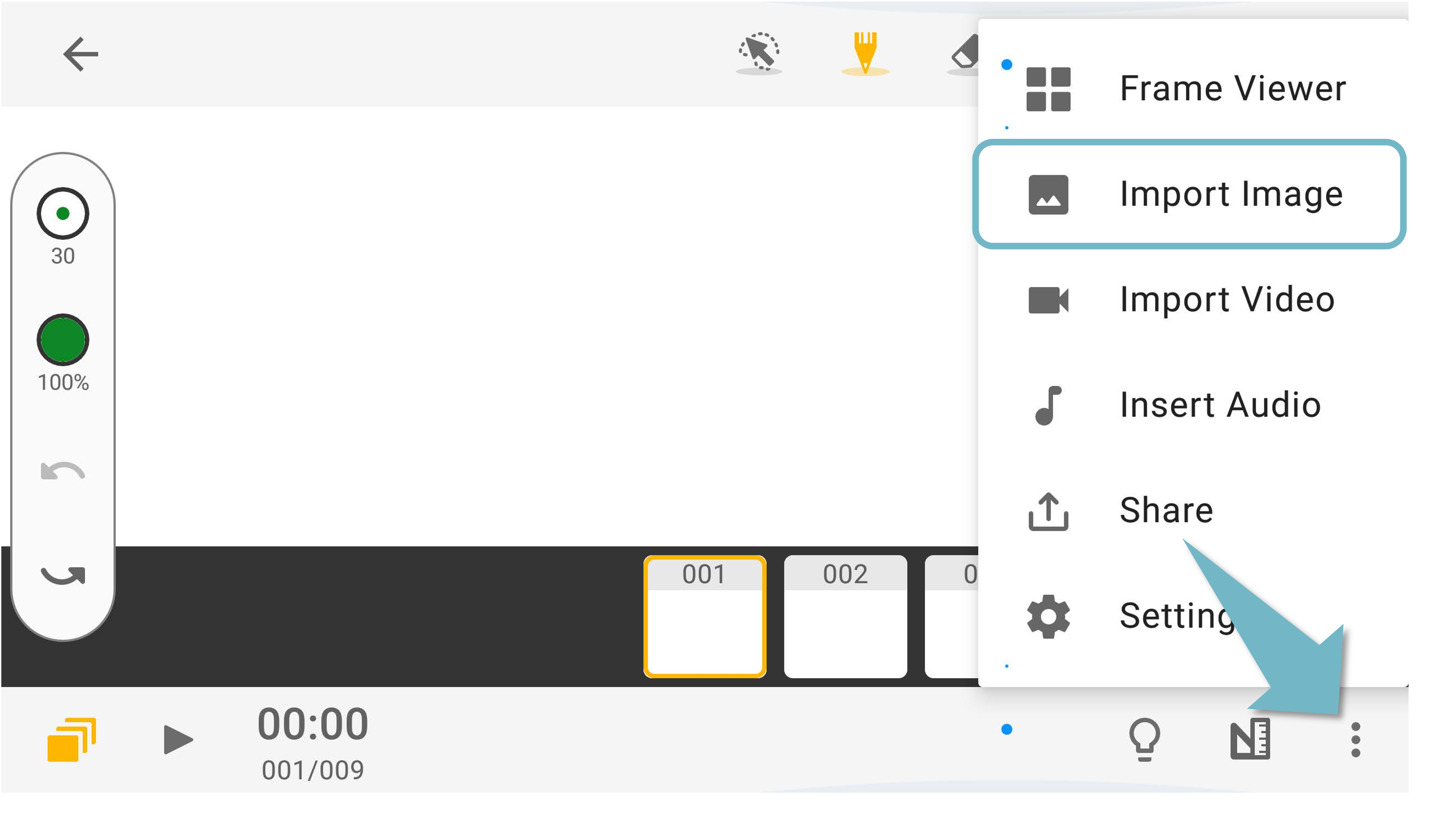
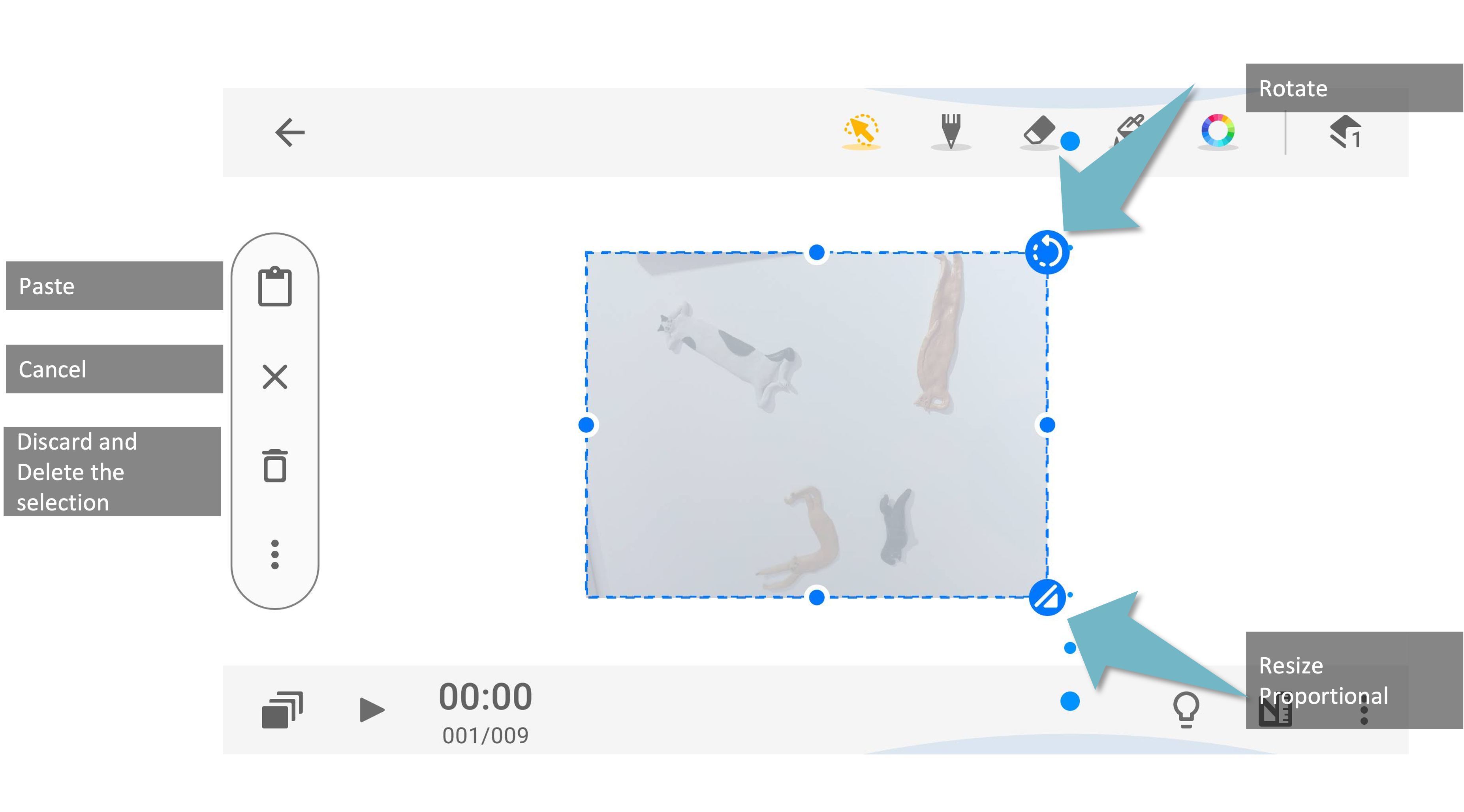
To insert photos in a frame, please tap the button on the top-right corner. Please make sure you have allowed Animation Desk to access your photos and videos.
You can refer to the “Change permissions for apps on your Android phone”
Updated
To insert photos in a frame, please tap the button on the top-right corner. Please make sure you have allowed Animation Desk to access your photos and videos.
You can refer to the “Change permissions for apps on your Android phone”
Updated
Comments
0 comments
Please sign in to leave a comment.