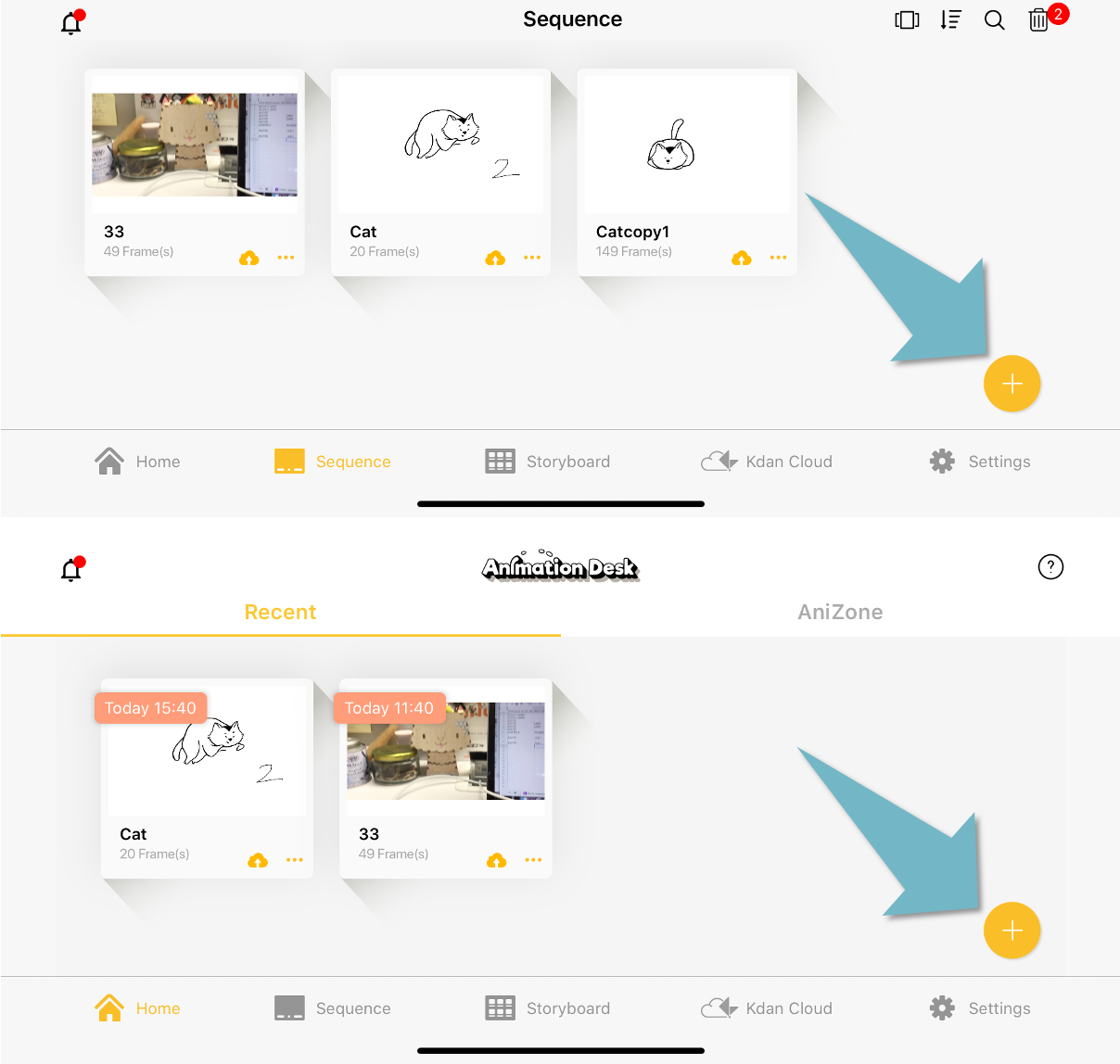
Tap the “+” button on the home page or the sequence tab.
If you want to start from scratch, please select “New Sequence”.
If you want to create a storyboard, please select “New Storyboard”.
If you want to build your animation based on an existing media in your current device, for example, video, GIF (coming soon), Photoshop layers, or ad.package, please select “Open file” and choose the files that you are looking for.
You can also add create a new sequence in the sequence tab.
Updated
Comments
0 comments
Please sign in to leave a comment.