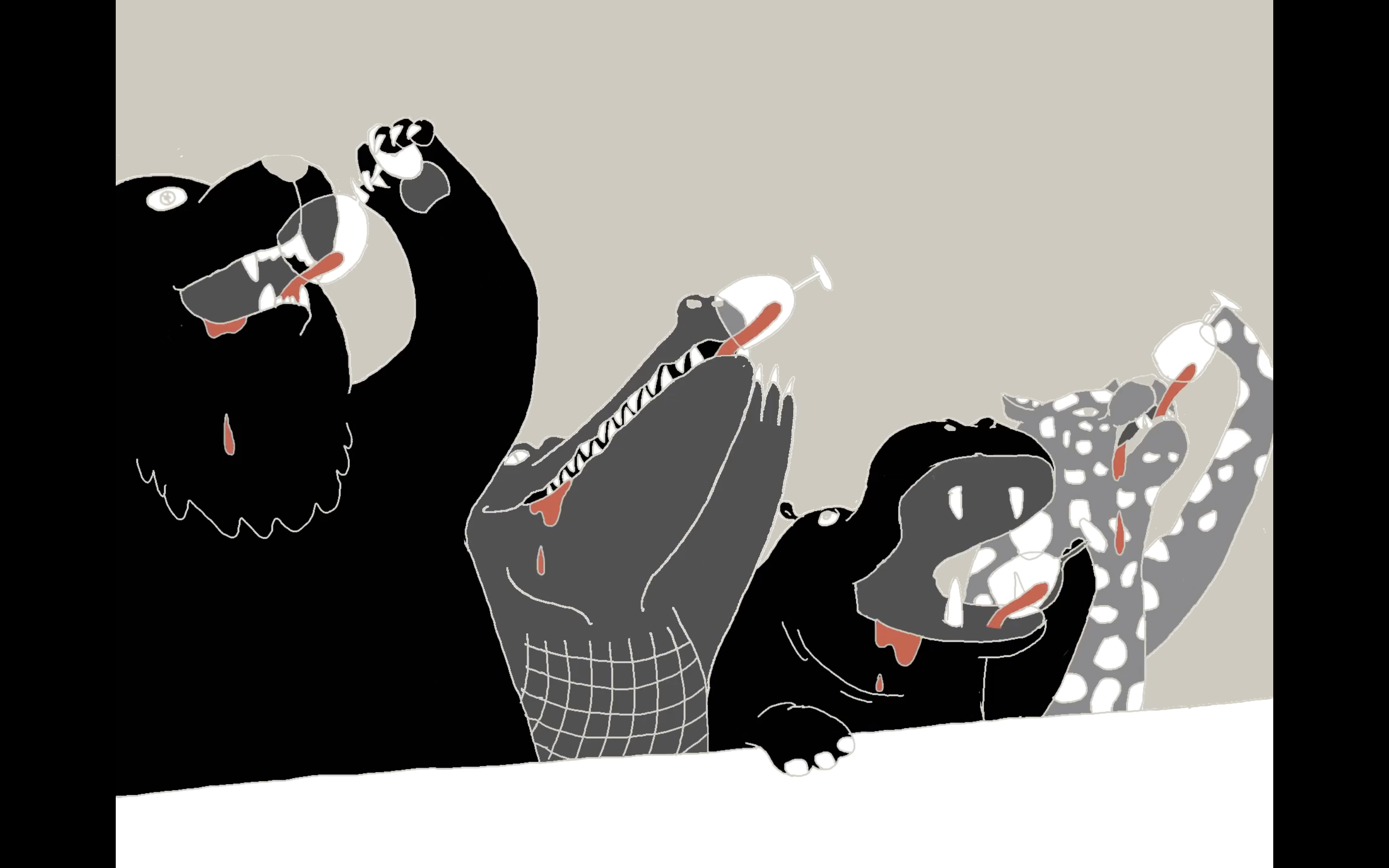
Cheers! By Ray
“In each frame, I used the layer feature to separate the still and animated parts of drawings. Finally, I kept a layer for lining, so I could make smooth and accurate lines without messing up other parts of the drawing.”
Ray, Animator and Graphic Designer, winner of iAniMagic 2019
Like Ray, you can duplicate and reuse a scene while animate on a separated layer. This can save a lot of time.
Users can access one background layer and 3 sketch layers with the basic plan. Subscribers of Animation Pro or Creativity 365 can unlock additional 5 sketch layers (that means 8 sketch layers in total).
Updated
Comments
0 comments
Please sign in to leave a comment.