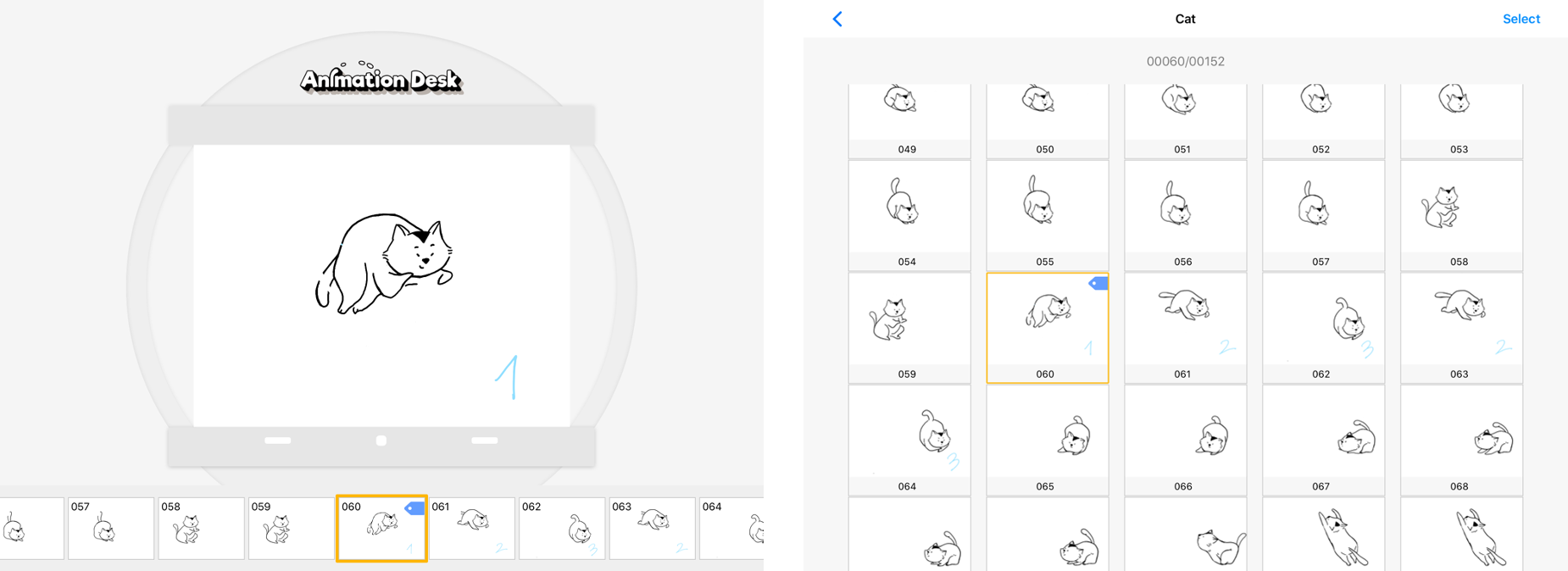
Frame tag helps you identify particular frames. You can mark out the keyframes or the frames that you wish to edit again later. You can tag a frame in the timeline, or in a frame viewer.
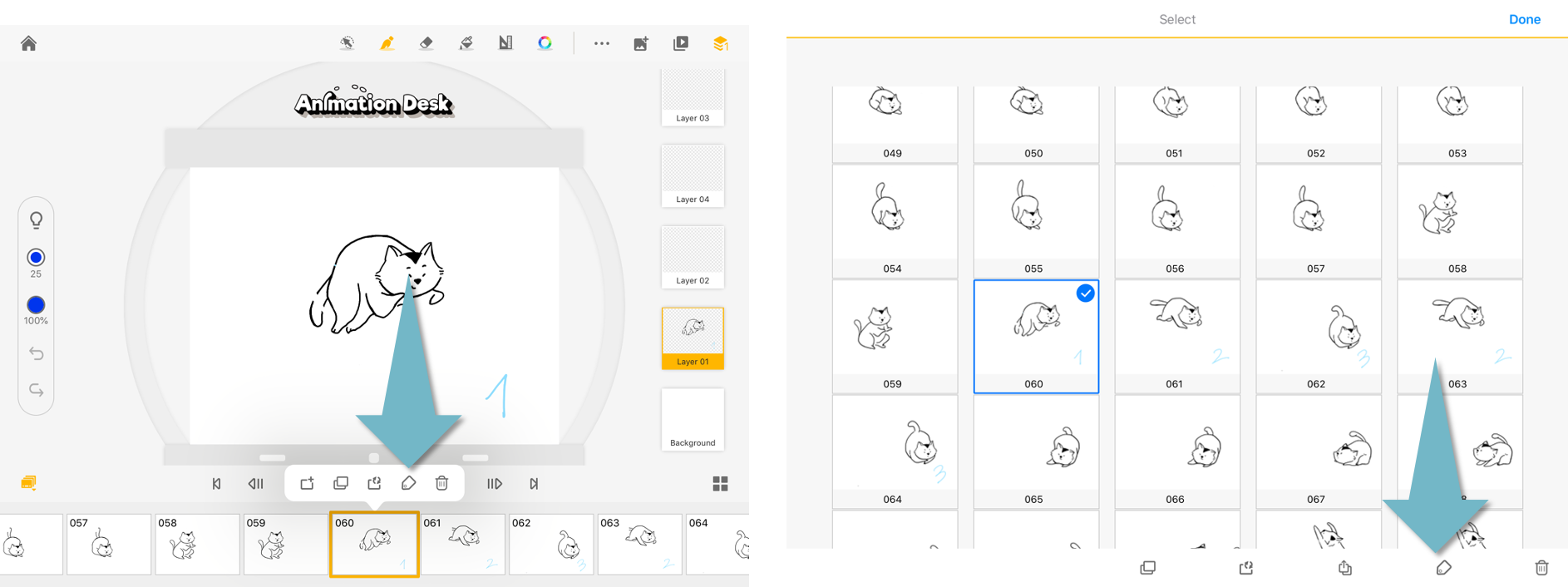
Tap on a frame in a timeline, tap the “Tag” button to tag a frame. Or, you can open the frame viewer. Select a frame and tap the “Tag” button at the bottom of the viewer.
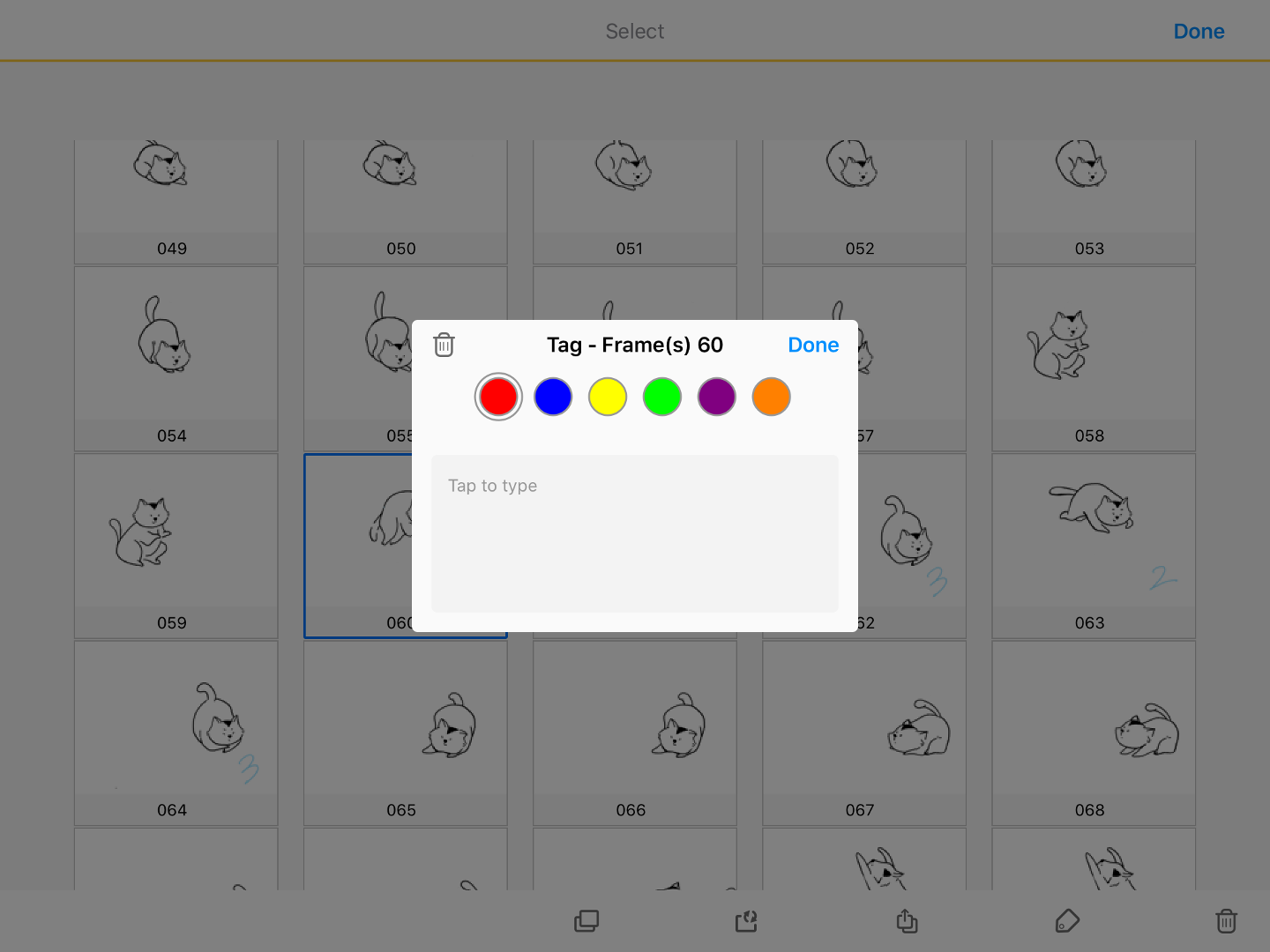
You can pick tags with different colors and add editing notes to each tag.
Updated
Comments
0 comments
Please sign in to leave a comment.