You can want to extract certain frames in your animation sequence as images in Animation Desk. Here is how to do it.
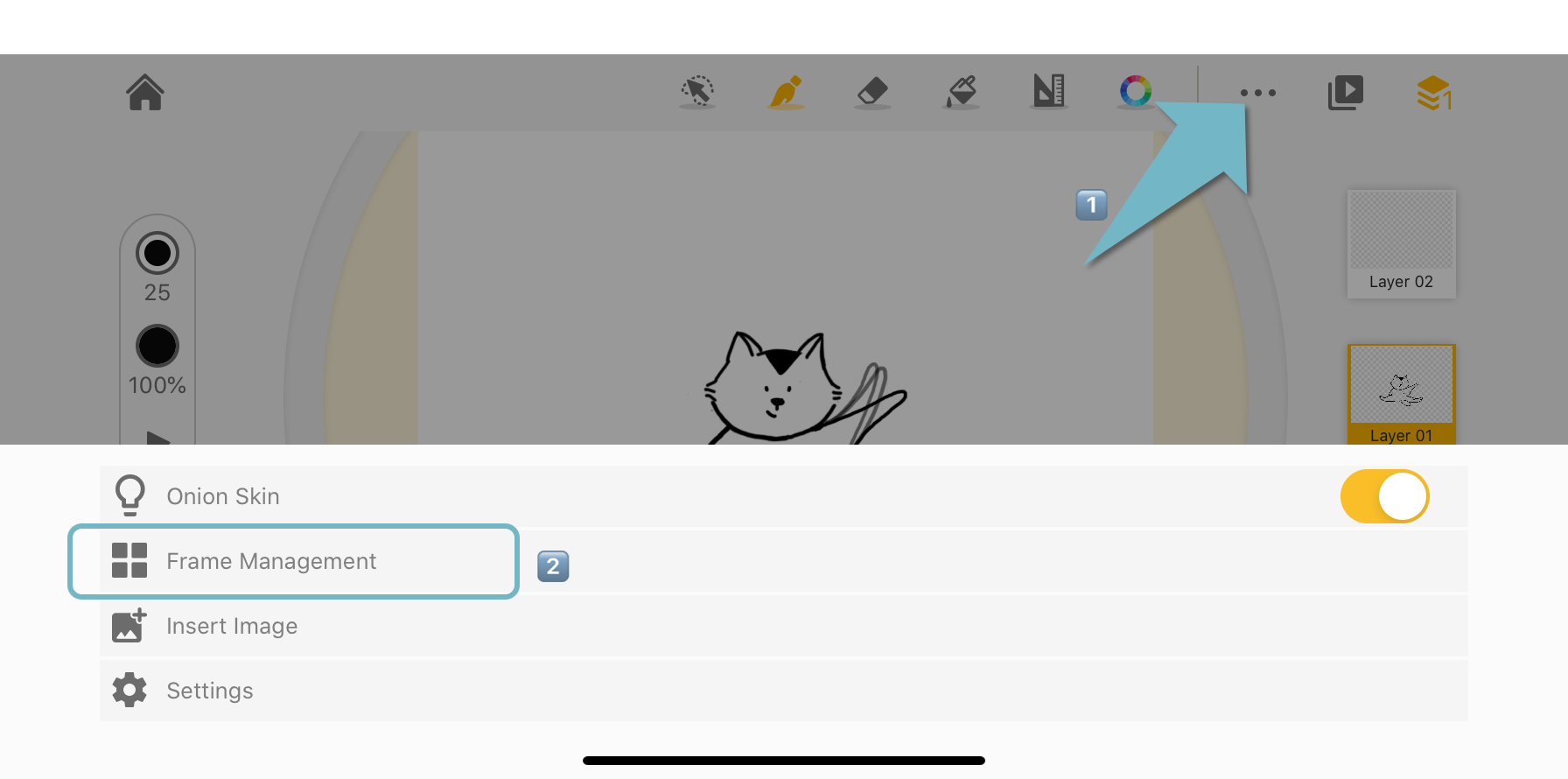
1. Go to the frame viewer
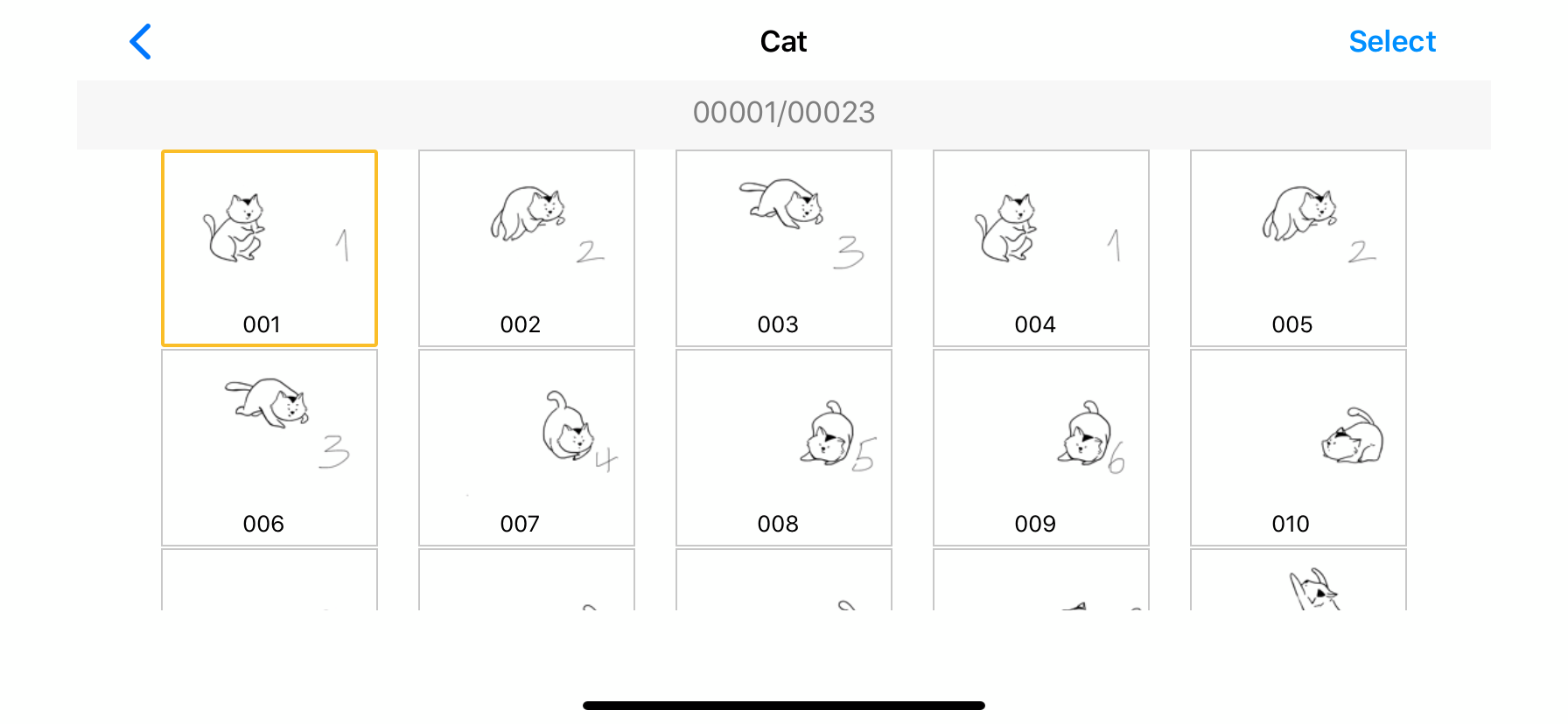
2. Tap "Select" and select the frame or frames that you wish to export as images.
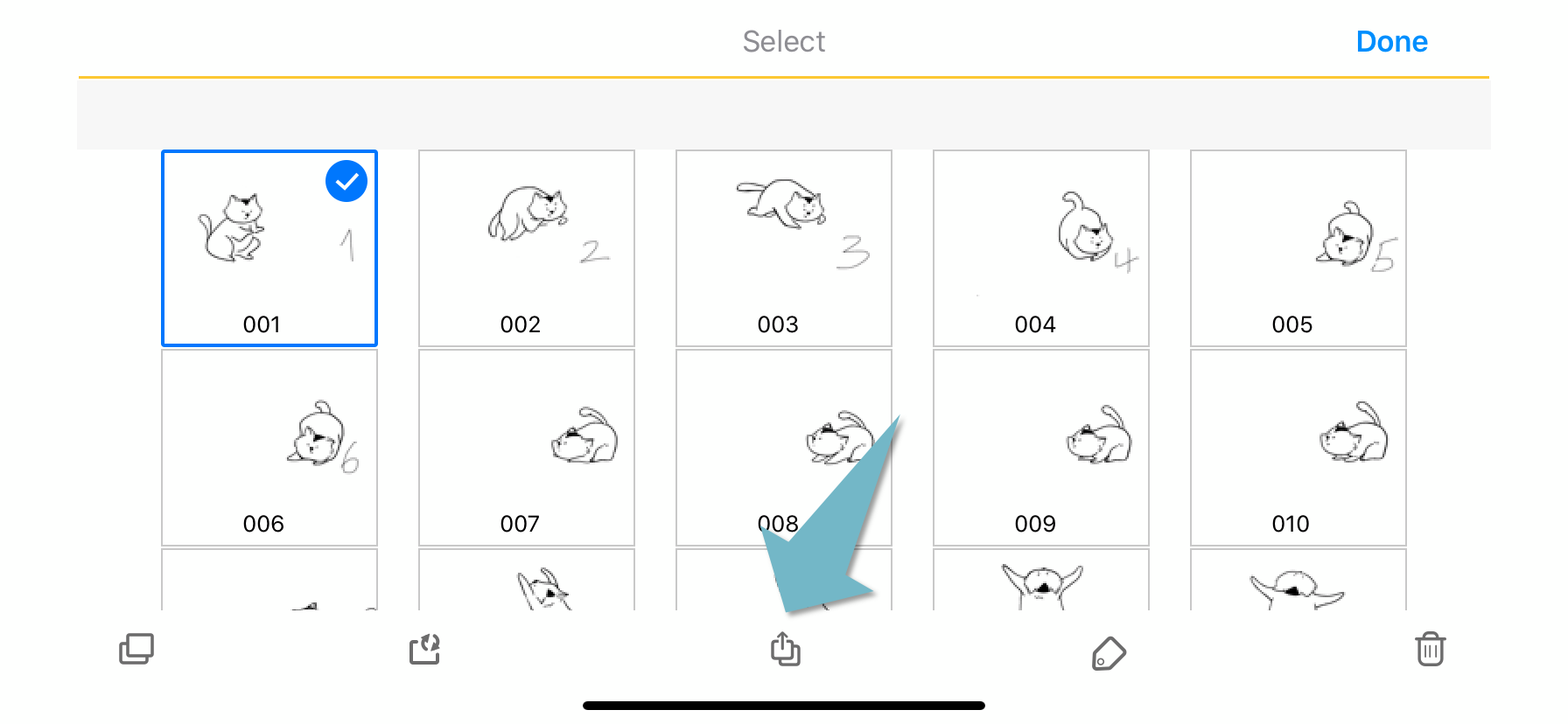
3. Tap the Export Image button in the toolbar at the button of the interface.
Updated
Comments
0 comments
Please sign in to leave a comment.