1. Open up to a file you're reading.
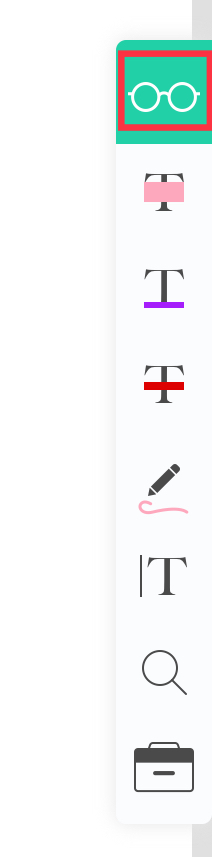
2. Tap on the glasses icon on the right side annotation bar.
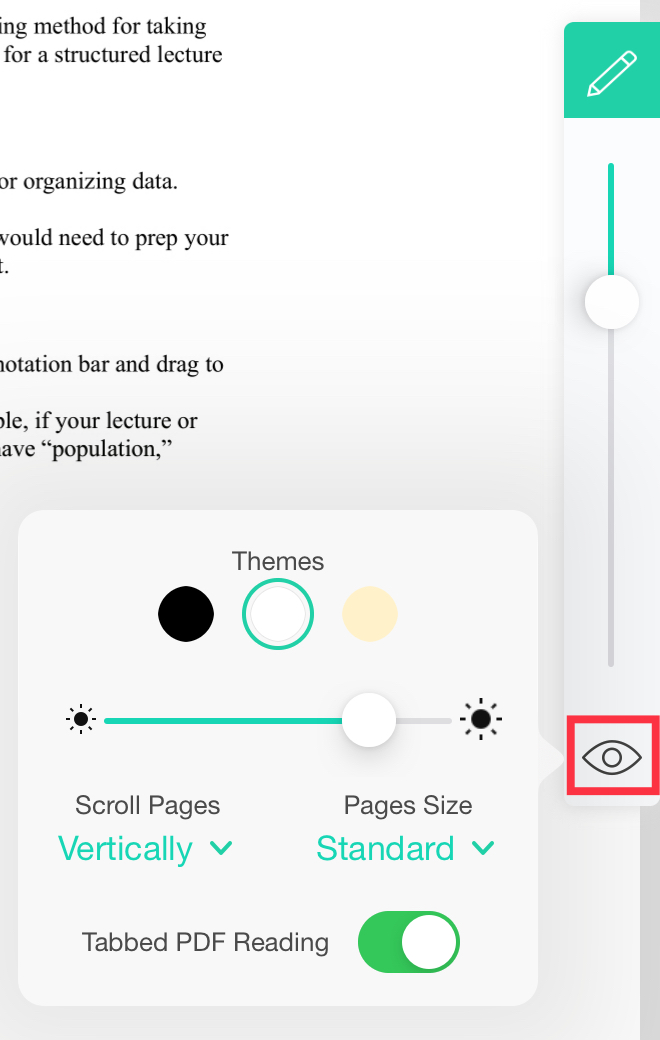
3. Press on the eye icon at the bottom of the bar.
4. Switch the "Tabbed PDF Reading" to turn the setting on or off.
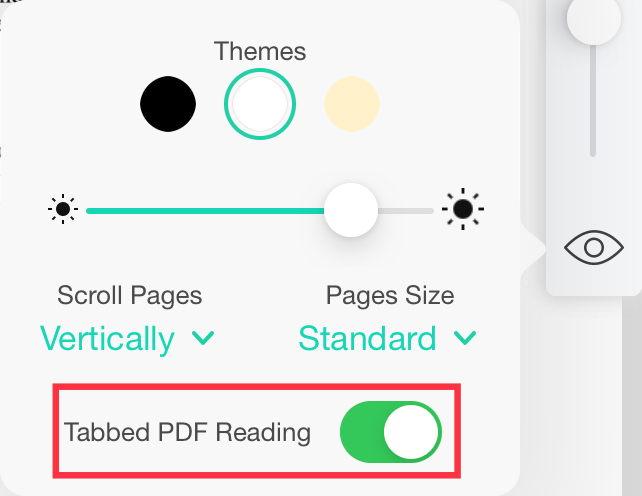
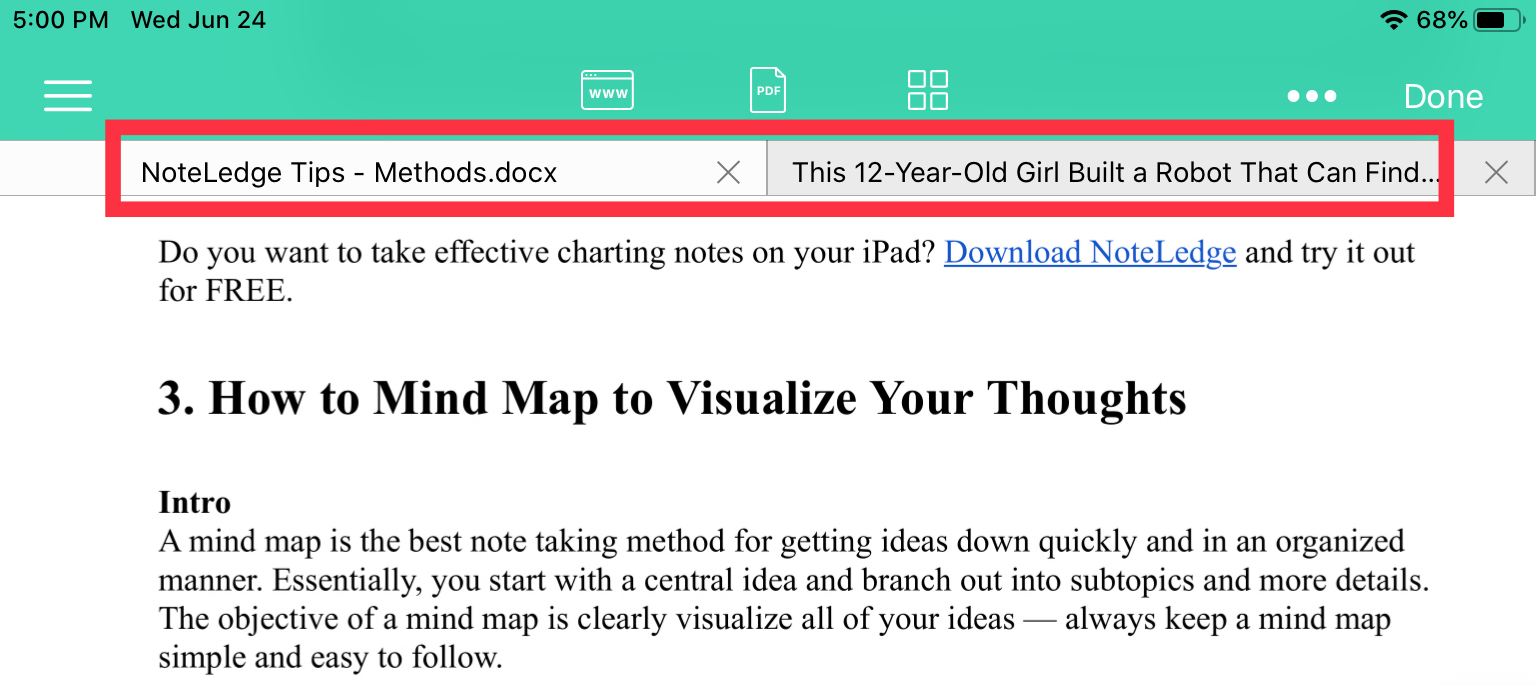
5. This setting will allow you to switch between multiple tabs or just a single tab.
Comments
0 comments
Please sign in to leave a comment.