1. Go into the file you would like to encrypt.
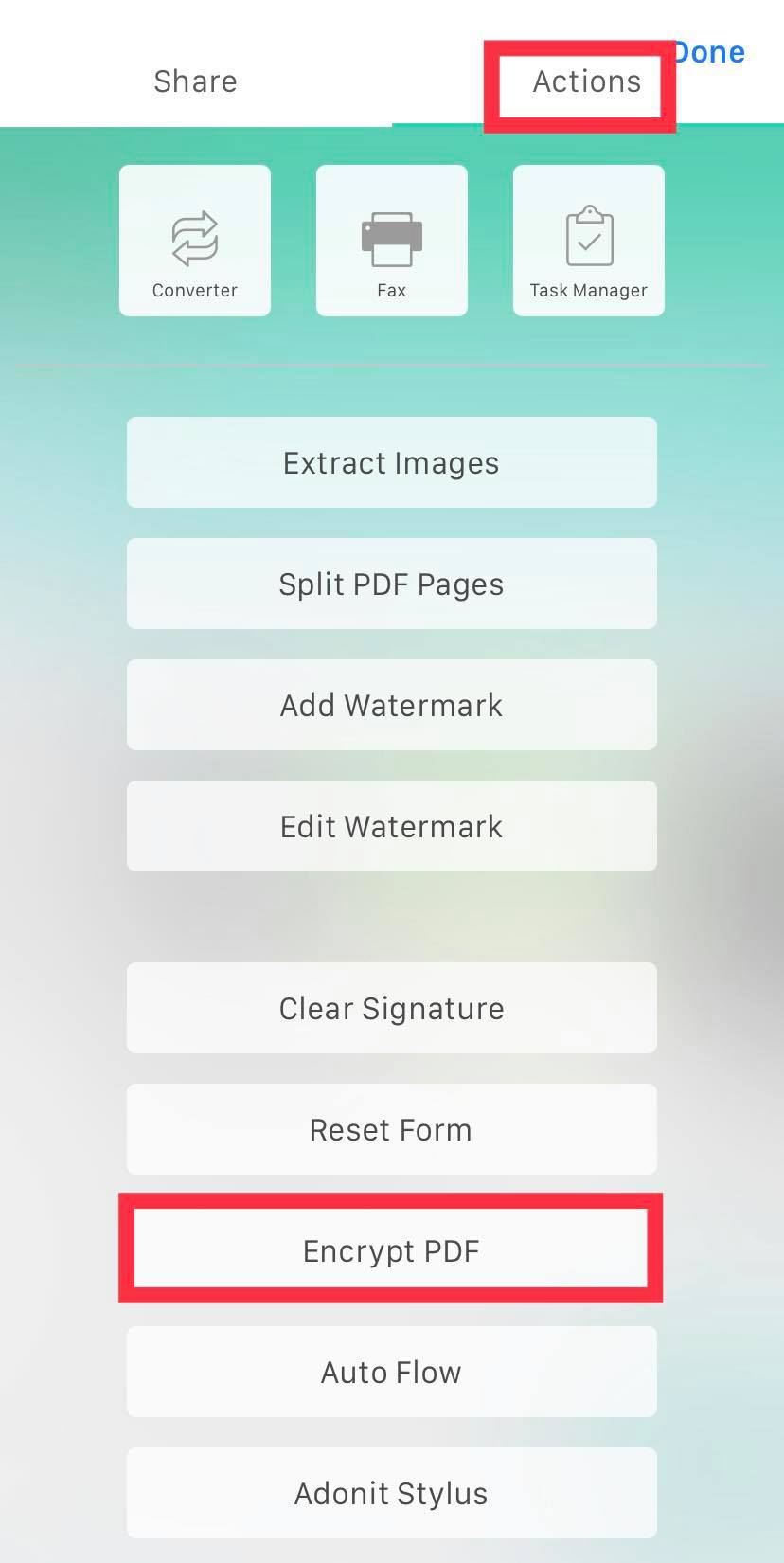
2. Tap the "More" icon (three dots) in the top right corner, then go to the "Actions" tab and click "Encrypt PDF".
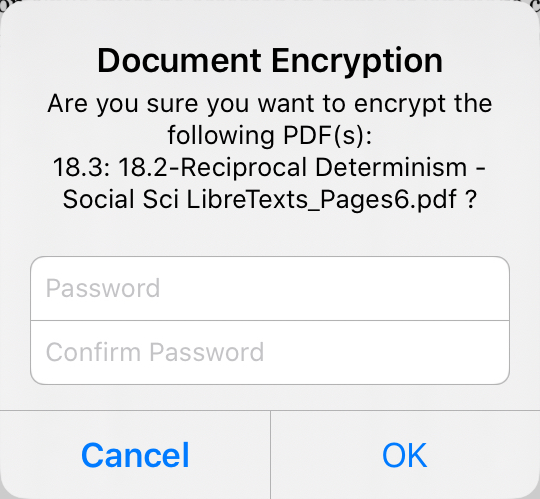
3. Set a password.
1. Go into the file you would like to encrypt.
2. Tap the "More" icon (three dots) in the top right corner, then go to the "Actions" tab and click "Encrypt PDF".
3. Set a password.
Comments
0 comments
Please sign in to leave a comment.