1. Go to the file you would like to screen capture.
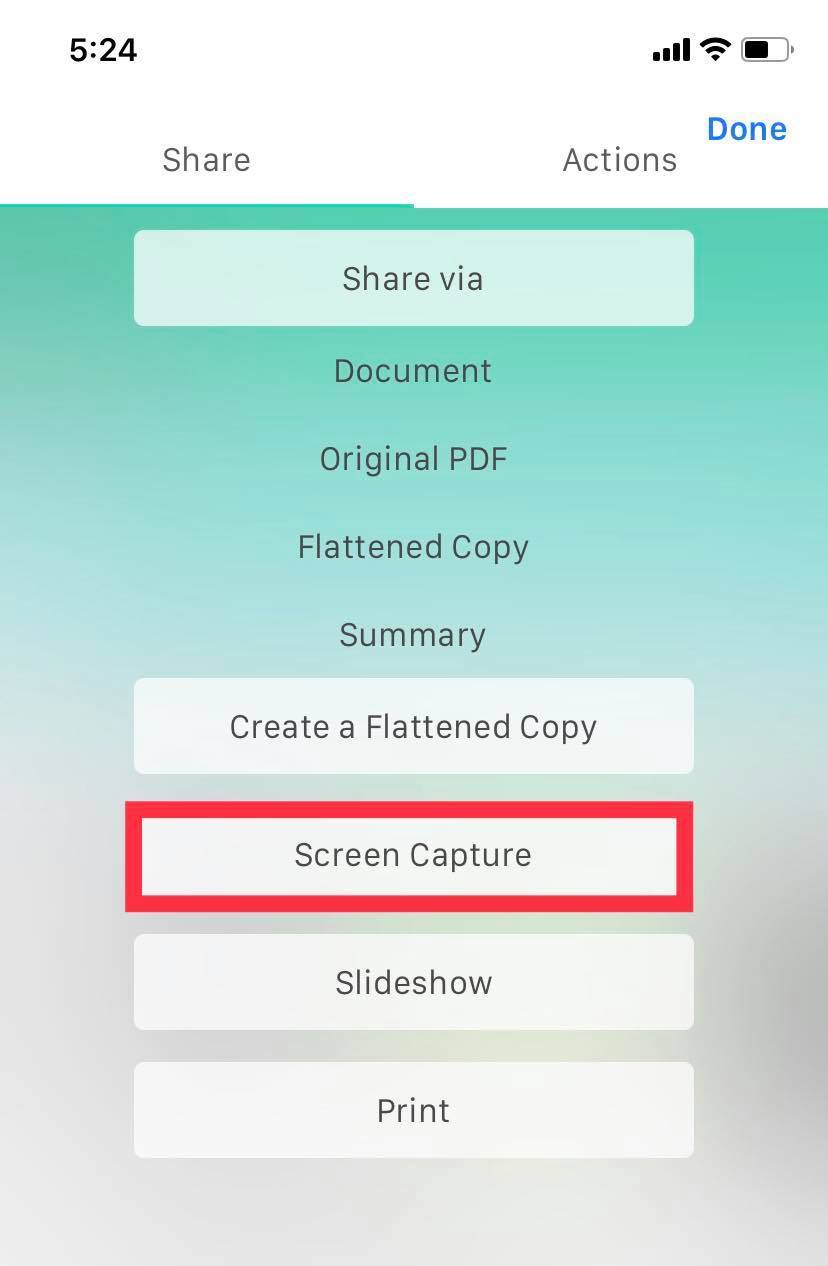
2. Tap the three dots in the right upper corner, then press "Screen Capture."
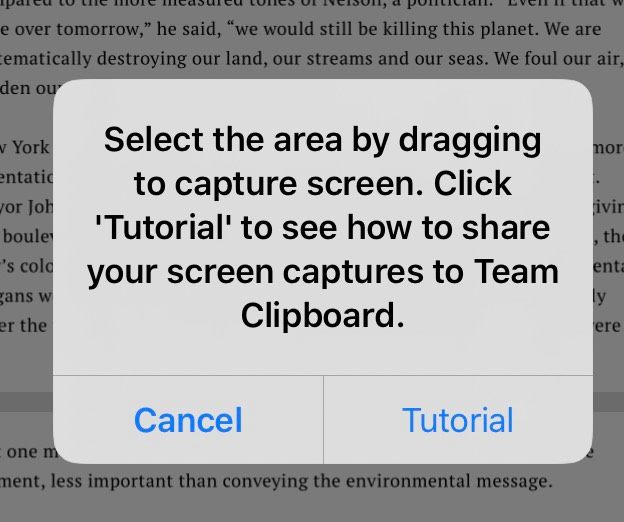
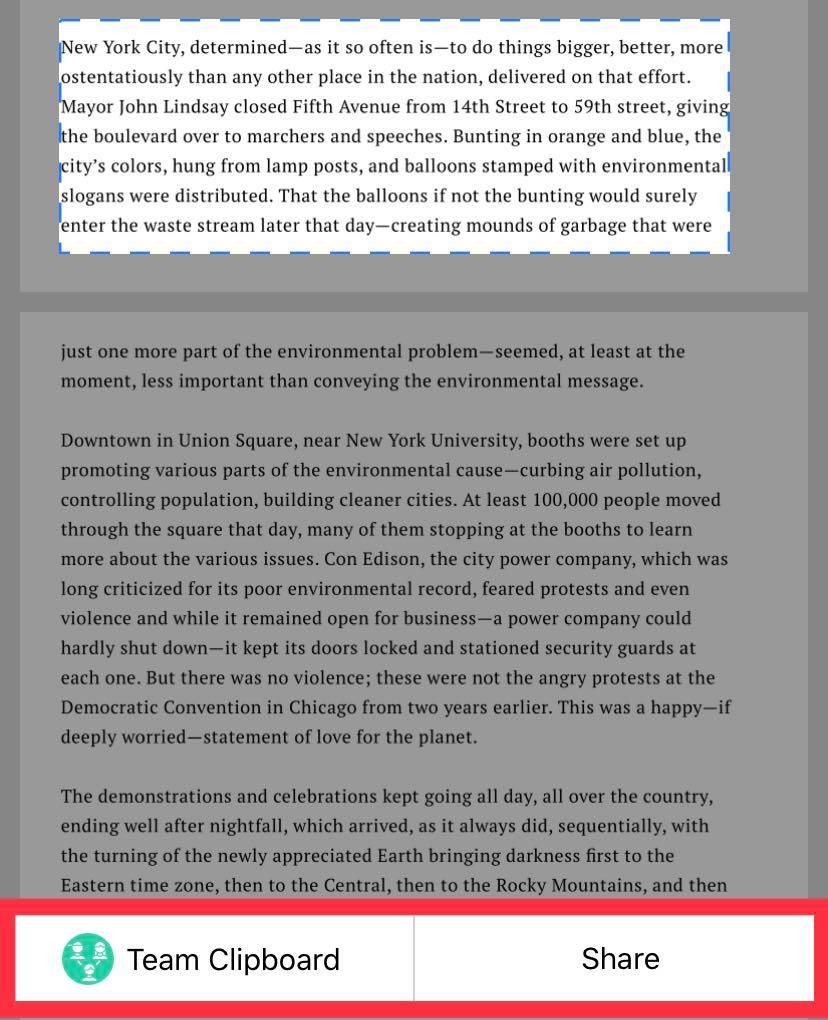
3. You will be able to select the place you would like to screen capture. You also have the option of a tutorial. Drag and select, then share with your team clipboard or with other apps. Click "Done" to exit.
Comments
0 comments
Please sign in to leave a comment.