1. To view the Bookmarks, Outline, Thumbnails, and Annotations, or "BOTA," tap the "BOTA" icon in the bottom annotation bar.
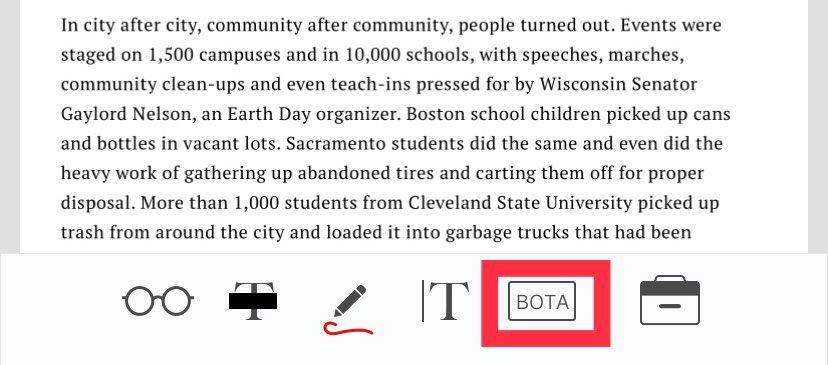
2. You can see the bookmarks/outline/thumbnails/annotations of the PDF file.
Tip: Outline will only show up if the PDF file contains a preset outline.
Comments
0 comments
Please sign in to leave a comment.