1. Open up to a file you're reading.
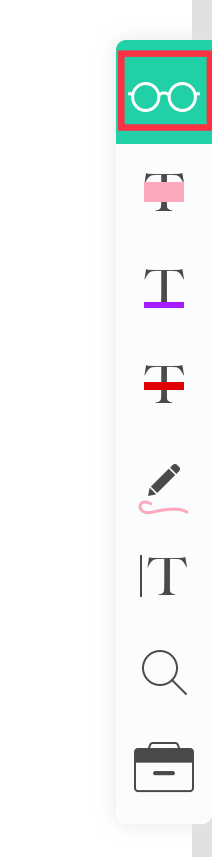
2. Tap on the glasses icon on the right side annotation bar.
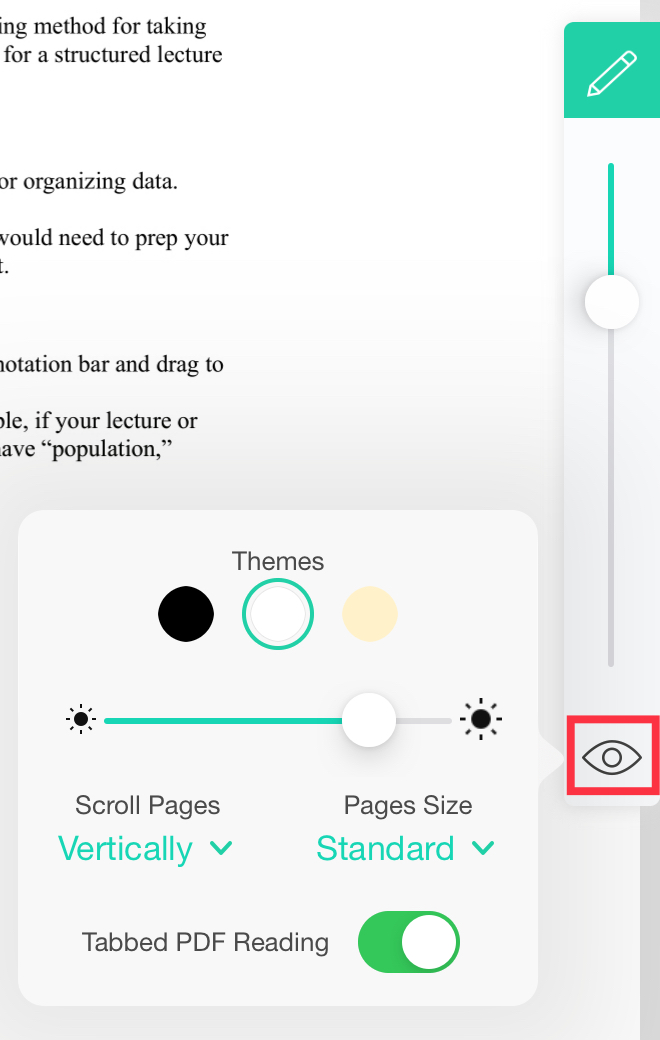
3. Press on the eye icon at the bottom of the bar.
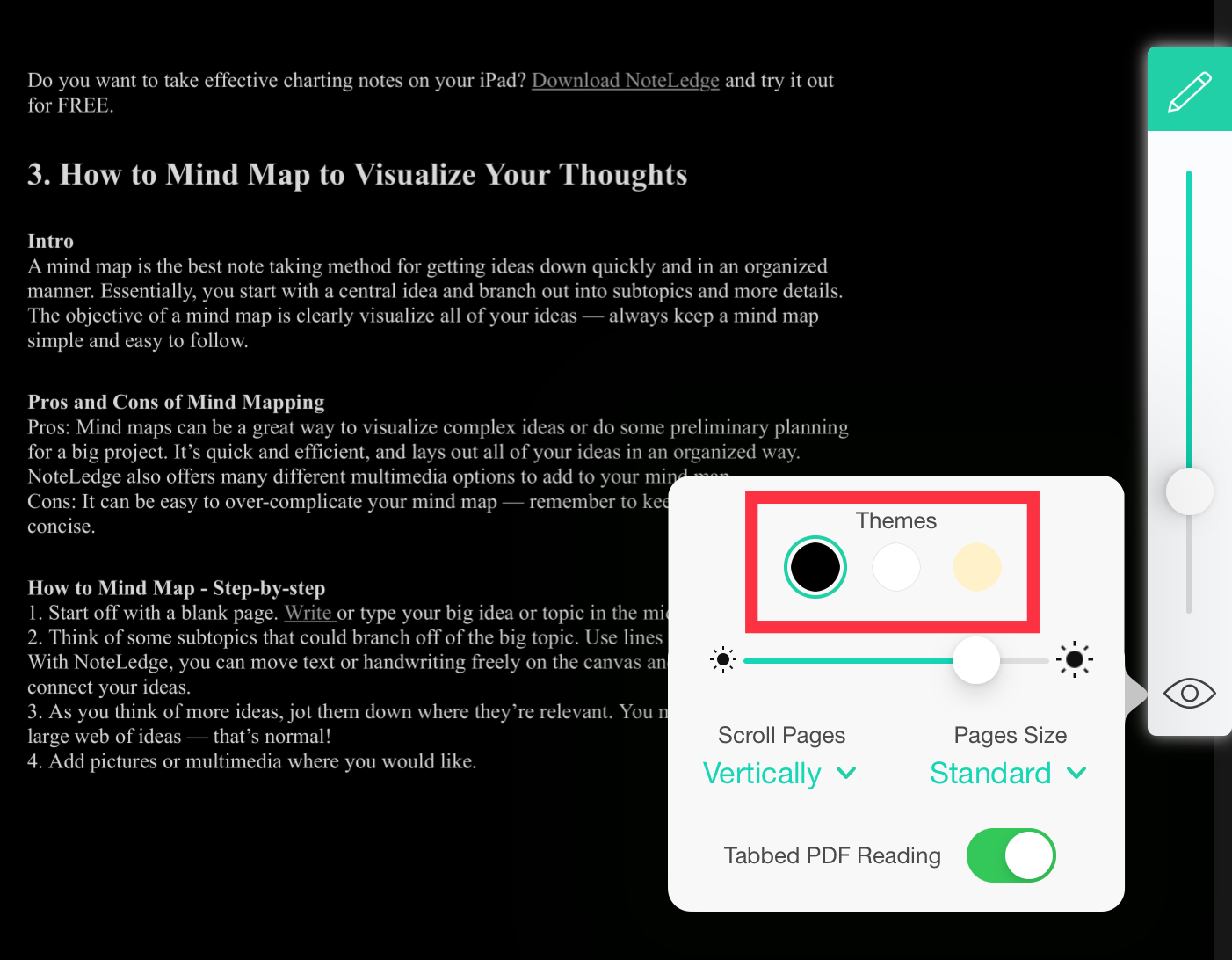
4. There are three themes available: black theme (inverted colors, as shown below), default theme, and a beige theme.
Comments
0 comments
Please sign in to leave a comment.