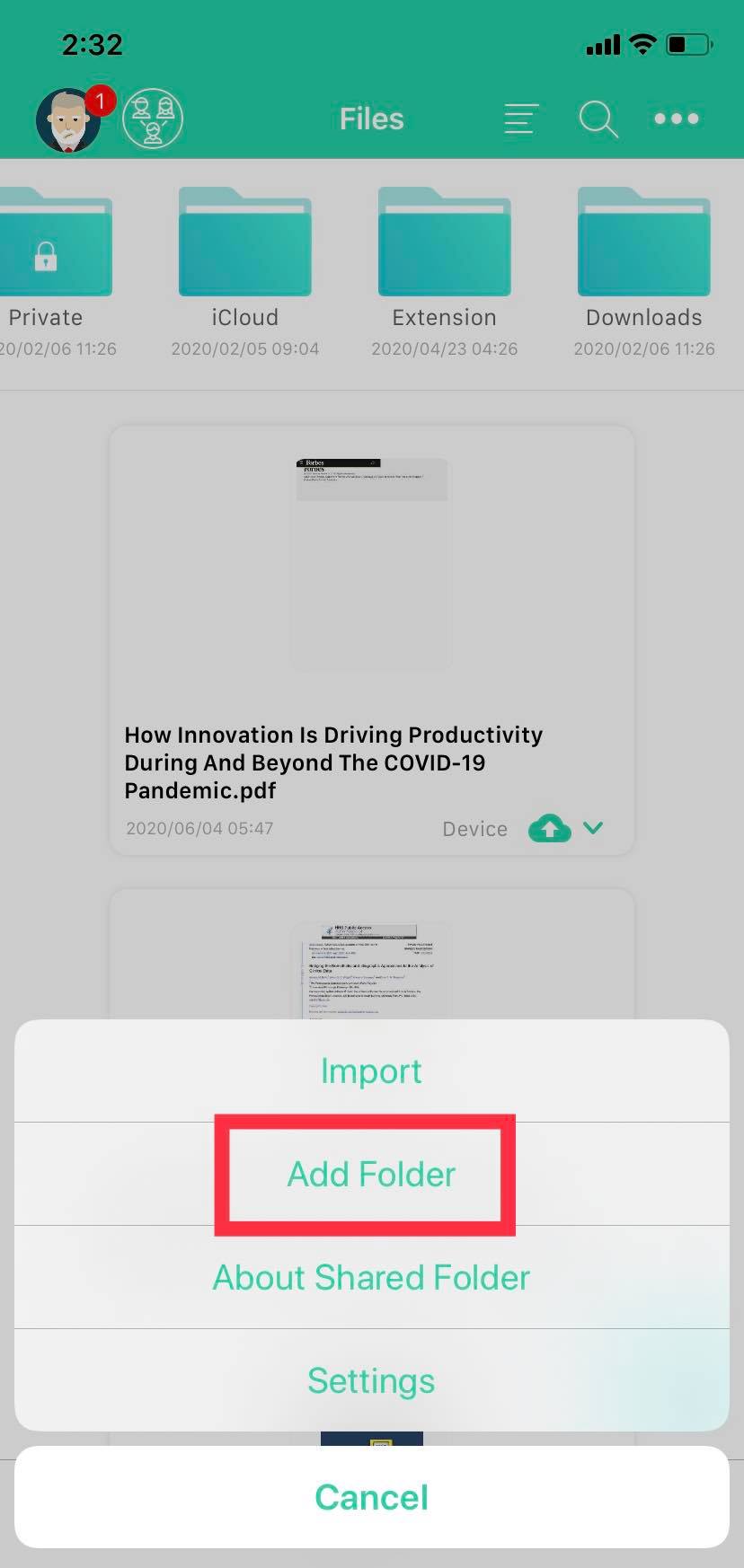
1. In the "Files" tab, tap the three dots in the upper right corner.
2. Tap "Add Folder".
3. Enter a folder name.
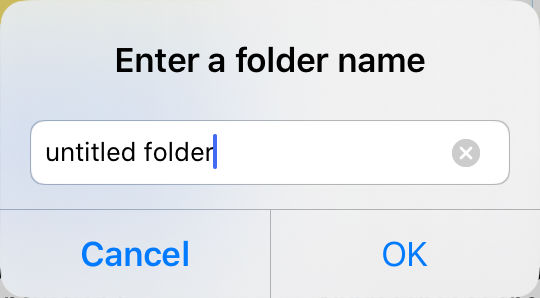
4. Tap "OK" to complete it.
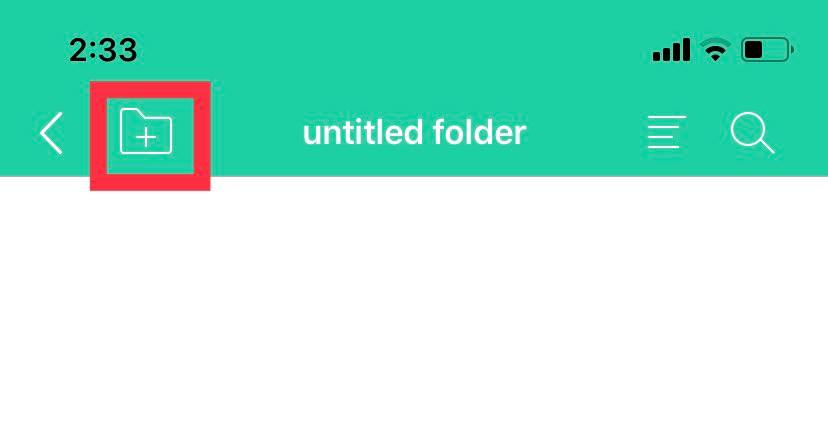
5. Alternatively, while in an existing folder, you can easily add a folder within that folder by clicking the "Add Folder" icon in the top left corner.
Updated
Comments
0 comments
Please sign in to leave a comment.