Method 1: Page Edit
1. Open a file and tap the "Page Edit" icon (  ) at the top of the screen.
2. You will see page thumbnails of the PDF document you are currently reading.
3. Tap the "Edit" pen icon at the bottom right corner of the screen, and you will see a couple of actions.
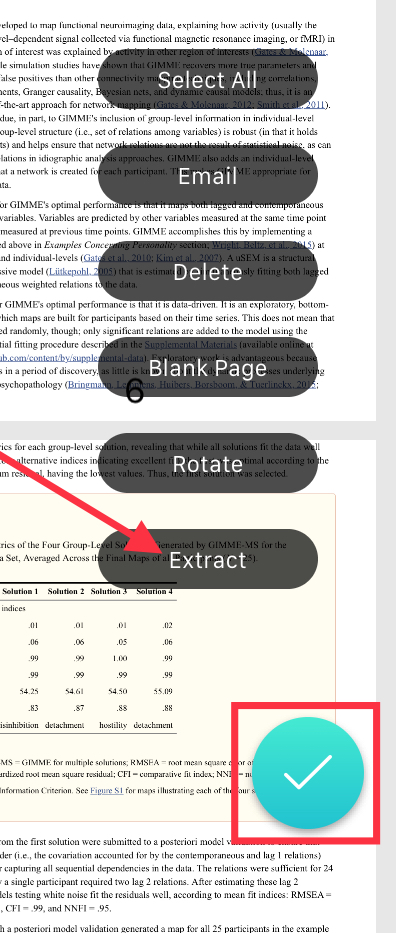
4. Select the pages you would like to extract by clicking the circle to select.
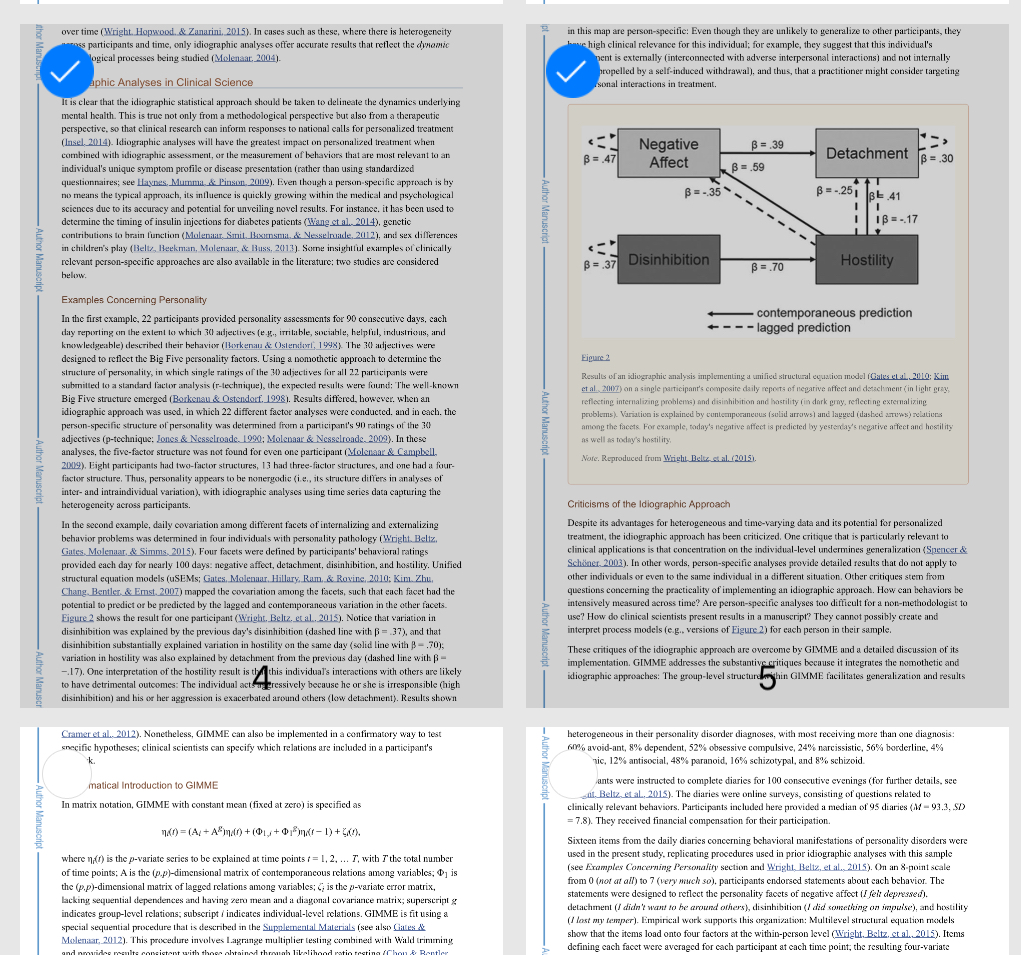
5. Click "Extract" and the extracted pages will be saved.
6. Click the checkmark in the lower right hand corner to finish.

Method 2: Actions
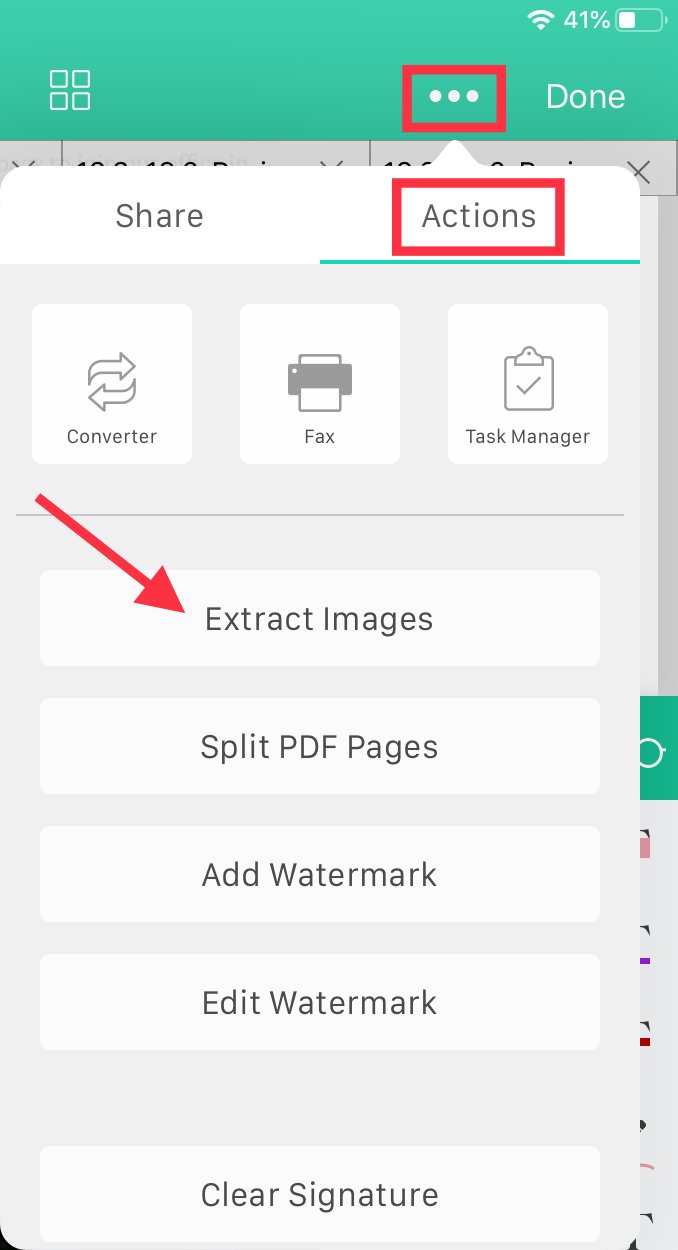
1. Open a file and tap the "More" icon (three dots) at the top right of the screen.
2. Go to the "Actions" tab and tap "Extract Images."
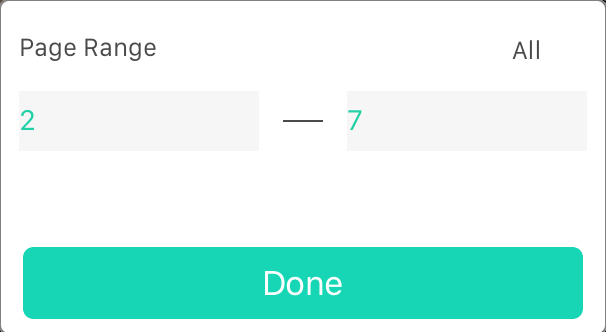
3. Select the pages you would like to extract, and click "Done."
Updated
Comments
0 comments
Please sign in to leave a comment.