By removing passwords from PDF documents, it will remove the restriction of viewing the content.
1. Open the password-protected PDF file in PDF Reader (Please note that PDF Reader will automatically create a new copy in the app when you open a PDF with PDF Reader)
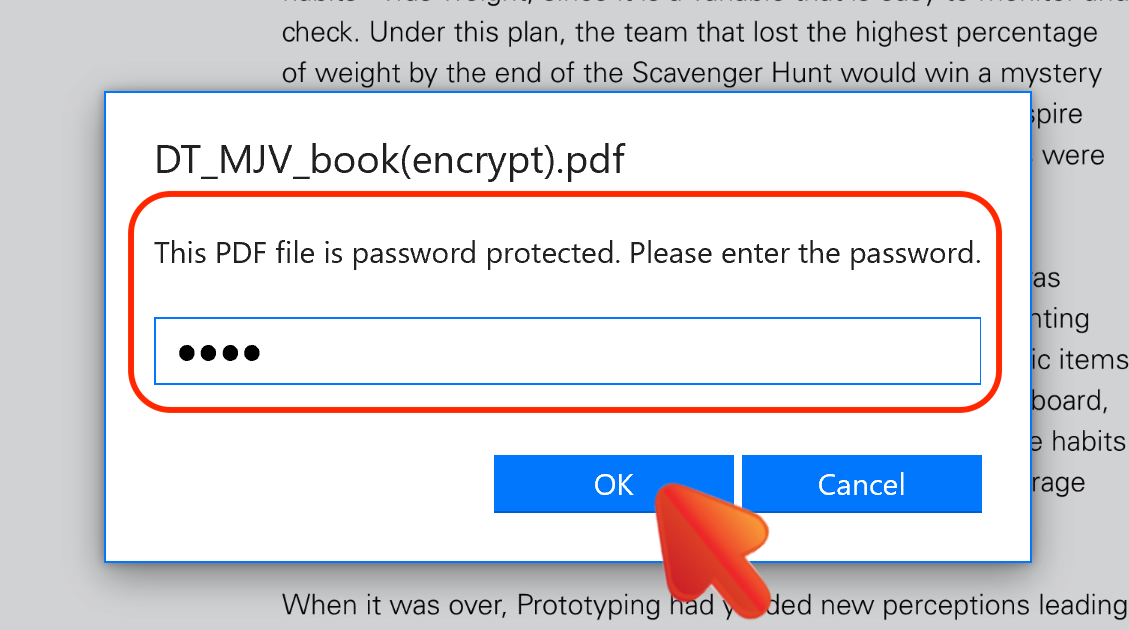
2. You will be asked to enter the password before viewing the PDF
3. Click the “Security” button on the toolbar and then choose “Remove Password”
4. Then a new copy without password protection will be saved in the “Encrypt & Decrypt” folder in file list
Updated
Comments
0 comments
Please sign in to leave a comment.