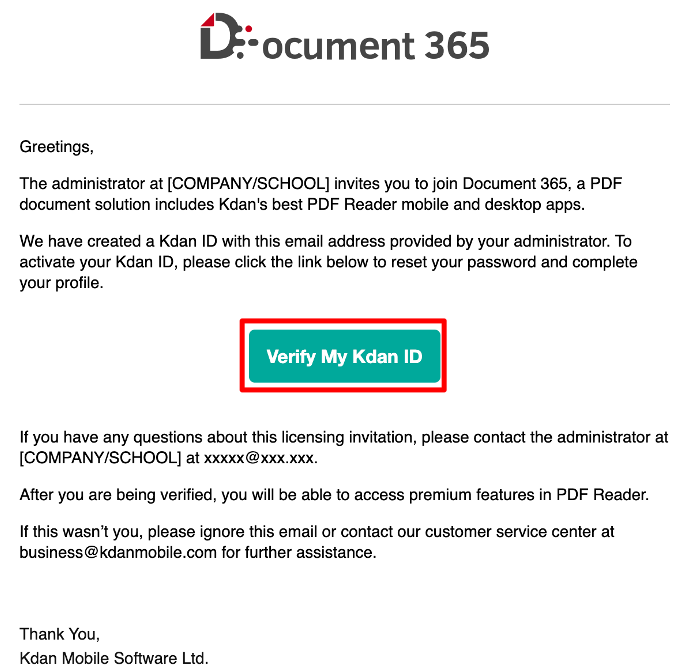
1. Go to your email inbox and select the ‘Verify My Kdan ID’ box.
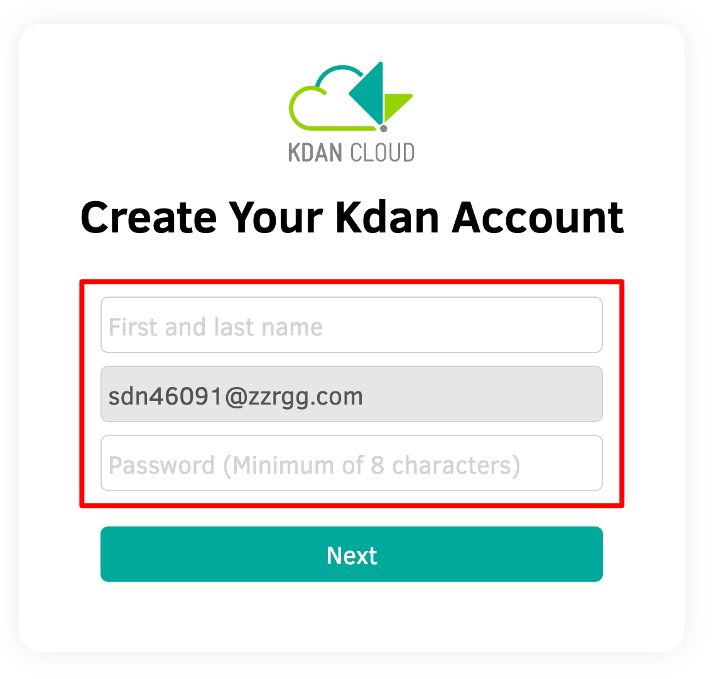
2. Create a Kdan account by filling in your necessary information.
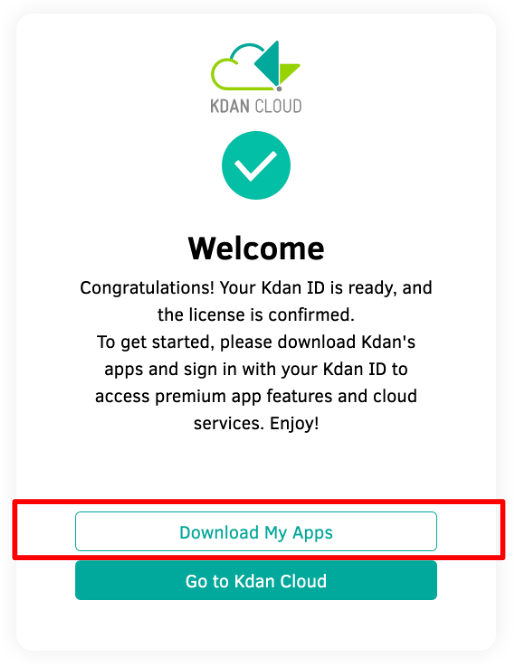
3. Once the account is activated successfully, select ‘Download My Apps.’ Log in with your Kdan ID to start using the apps.
Updated
Comments
0 comments
Please sign in to leave a comment.