If PDF Reader stops responding, make sure the latest Android OS version is in use on your device.
As a temporary solution, try the following steps:
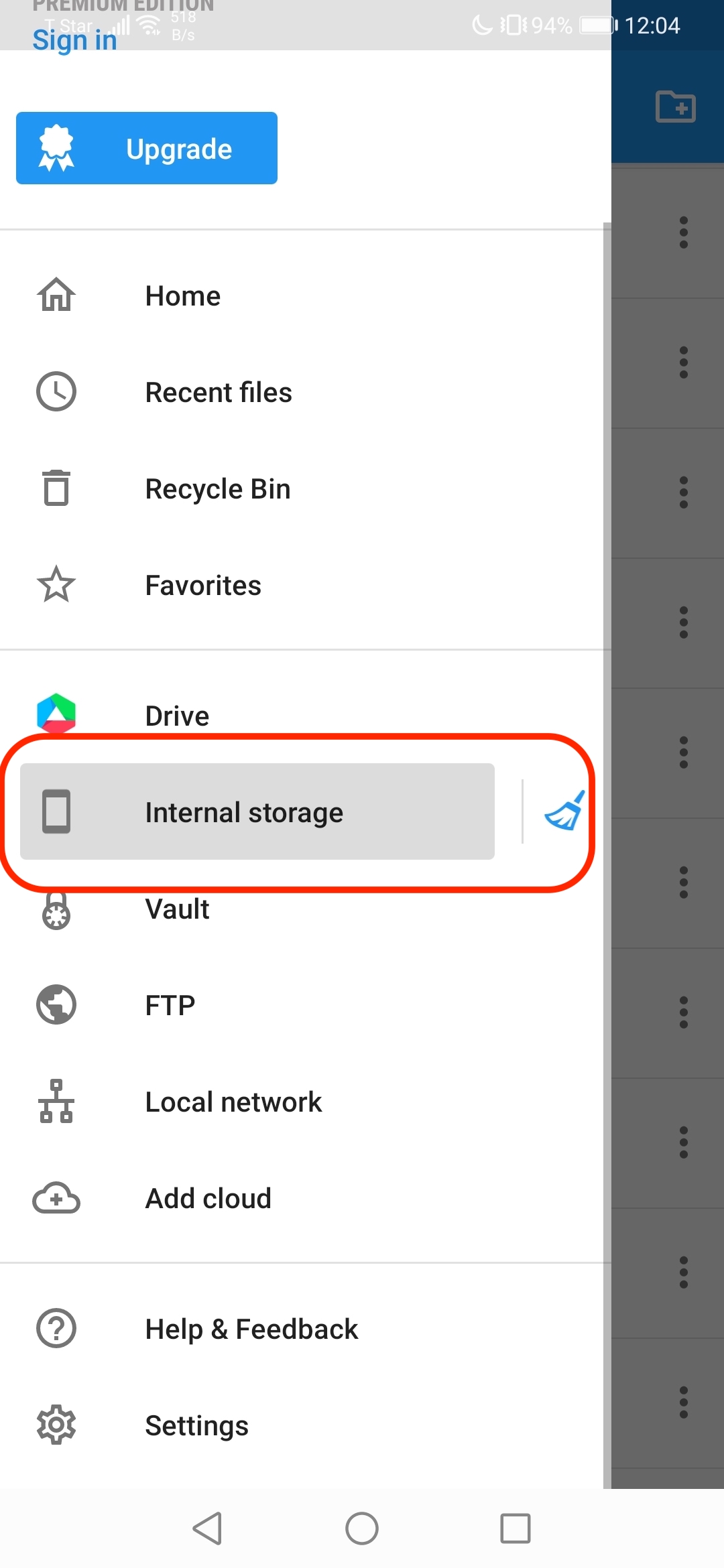
- Launch the default file manager app on your device
- Or you could install one for file management from Google Play to explore files on your device
- Go to “Internal Storage” and find out the PDF Reader folder
- Manage or backup files to Cloud
Updated
Comments
1 comment
No deja abrir los archivos de los correos
Please sign in to leave a comment.