It could be the reason that the source of the file caused the issue. This file wasn't a PDF initially, and was converted from some other file format to pdf (eg. an image based PDF).
-
Check the Security Settings
- Open the PDF
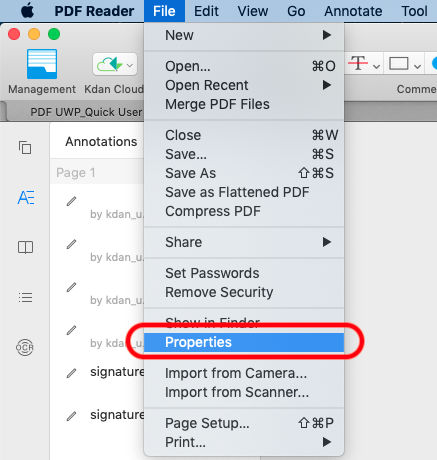
- Click File from the top menu bar and select “Properties”
- Switch to “Summary” from within the File Info panel
- Check if the document was set as allow editing
- If the editing option is allowed, it could be the file was made from scanned images
-
Use OCR Converter
- Open the PDF
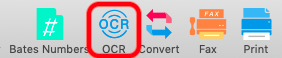
- Tap the OCR button on the toolbar
- Choose either way you want to perform OCR on your PDF
- Extract the text content for further editing
Updated
Comments
0 comments
Please sign in to leave a comment.