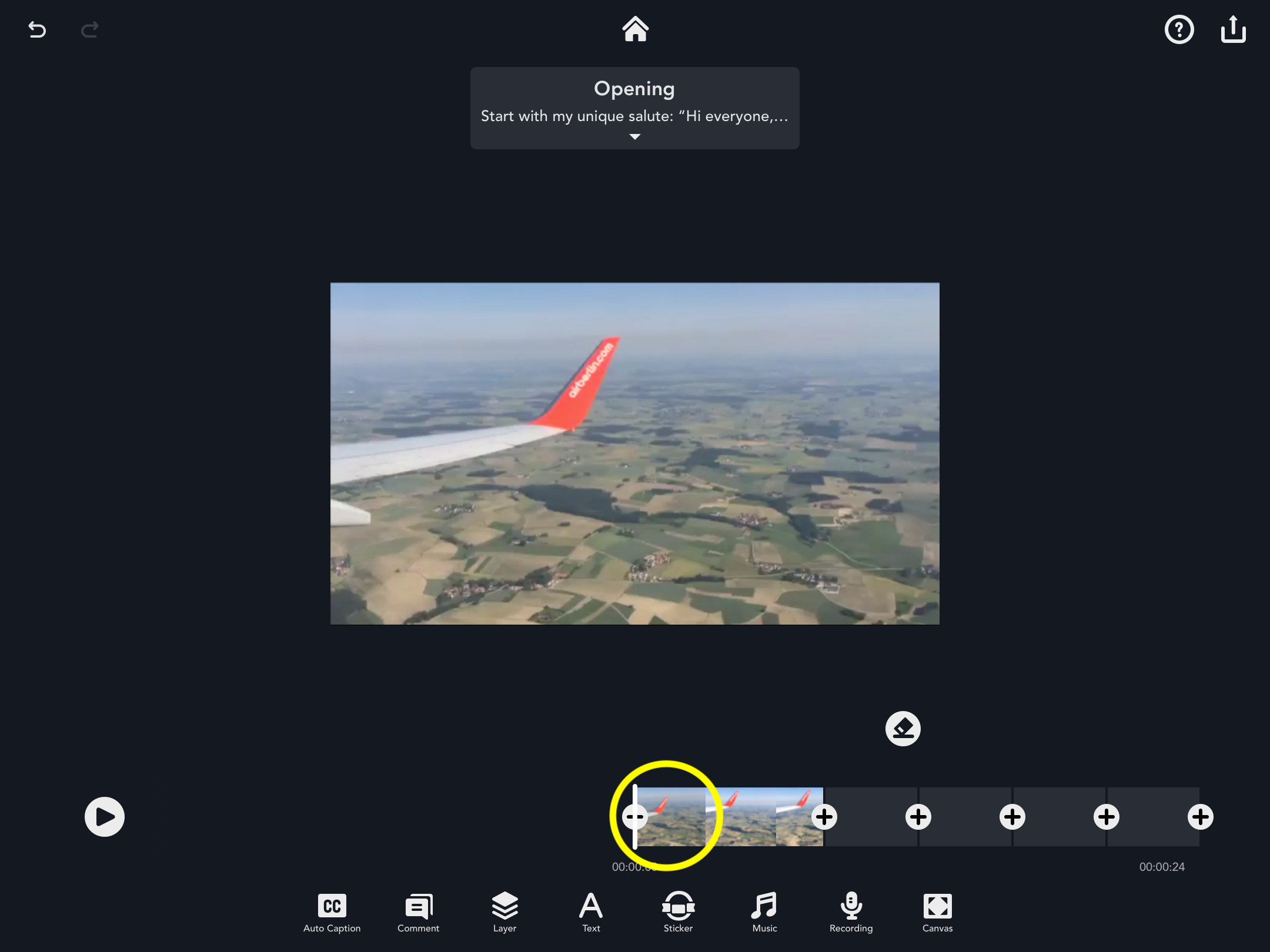
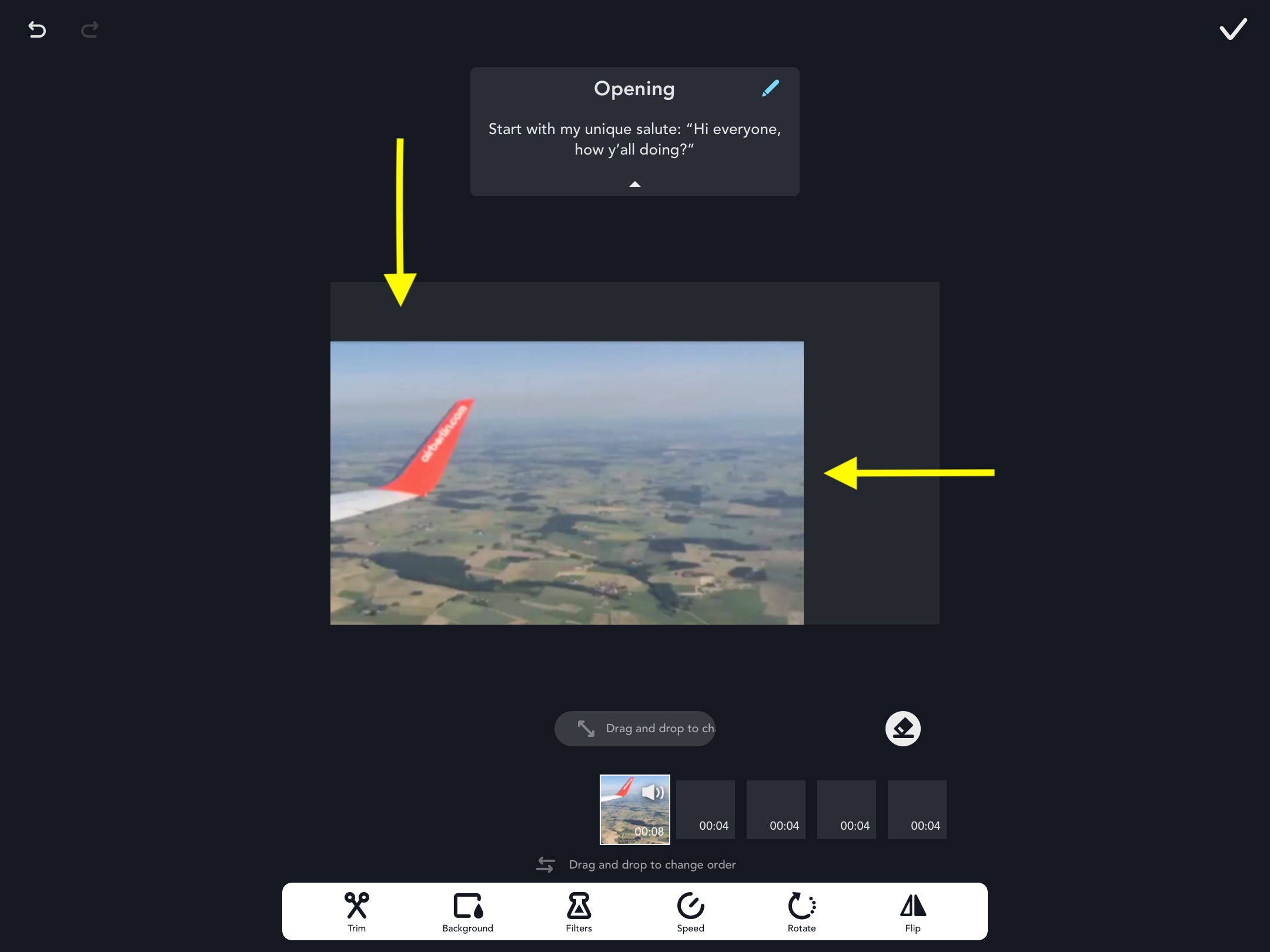
Resize and Transform the Frame To resize and transform the video, first select the pod that you would like to edit. After tapping the “Edit” icon, use two fingers to pinch and slide the video to adjust size. Updated March 23, 2020 02:00 Was this article helpful? Yes No 0 out of 0 found this helpful Have more questions? Submit a request Comments 0 comments Please sign in to leave a comment.
Comments
0 comments
Please sign in to leave a comment.