- To apply a transition , first identify the pods that you would like to transition between.
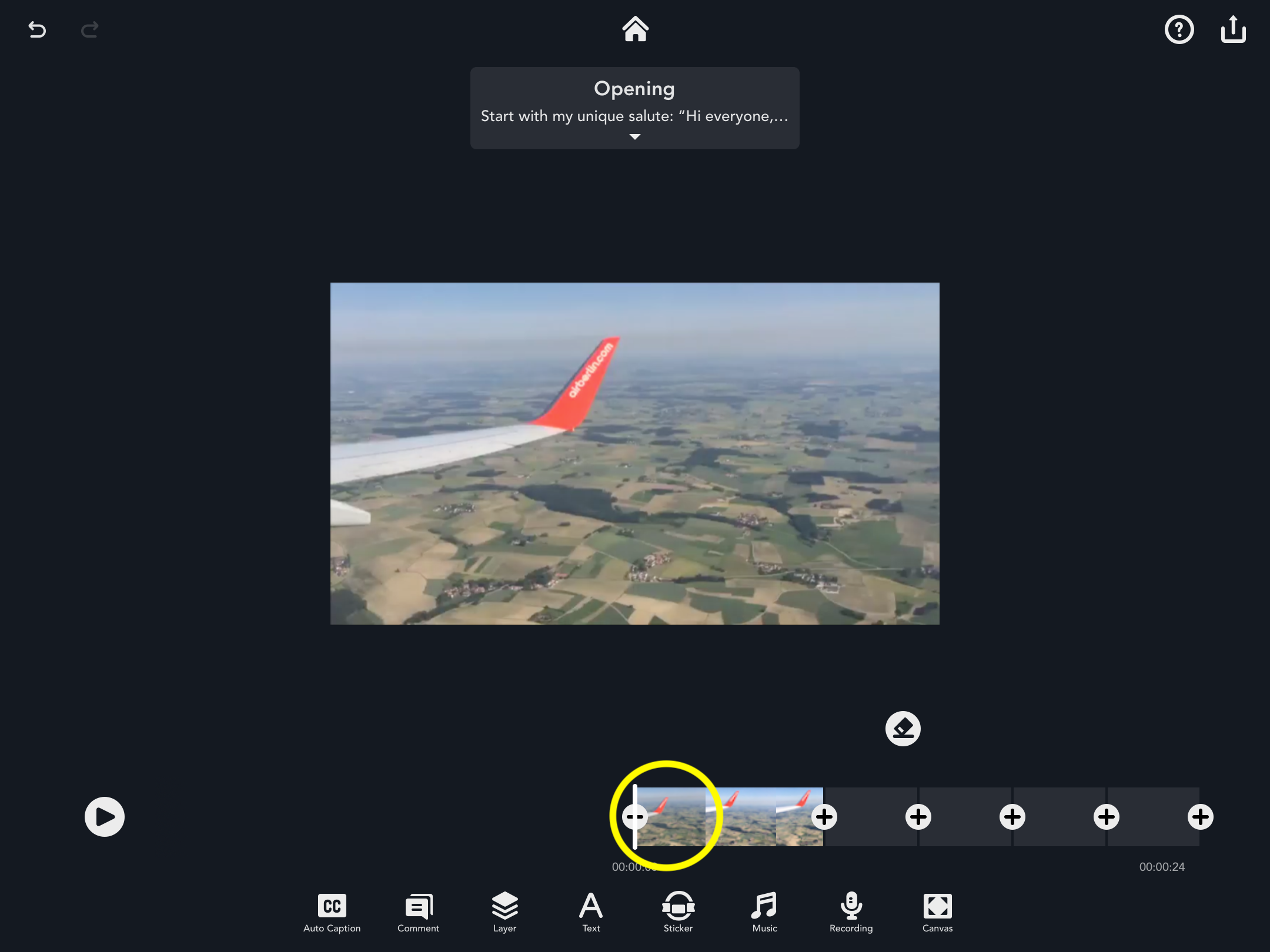
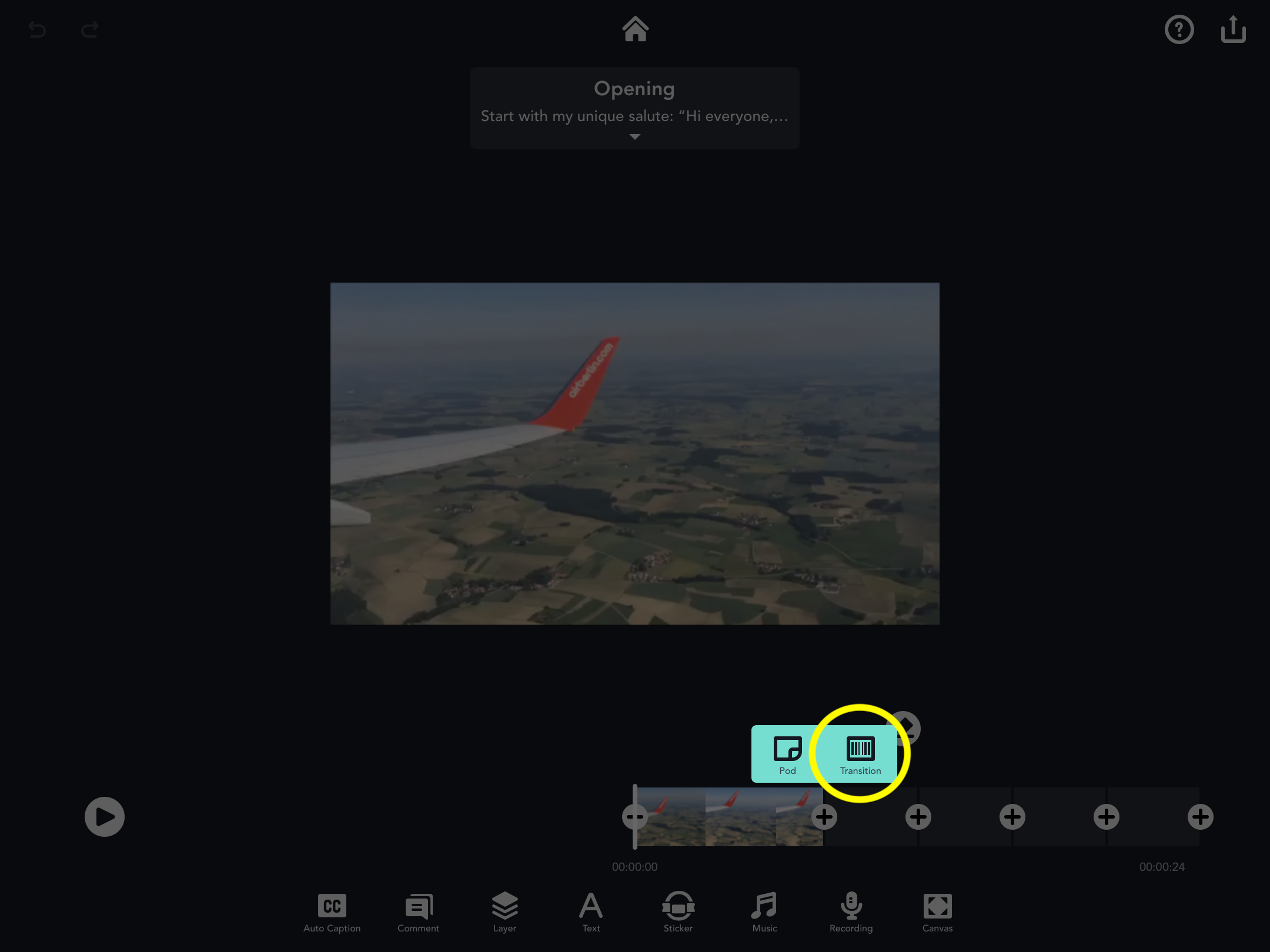
- Then, tap the plus icon located in between the pods and select the ‘Transition’ icon.
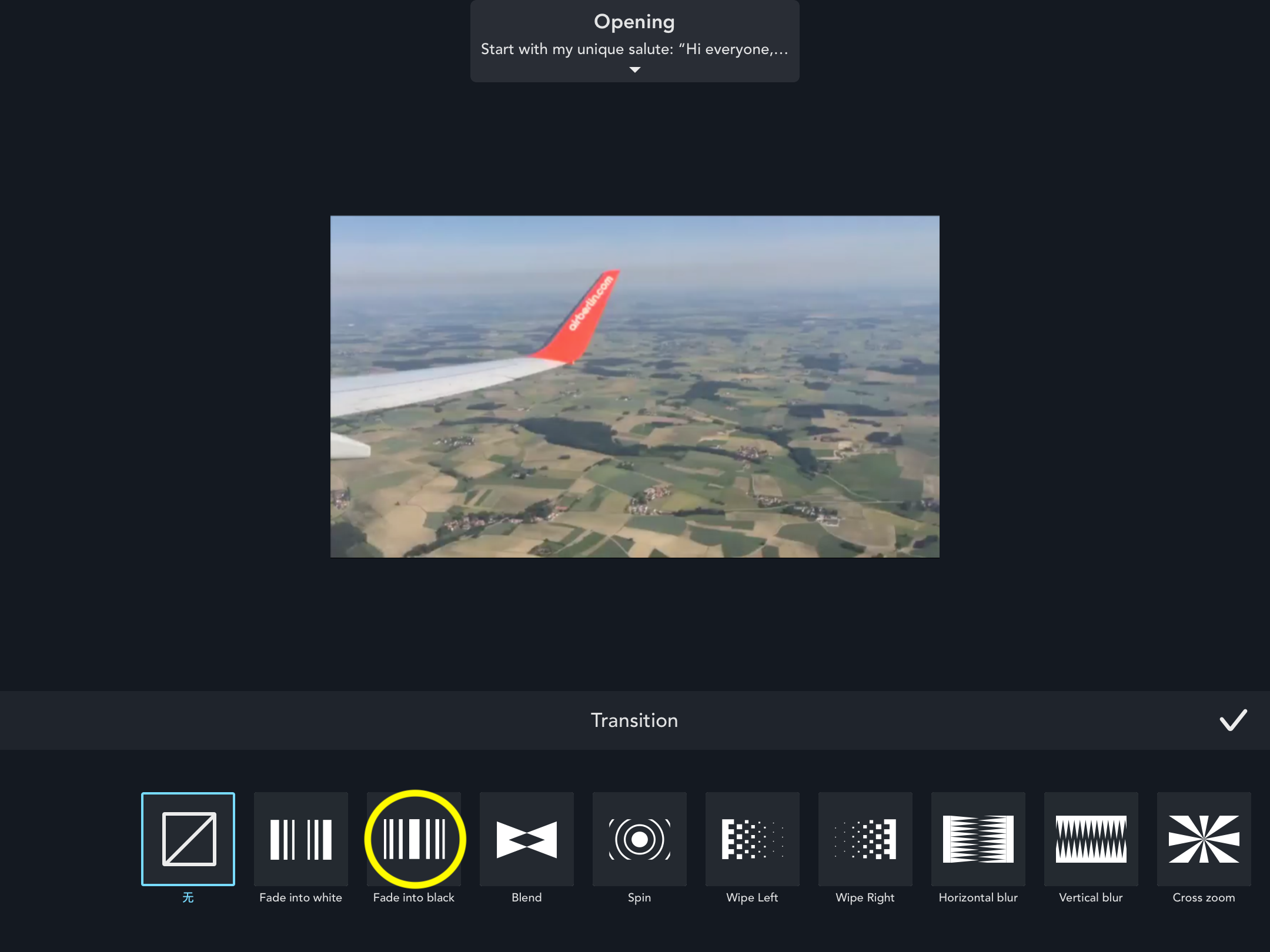
- After that, select one of the many transition effects along the bottom of the screen.
Updated
Comments
0 comments
Please sign in to leave a comment.