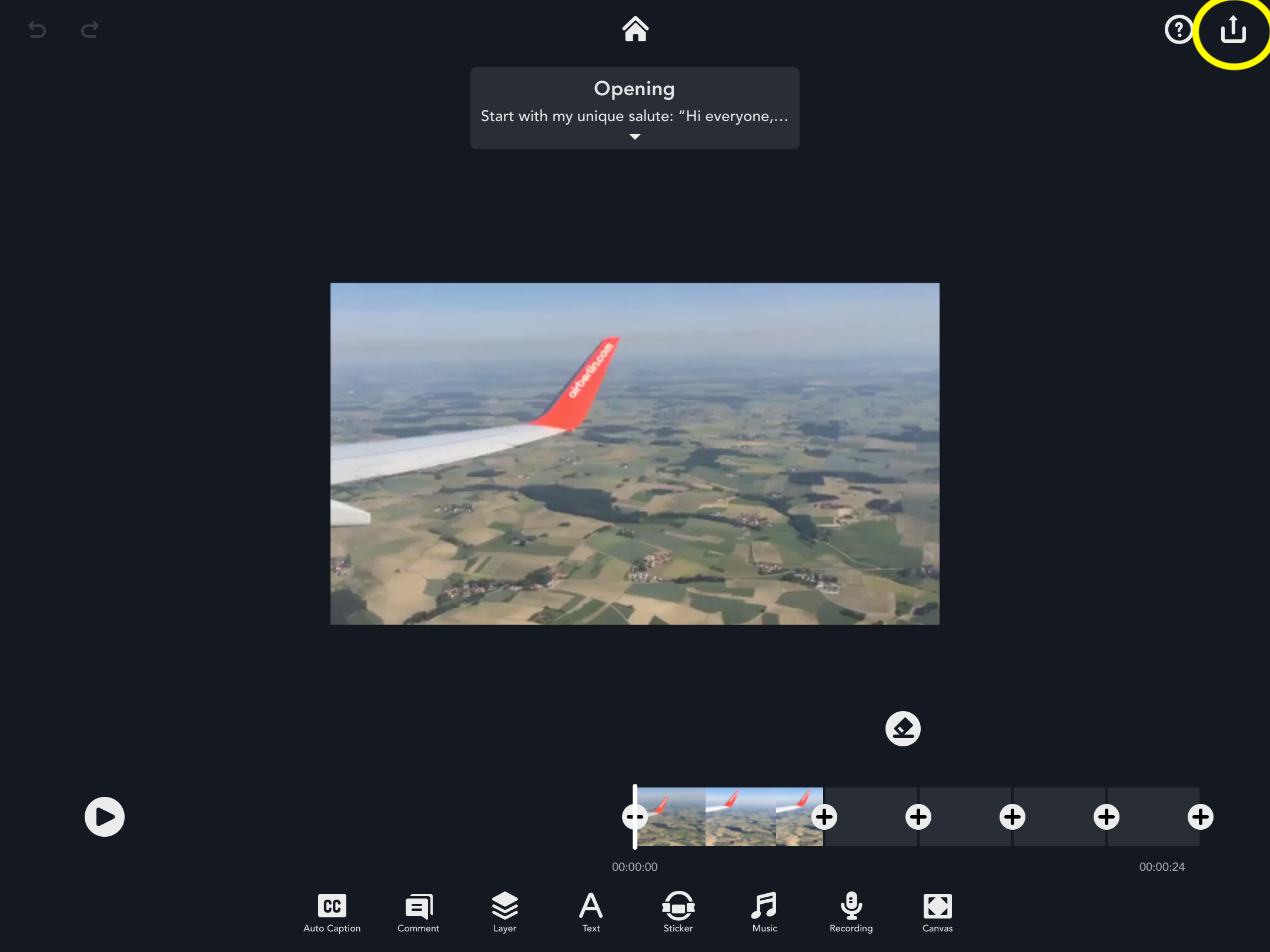
1. To export the video, select the share icon in the top right-hand corner and tap “Video.”
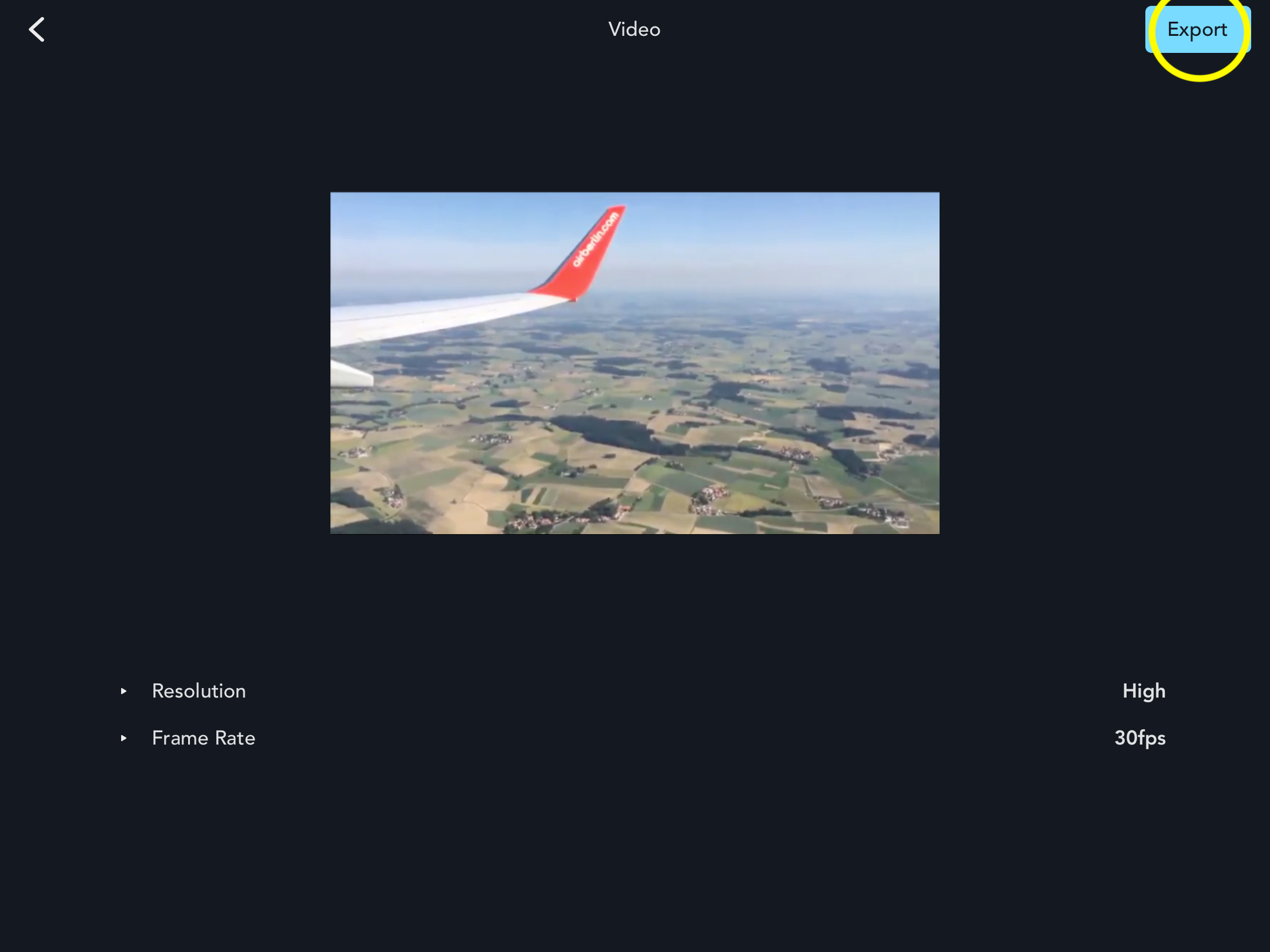
2. After selecting “Export,” your video will be saved to your camera roll.
Updated
1. To export the video, select the share icon in the top right-hand corner and tap “Video.”
2. After selecting “Export,” your video will be saved to your camera roll.
Updated
Comments
0 comments
Please sign in to leave a comment.