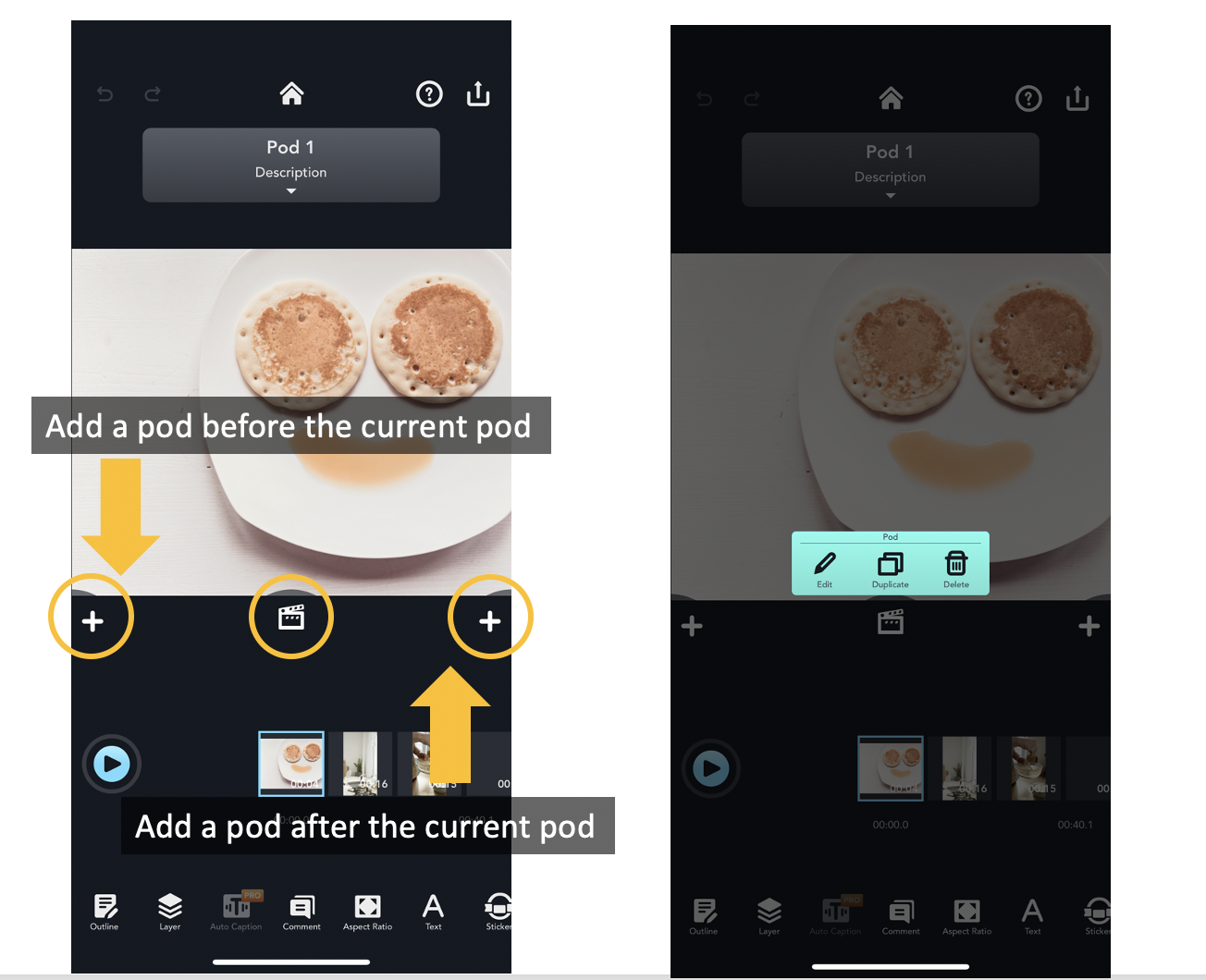
To add a new pod in your video, tap on “+” on the clip and choose “Pod” to add a new one.
To delete a pod, tap on the desired pod and select “Delete.”
To copy a pod, tap on the desired pod and select “Copy.”
To move a pod, tap on the desired pod and select edit. Then, select the pod again and drag it to the new desired location within your clip.
Updated
Comments
0 comments
Please sign in to leave a comment.