Adding pages to your PDFs as you need gives you additional options for your own use, as well as for personal files.
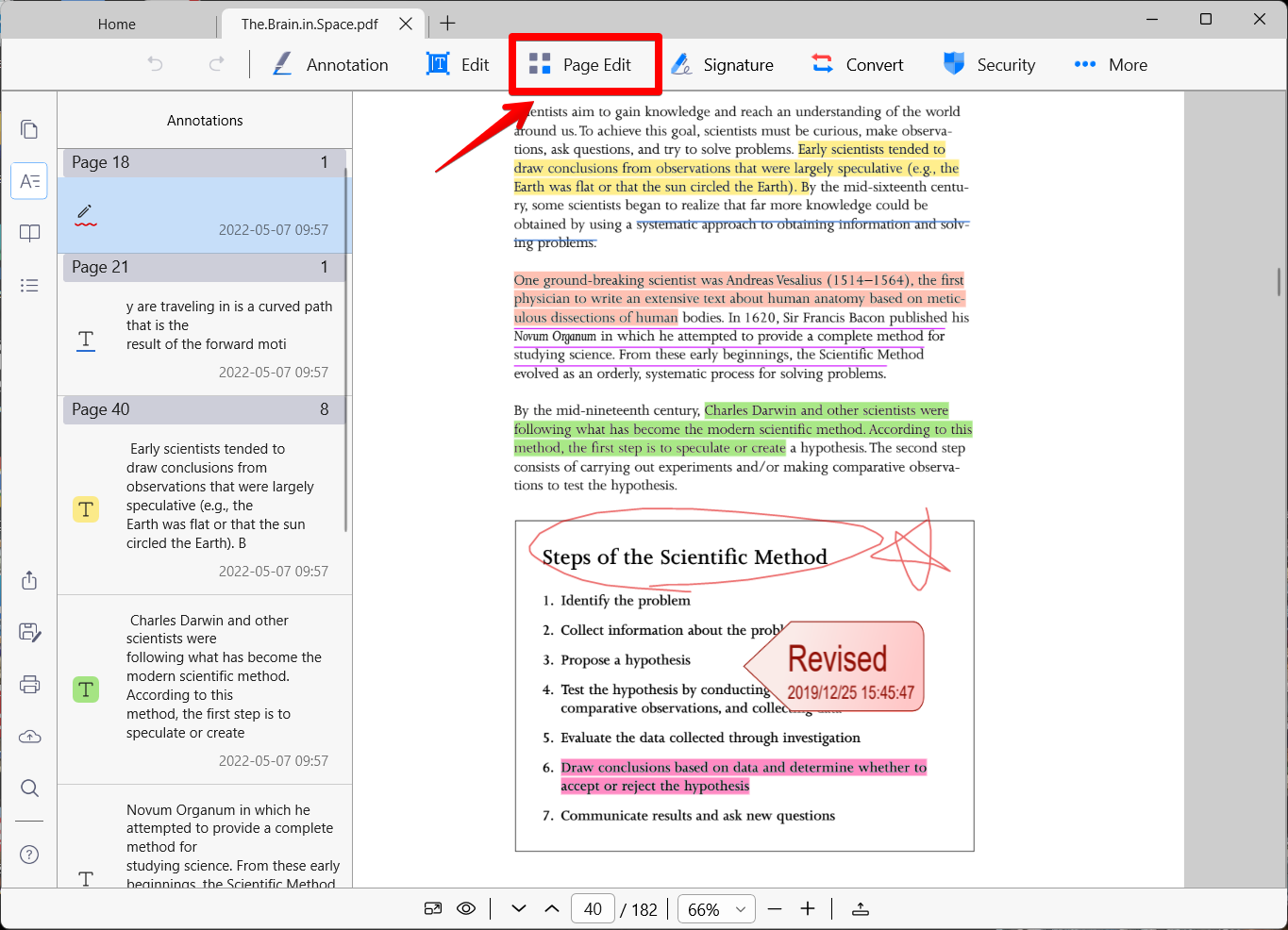
1. Open a PDF file and click on the "Page Edit" button on the top menu bar.
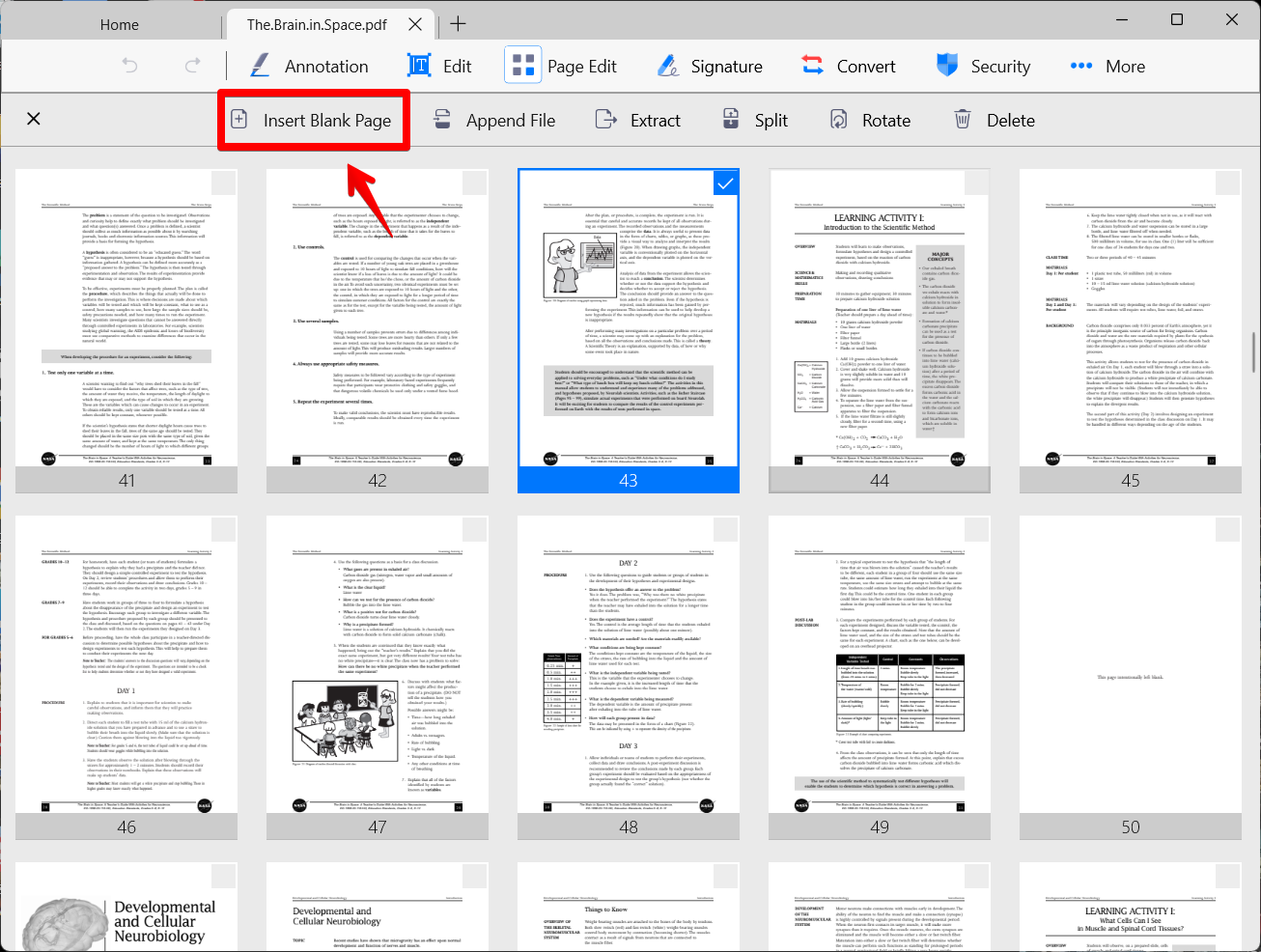
2. The PDF will display as page thumbnails. Next, tap on one page where you want to insert a new page. (Once a page has been selected, a blue checkmark will appear)
3. Click on the "Insert" button to insert a new page.
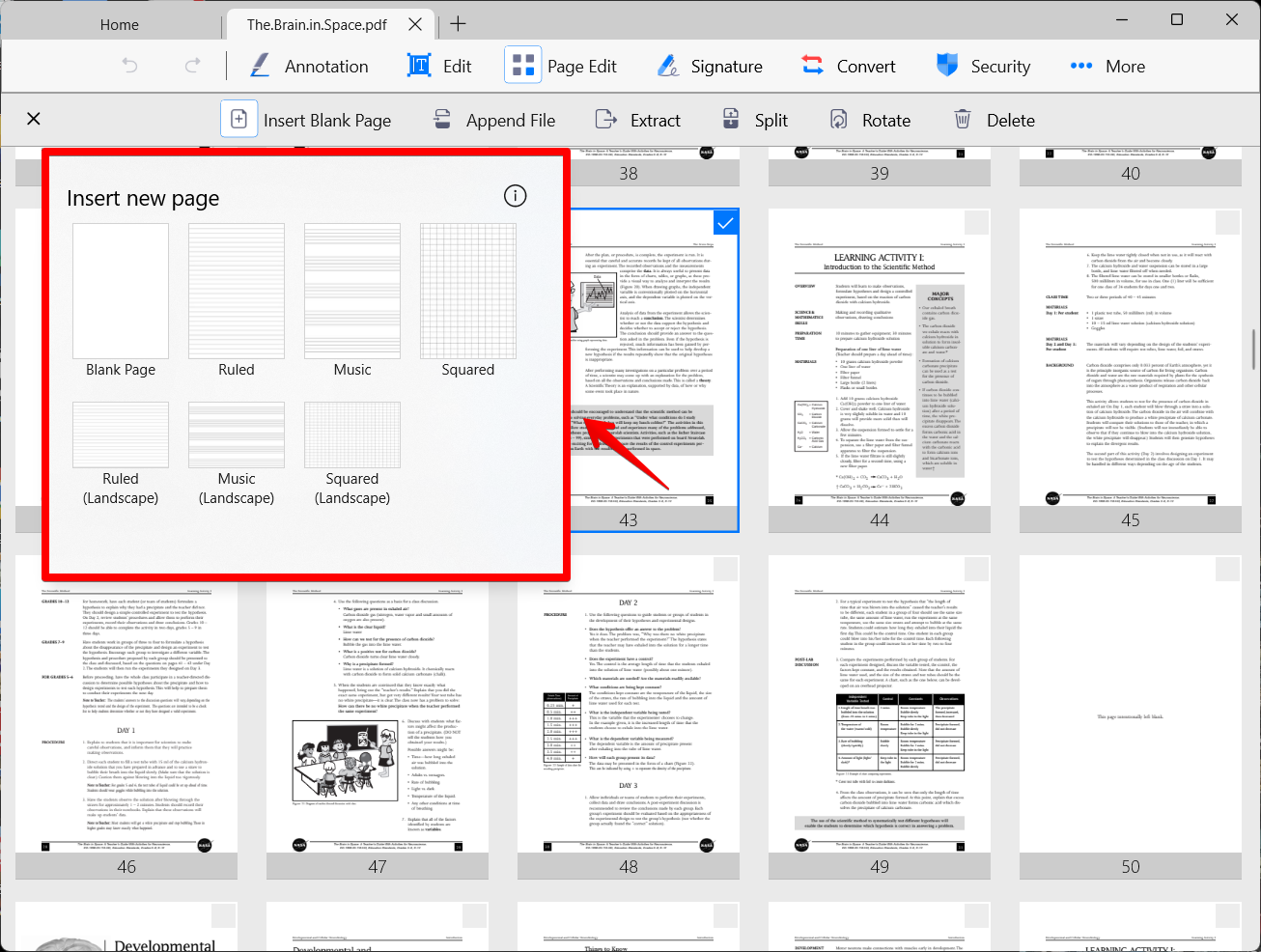
4. You can select a page from the page templates.
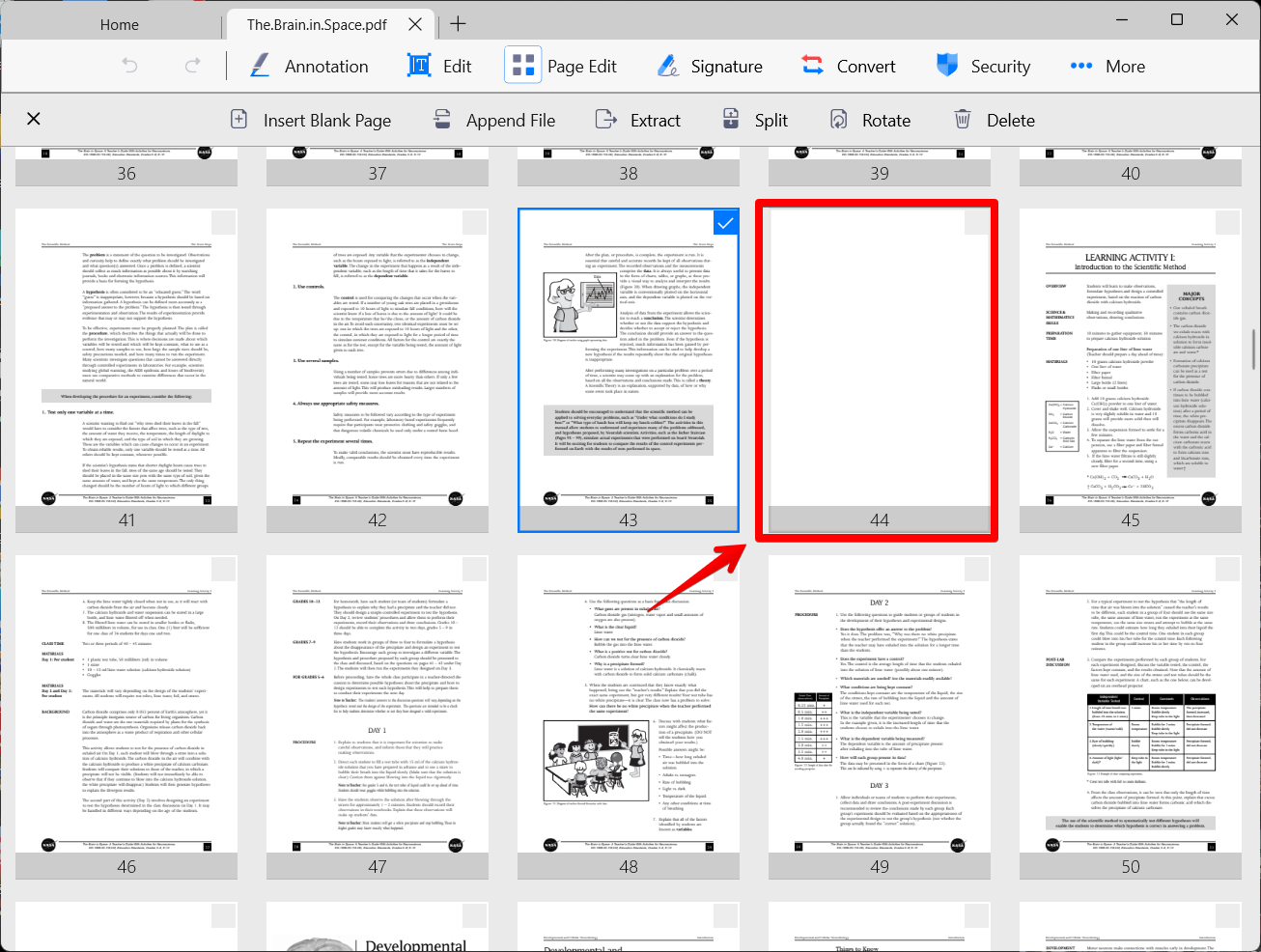
5. The new blank page will be added after the selected page.
Updated
Comments
0 comments
Please sign in to leave a comment.