In dealing with digital documents, we all encounter unwanted pages. There is no simple solution for removing these pages from PDF files. With PDF Reader, you can delete the unwanted pages in a flash.
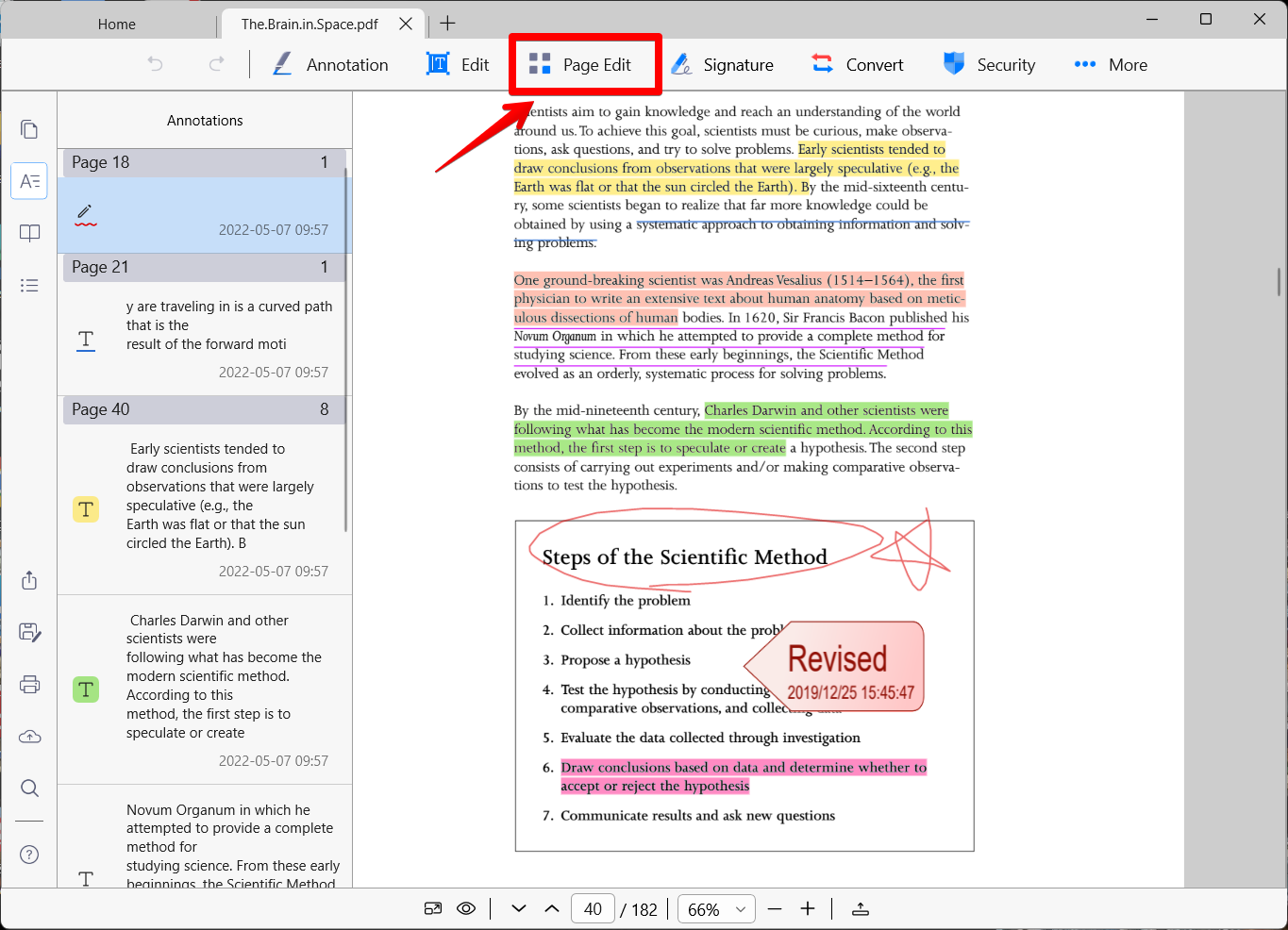
1. Open a PDF file and click on the "Page Edit" button on the top menu bar.
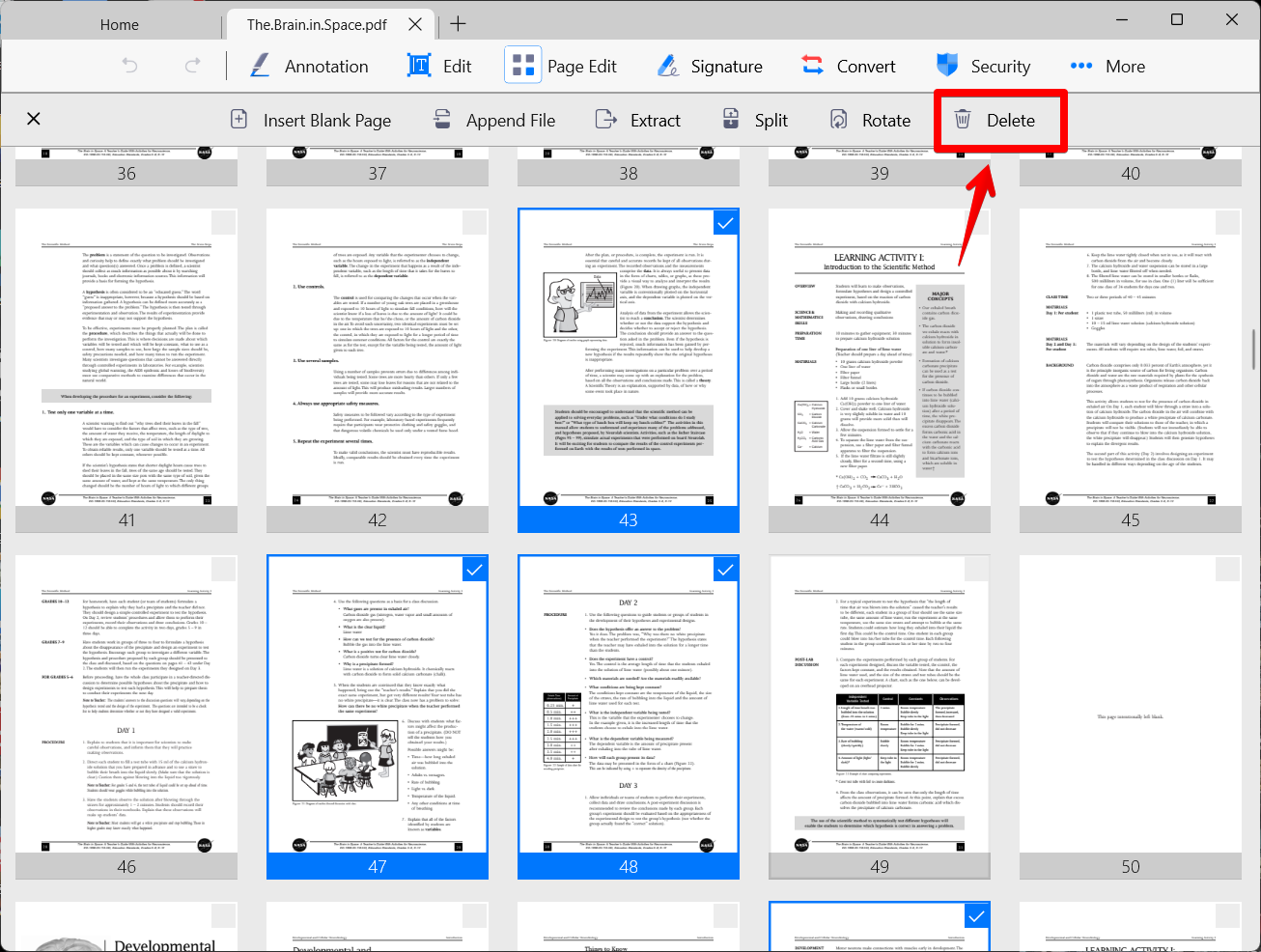
2. The PDF will display as page thumbnails. Then select page(s) you would like to remove by clicking on the page(s). (When the page is selected, a blue border will appear around it.)
3. Click on the "Delete" button to remove the page(s) from the PDF.
Updated
Comments
0 comments
Please sign in to leave a comment.