Result

Settings
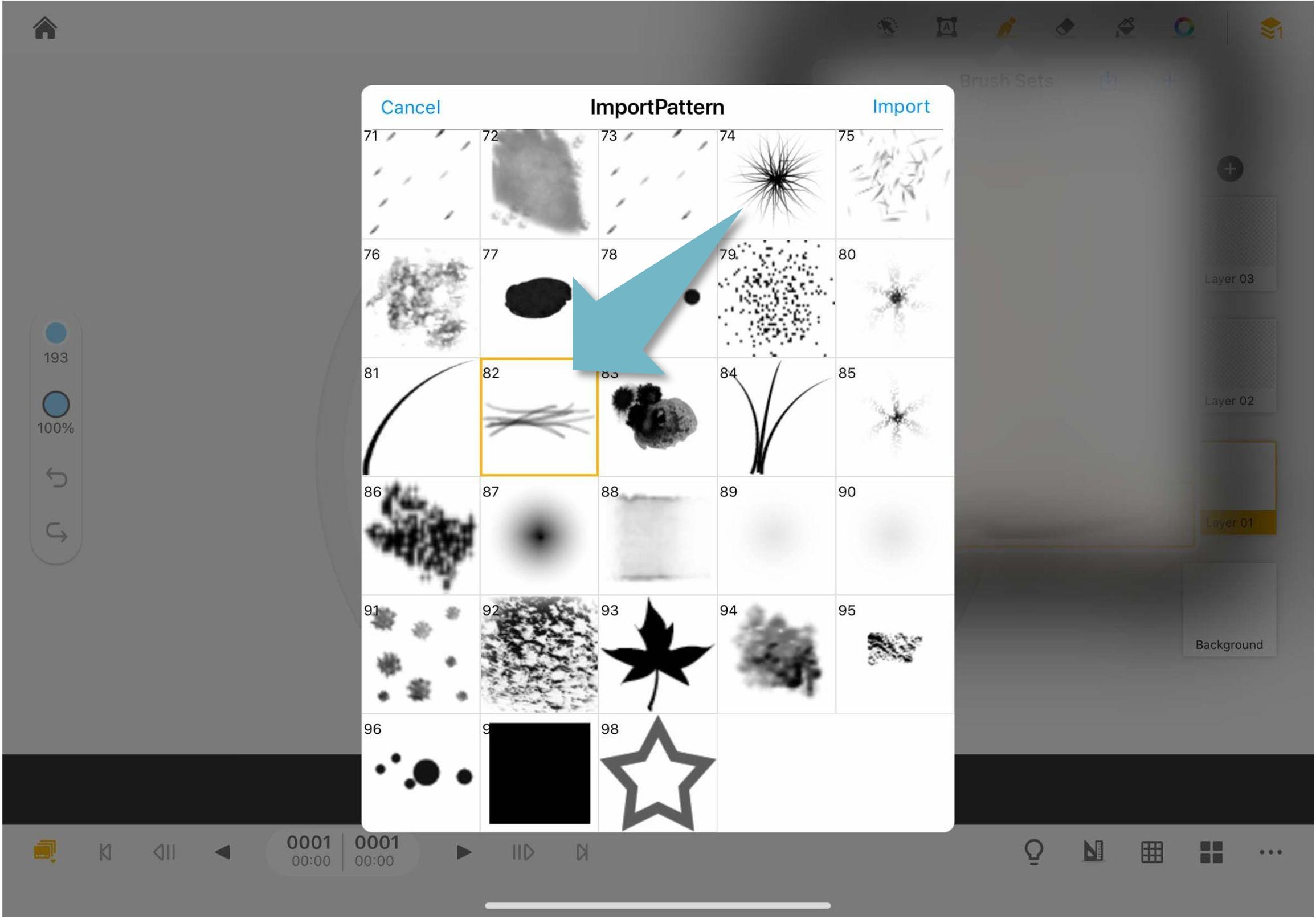
01. Tap the "+" icon on the brush menu, and select pattern #82.
02. Go to "Strok Path"
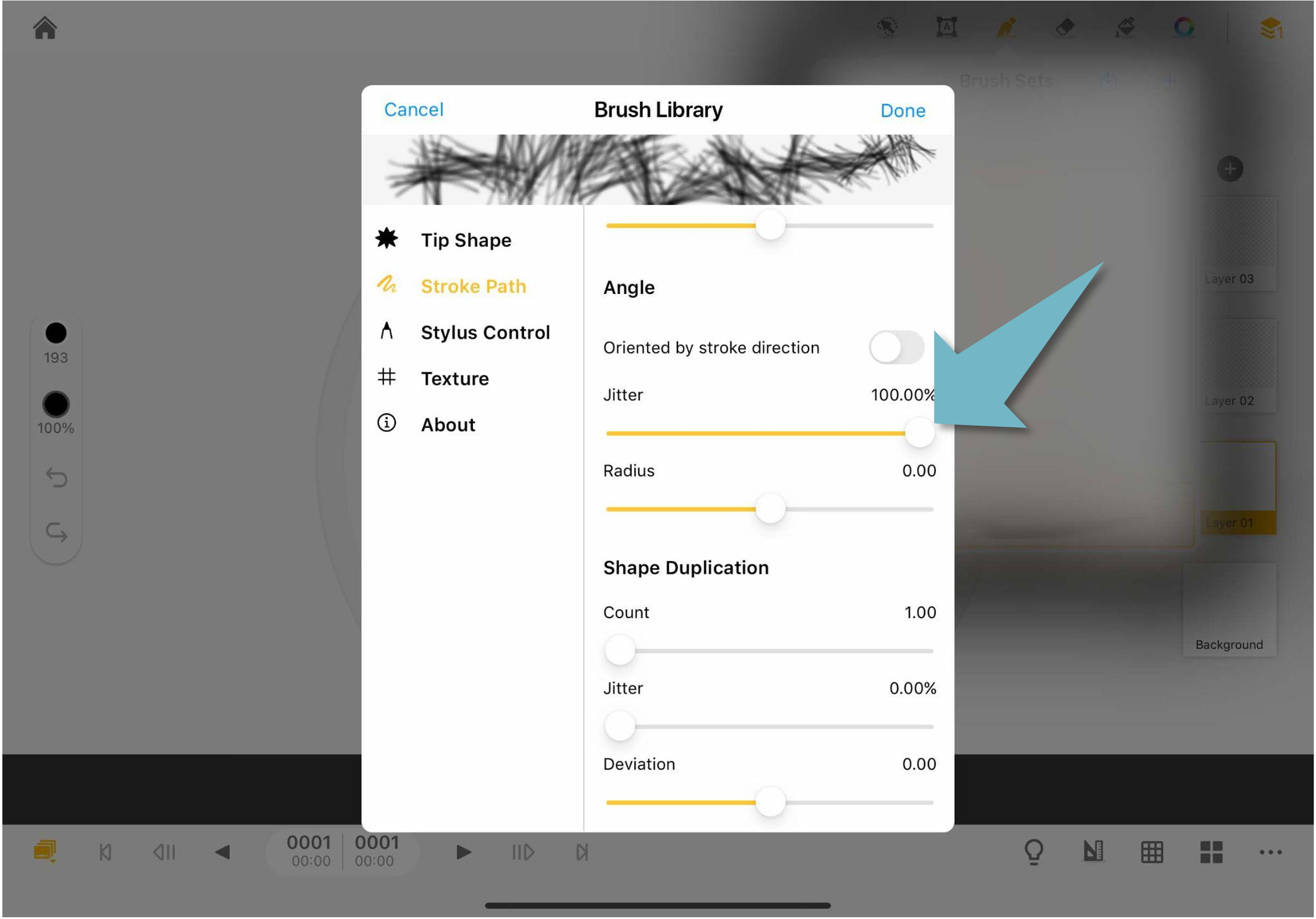
03. Set the "Angle Jitter" value to 100% to increase the jittering angle.
Updated
01. Tap the "+" icon on the brush menu, and select pattern #82.
02. Go to "Strok Path"
03. Set the "Angle Jitter" value to 100% to increase the jittering angle.
Updated
Comments
0 comments
Please sign in to leave a comment.