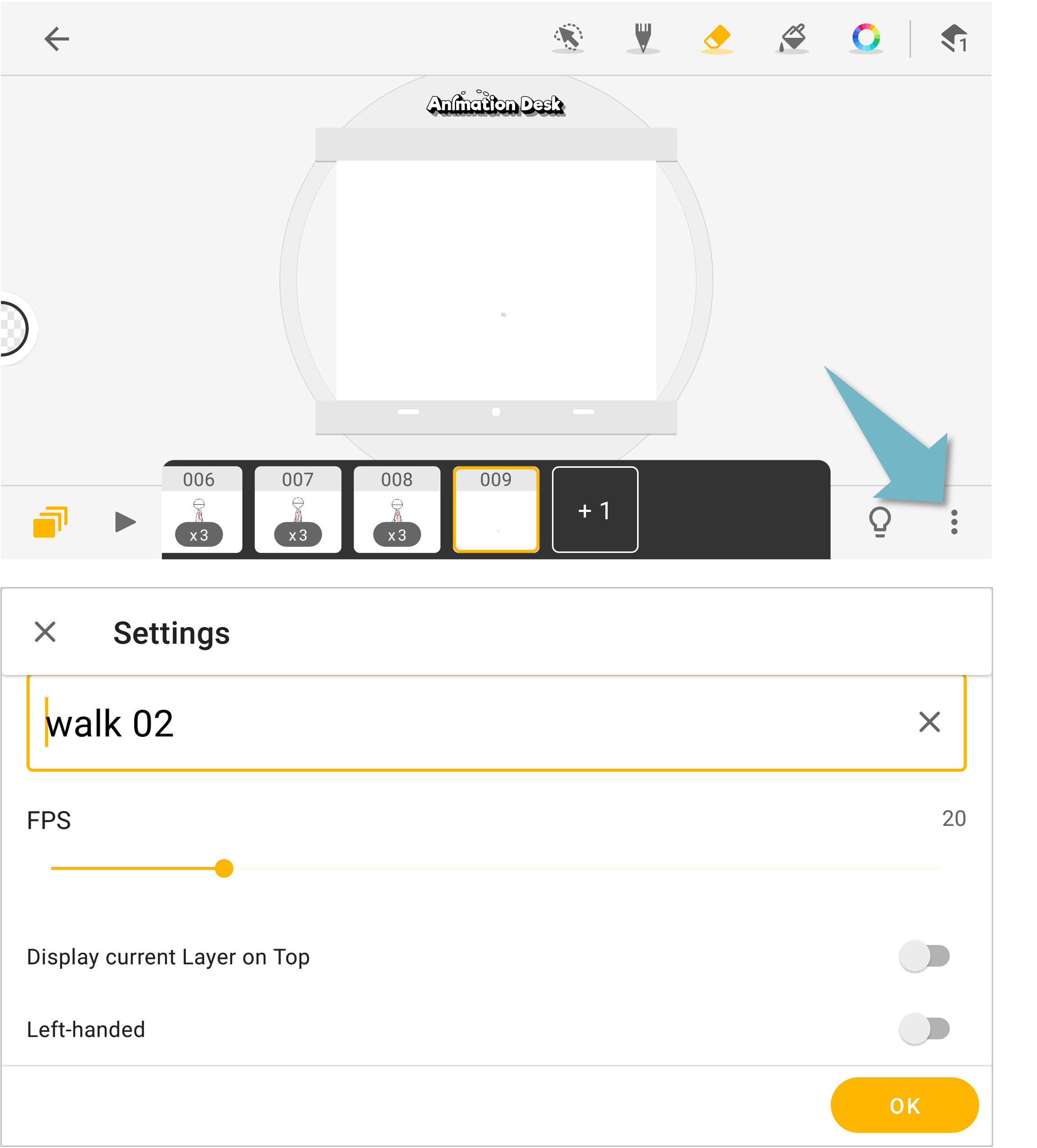
You can change the FPS, onion skin display in the app settings. Tap the 3-dot button at the lower-right of the canvas. Tap on "Settings" Use toggle buttons or drag the bars to modify the settings.
Updated
You can change the FPS, onion skin display in the app settings. Tap the 3-dot button at the lower-right of the canvas. Tap on "Settings" Use toggle buttons or drag the bars to modify the settings.
Updated
Comments
0 comments
Please sign in to leave a comment.