Markup now offers multiple highlight methods, both on the Explore page and in “My Markups.” To learn more about highlighting from the Explore page, refer to this article.
1. Head over to the Markup Web App, then go to “My Markups.”
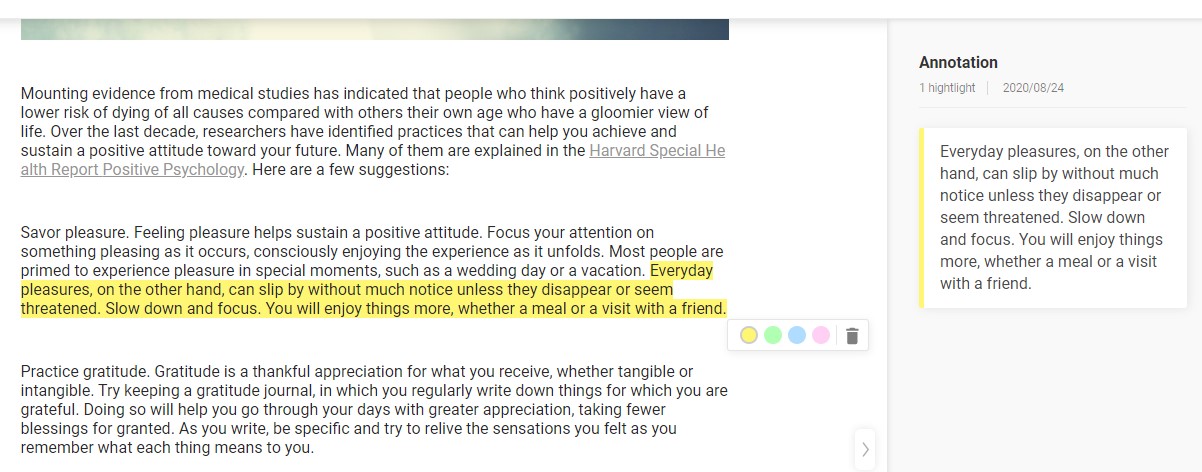
2. Simply open any article in “My Markups” and select the text you’d like to highlight. There will be a highlighter icon that pops up; select the highlight color of your choice.
Comments
0 comments
Please sign in to leave a comment.