1. Open the PDF you would like to share
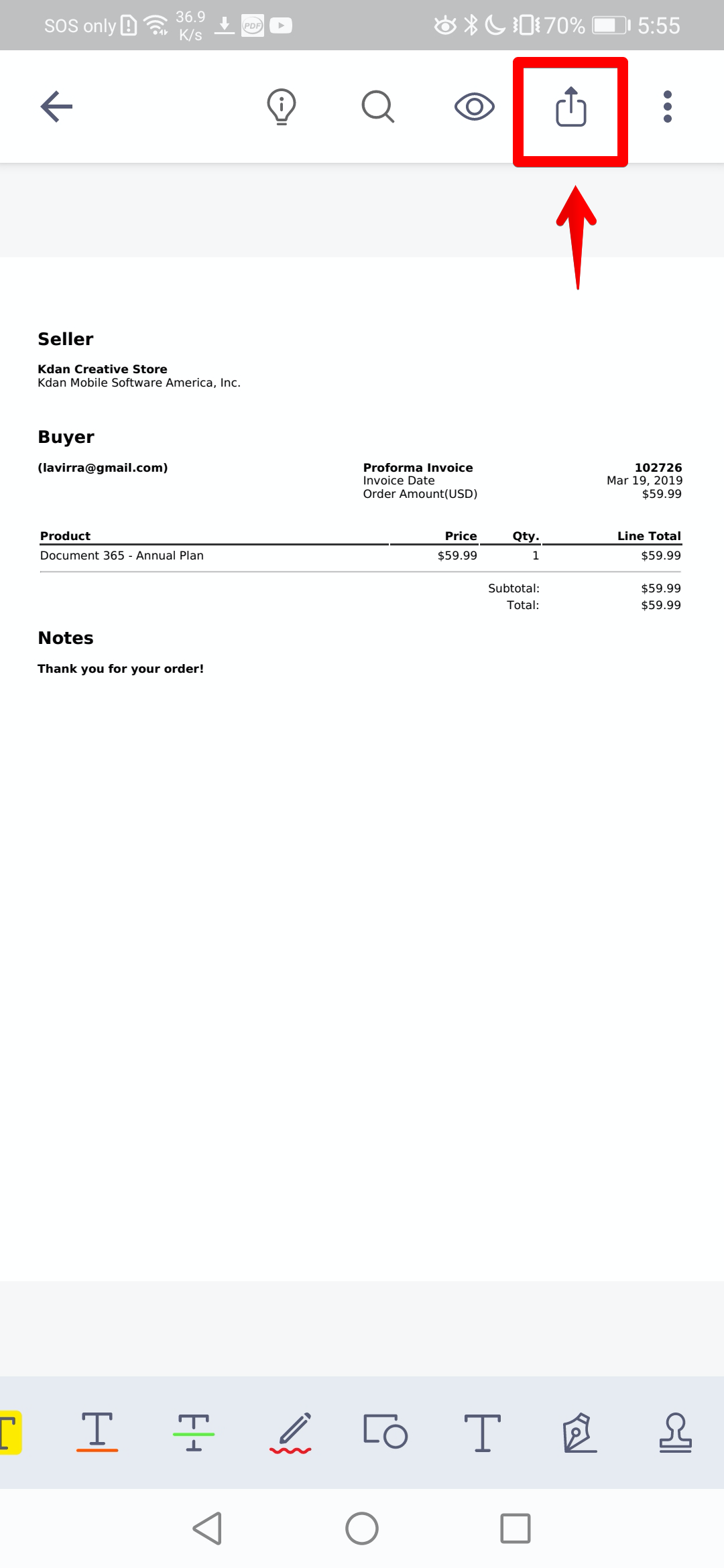
2. Tap the "Share" button at the top of the screen
(Note: The new interface is available for version 3.37.1 and later)
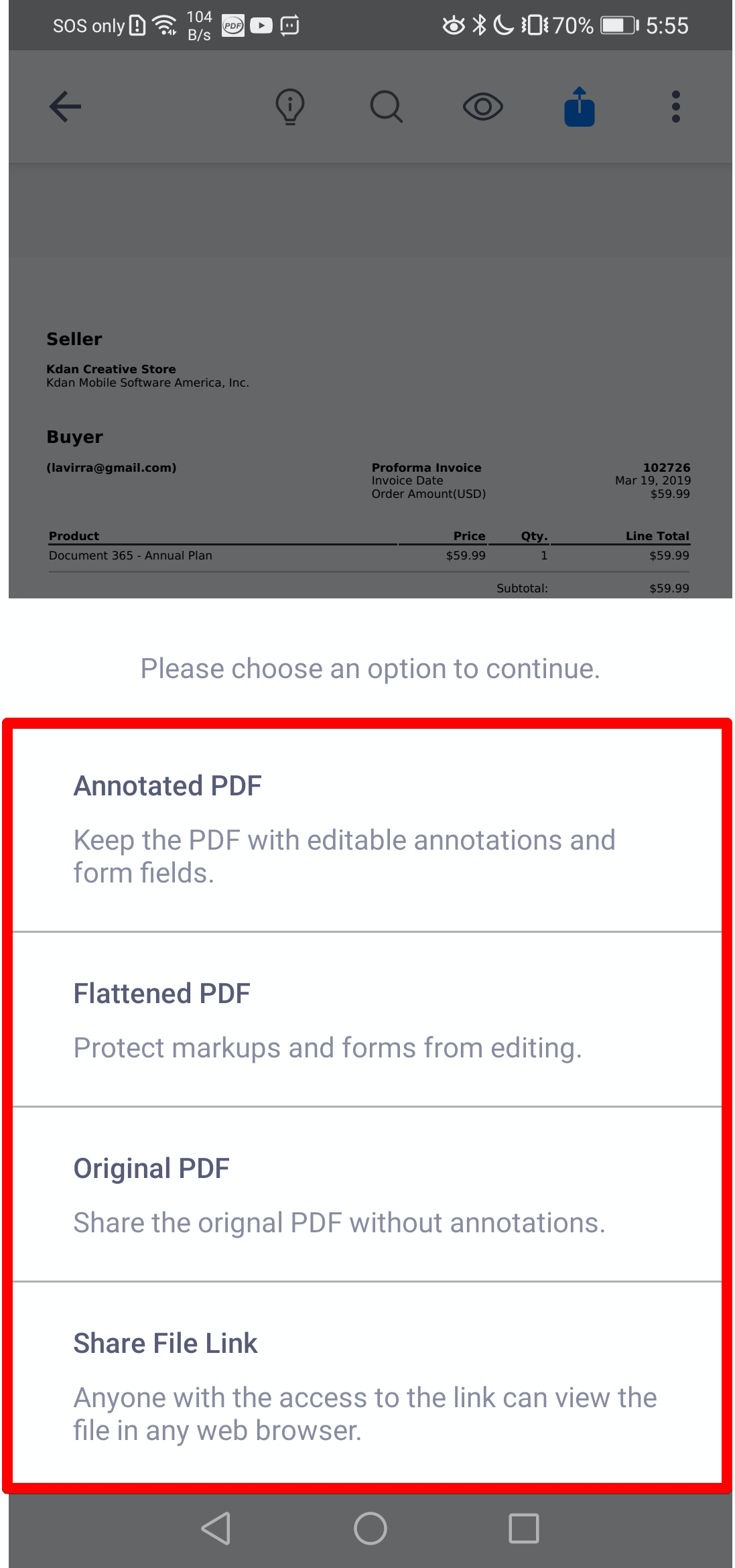
3. You will see 4 options for sharing the document, including:
- Annotated PDF: Keep the PDF with editable annotations
- Flattened PDF: Flatten all annotations to PDF and protect them from editing
- Original PDF: Share the original PDF without annotations
- Share File Link: Share the PDF as a download link
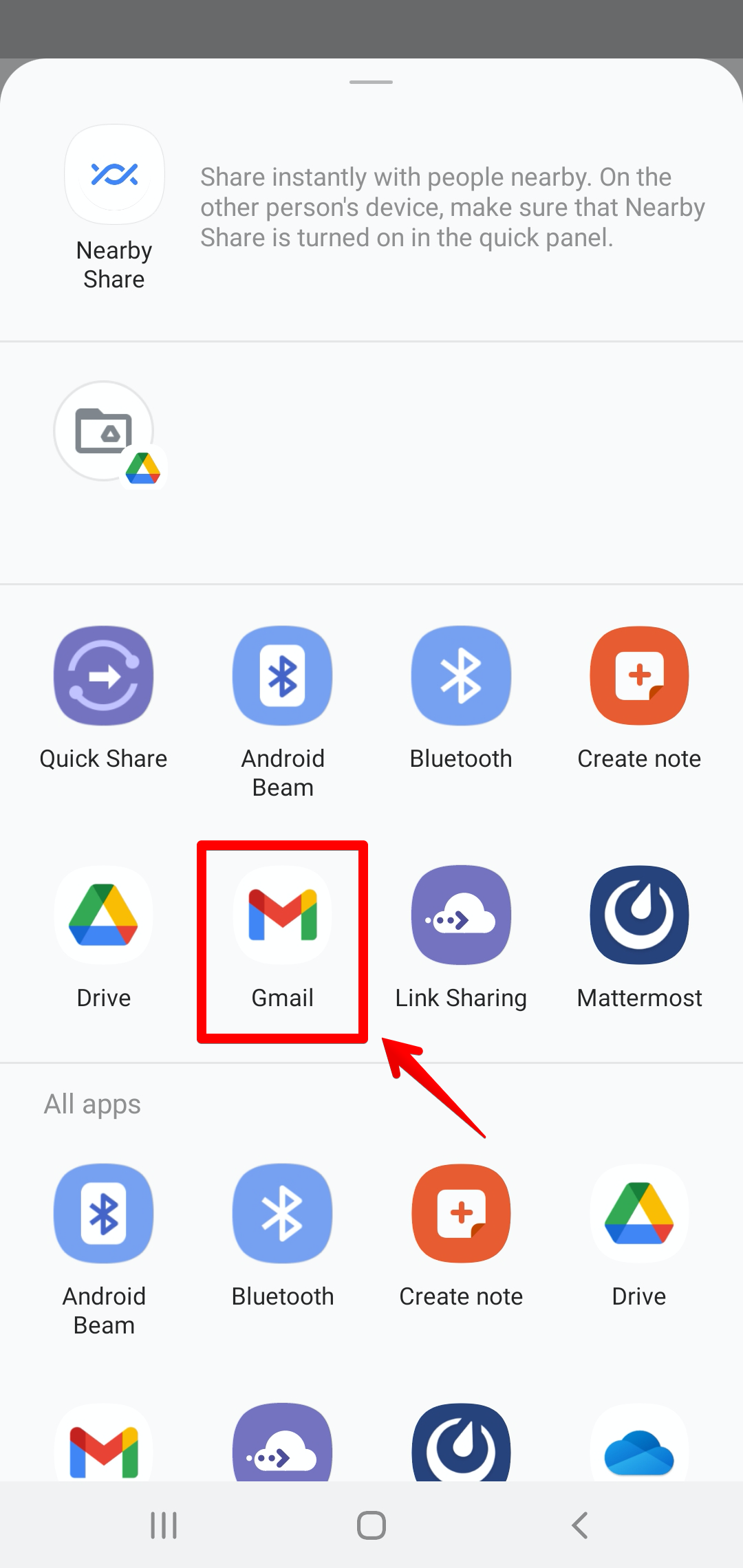
4. Then choose a method from the pop-up menu to share the PDF (Using Gmail as an example)
Updated
Comments
0 comments
Please sign in to leave a comment.