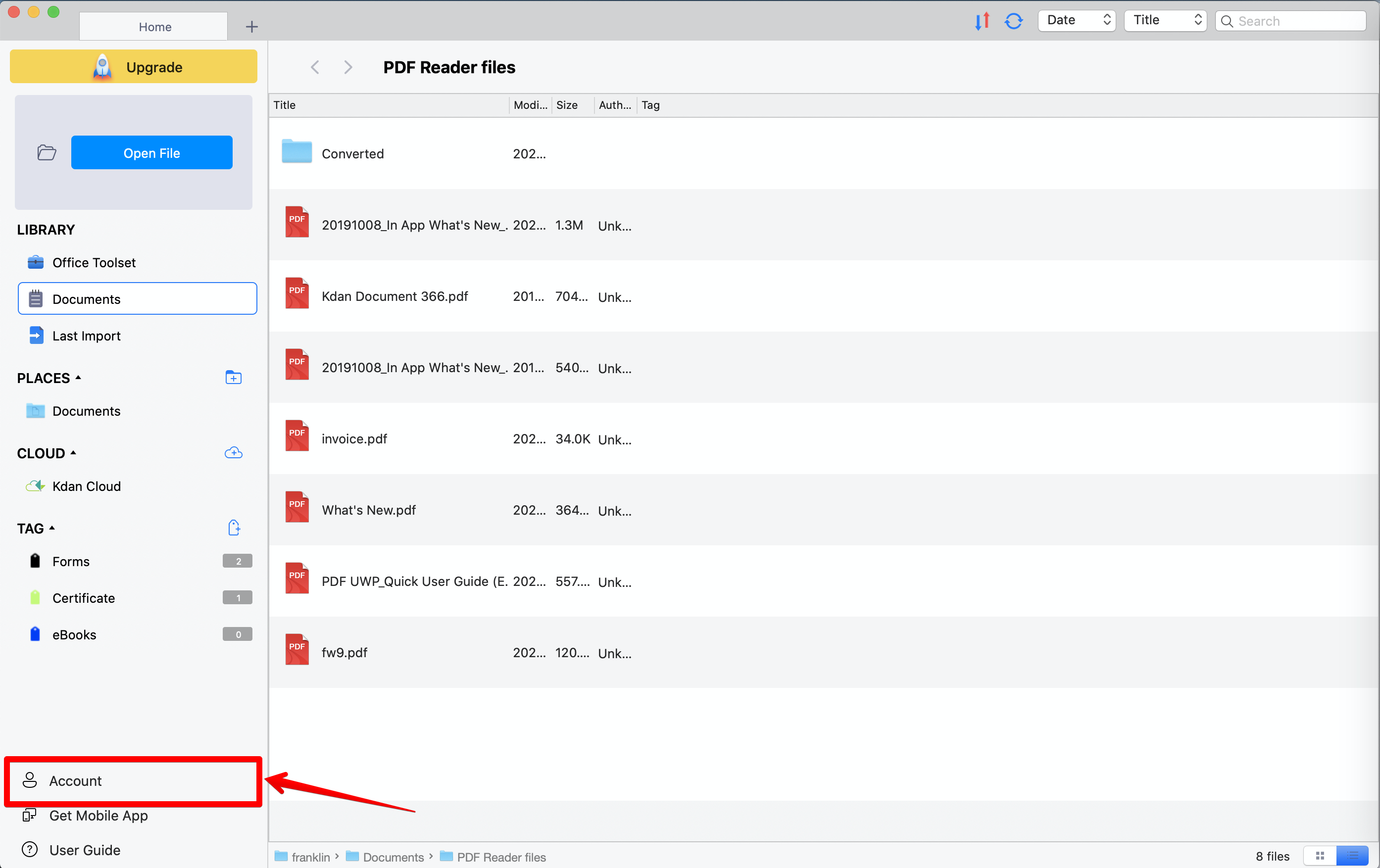
1. Switch to “Home” tab and sign in with your Kdan ID
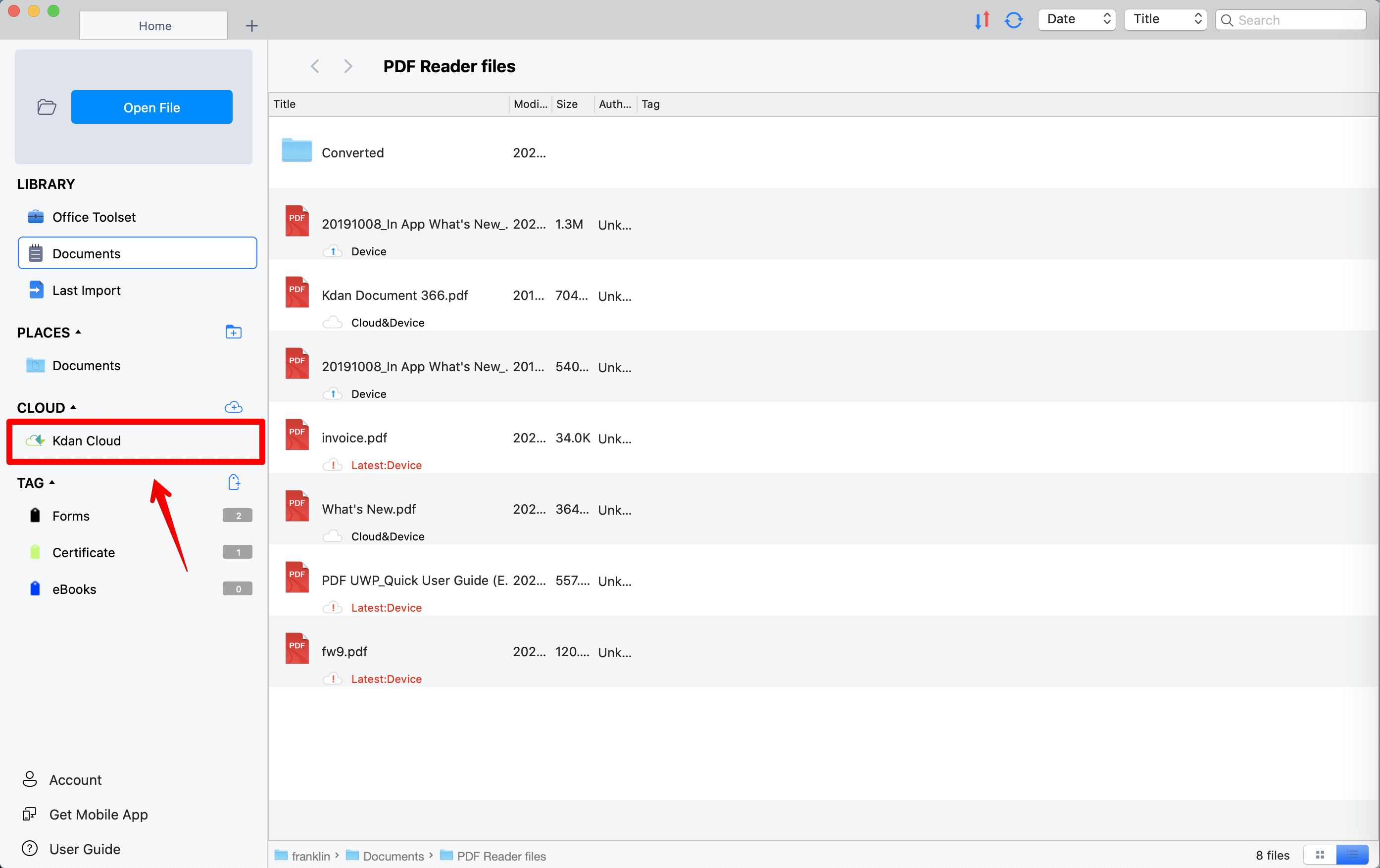
2. Go to the “Kdan Cloud” section to see all files on Kdan Cloud.
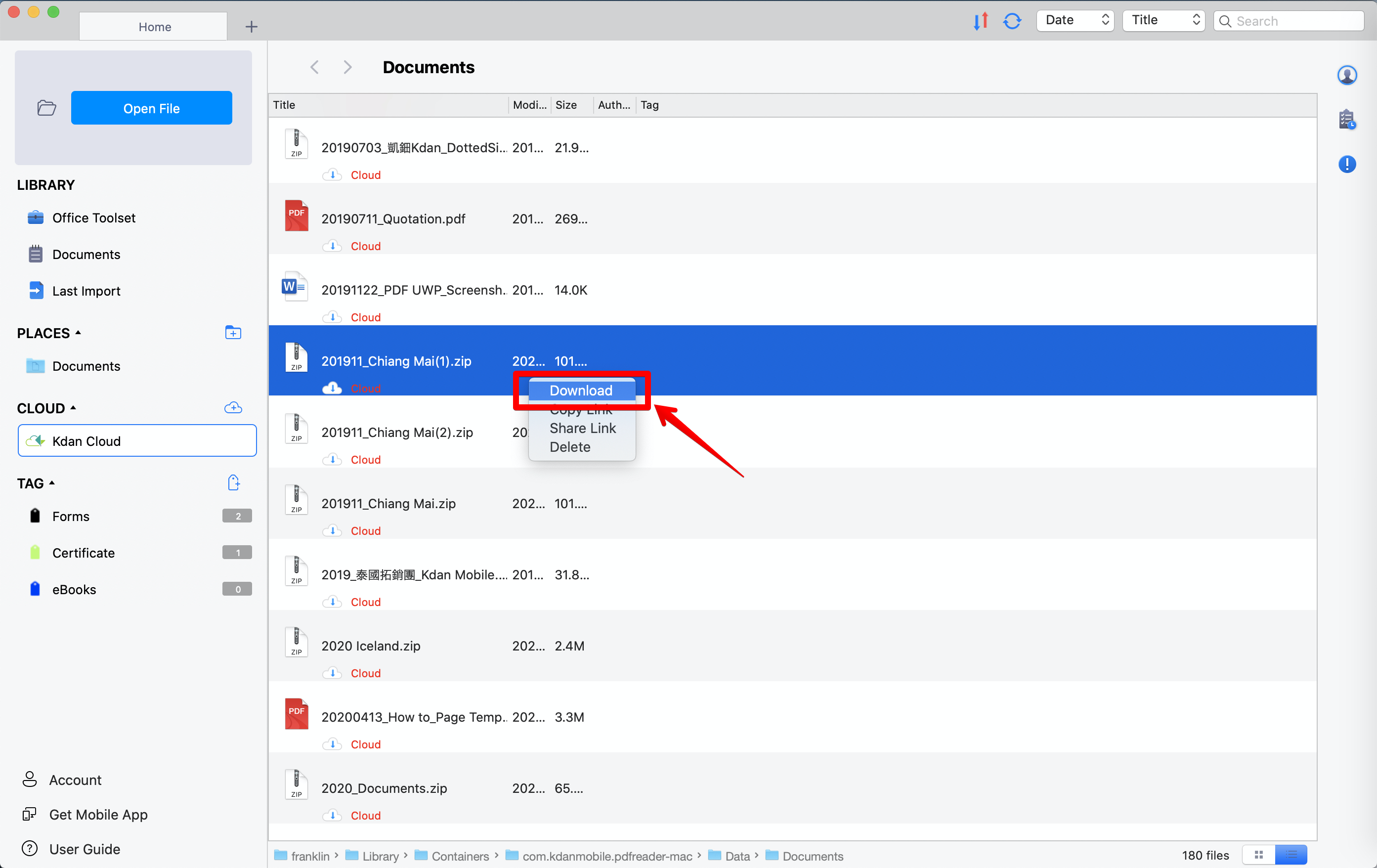
3. Locate the file. Right-click on it and select “Download” to download it to PDF Reader
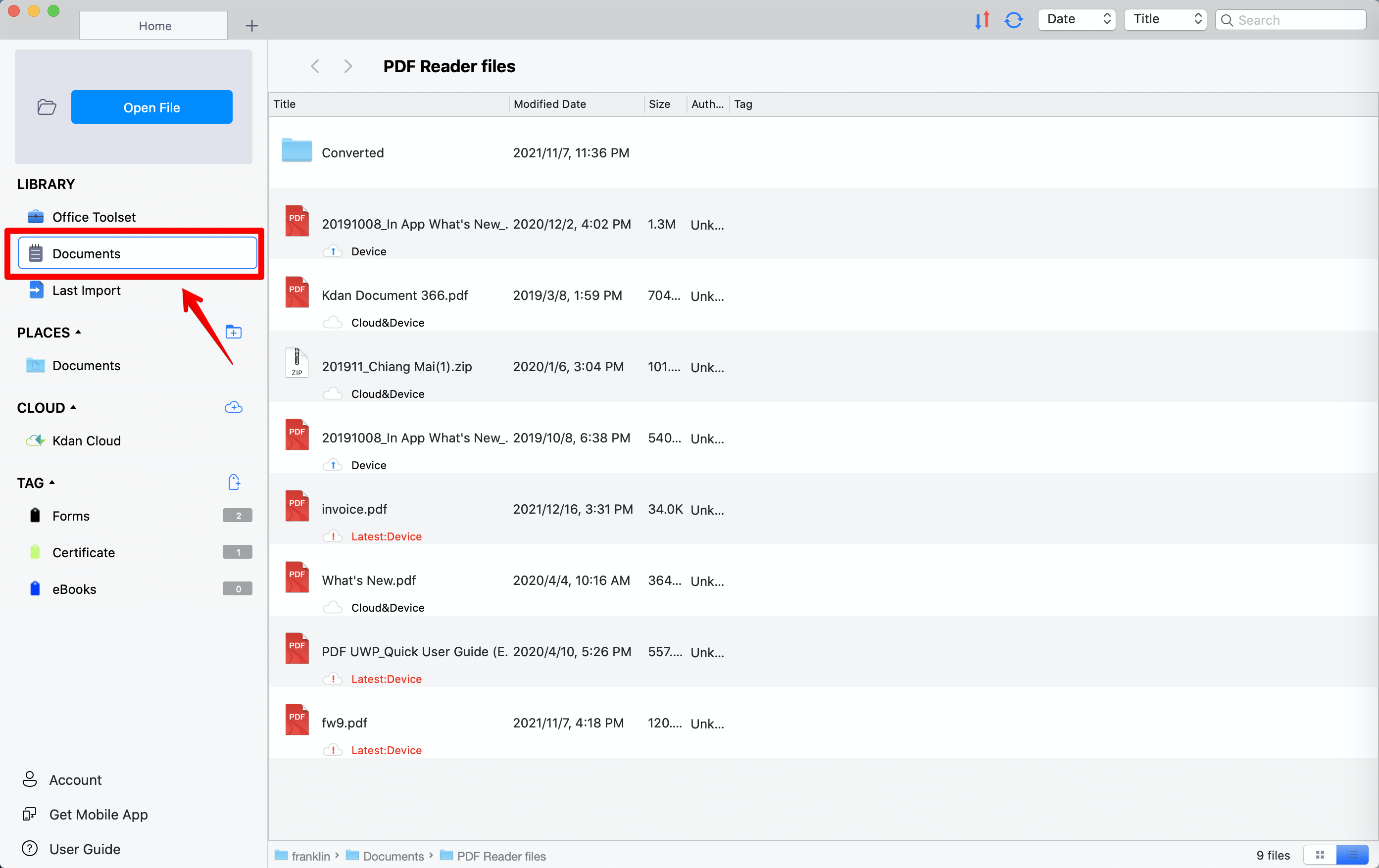
4. The downloaded file will be displayed in the file list (PDF Reader files folder) under the "Documents" section.
Updated
Comments
0 comments
Please sign in to leave a comment.