When you first enter Write-on Video Windows, this is what you will see.
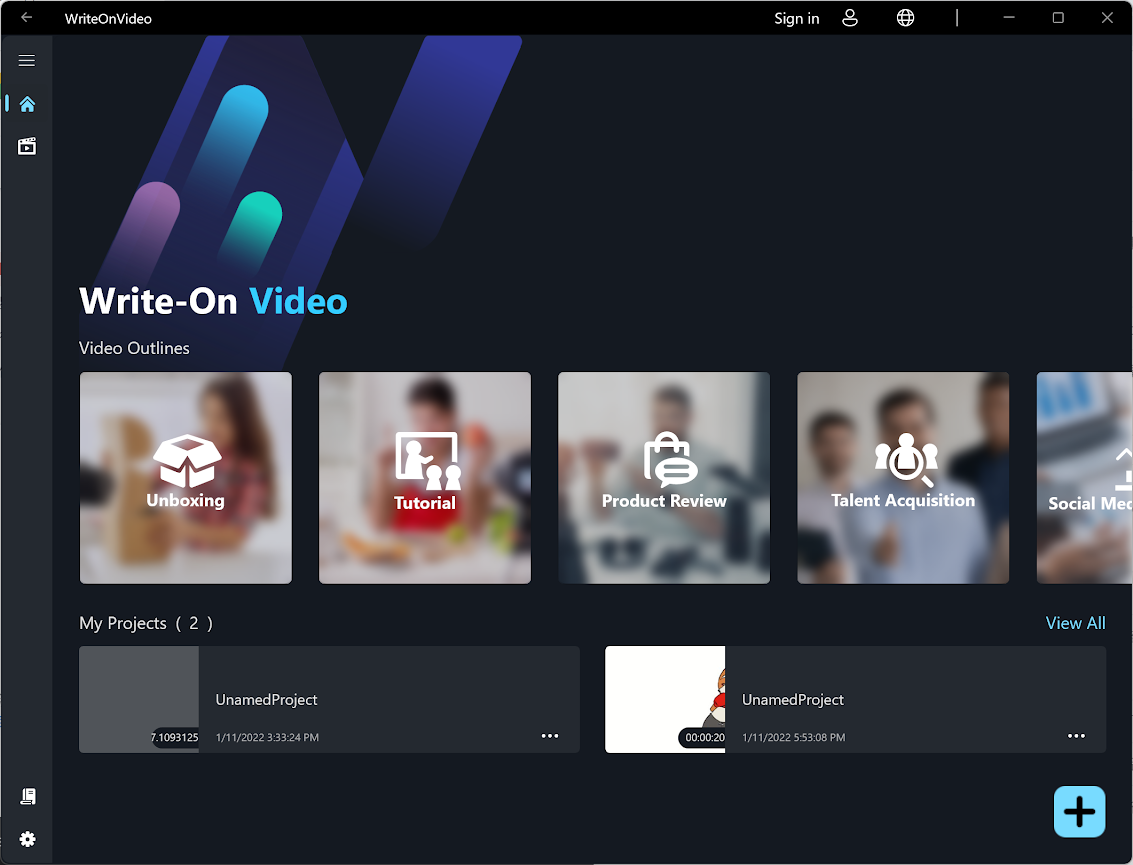
Click the  , simply follow video outline to create your story.
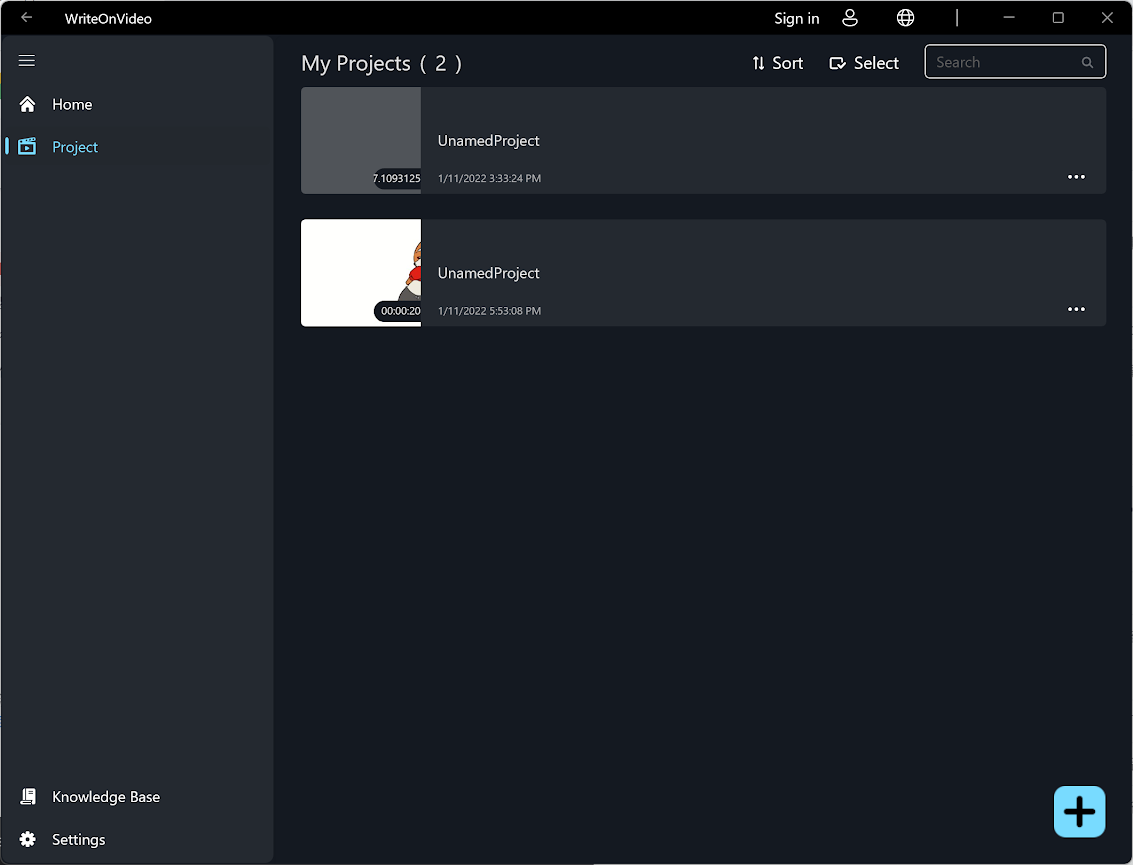
Click the  , and you will see the navigation bar.
Here you can access your project on the device, more our Privacy Policies or Terms of Condition in the "Settings" .
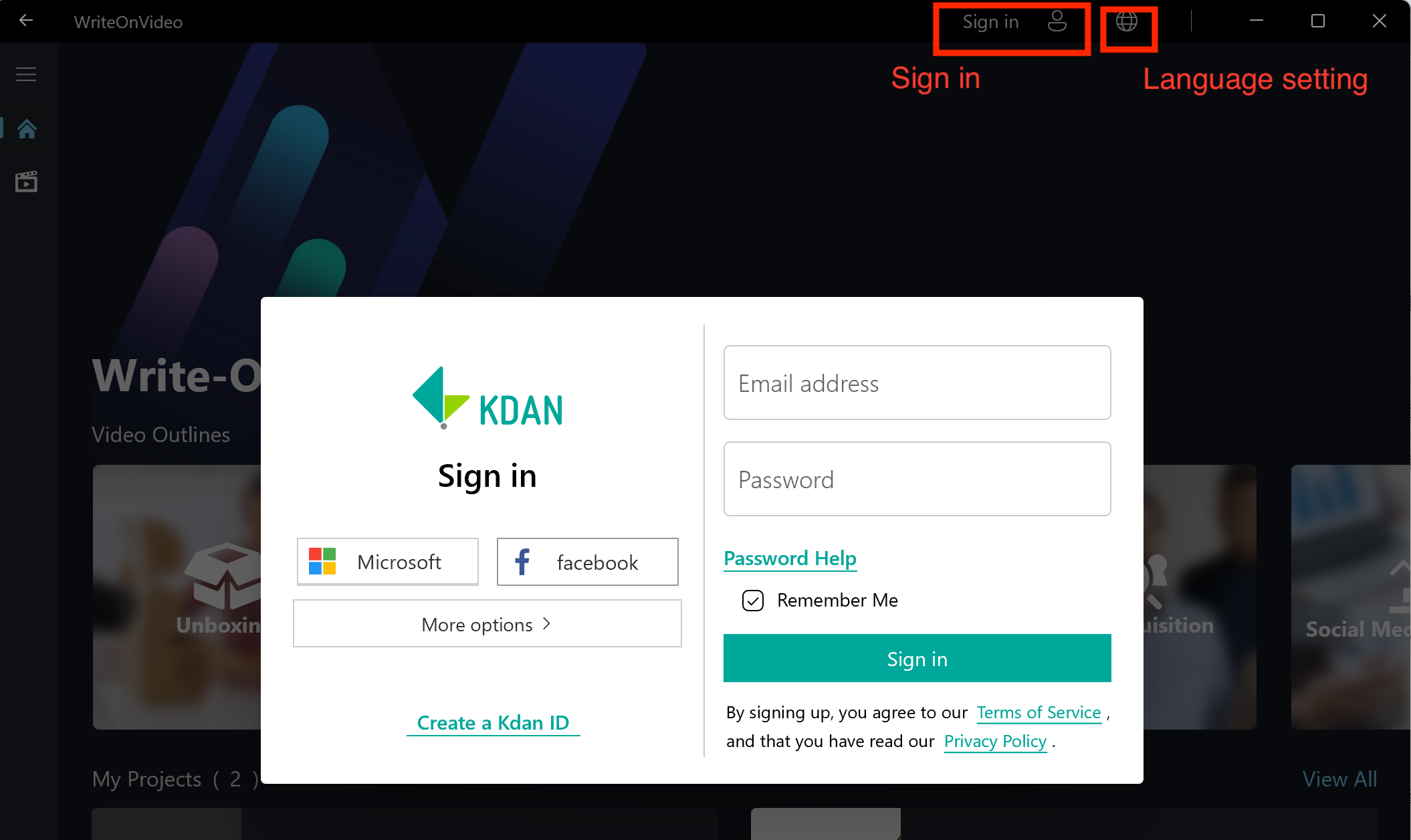
You may click the upper "Sign in" button to log in to view details of your account or create your Kdan ID. Or click the "global' icon to change the language setting.
Updated
Comments
0 comments
Please sign in to leave a comment.