Hotkeys are a key or a combination of keys that can call out some performance. In Animation Desk, you can also use hotkeys to complete certain actions.
Hotkeys in Sequence Tab
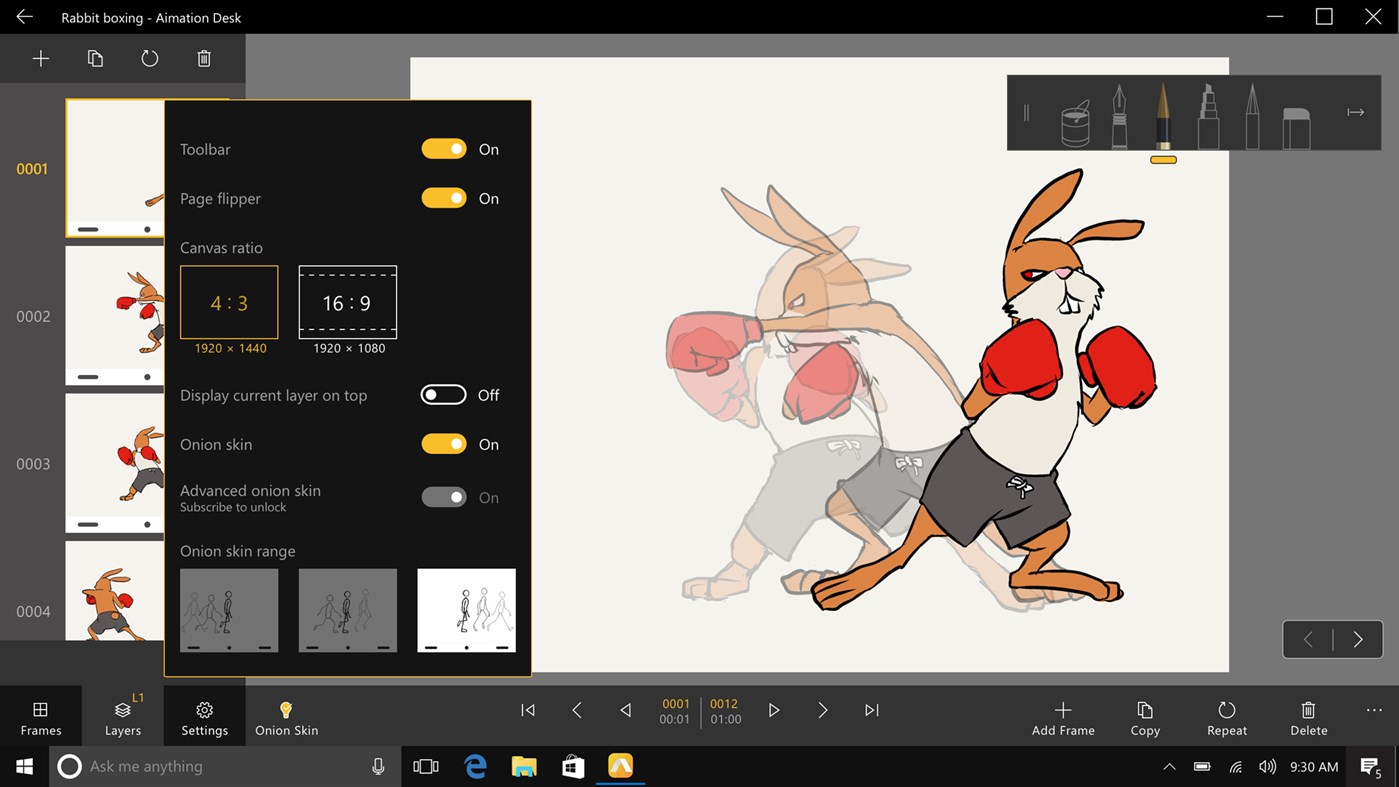
| Action | Description | |
| Ctrl + A | Select all | |
| Ctrl + Shift + D | Deselect all | |
| Ctrl+Shift+S | Save as | Select a sequence and press Ctrl+Shift+S to save a new copy of the sequence. |
| Ctrl+E | Export | Select a sequence and press Ctrl+E to export the animation sequence. |
| Delete | Delete | |
| Ctrl+D | Duplicate | |
| F2 | Rename | |
| Esc | Exit the editing mode | |
| Ctrl+F | Search | When no sequences are selected, press Ctrl+F to type in the search bar. |
| Ctrl+S | Select a sequence | When no sequences are selected, press Ctrl+S to enter selection mode. |
Hotkeys in Work Area
| Action | Description | |
| Ctrl+0 | Paper fits to work area | In the editing interface, press Ctrl+0, the paper will zoom to fit the working area. |
| Ctrl+1 | Paper zooms to 100% | In the editing interface, press Ctrl+1, the paper will zoom to its actual size (100%) |
| Ctrl++ | Zoom in | |
| Ctrl+- | Zoom out | |
| Ctrl+Z | Undo | |
| Ctrl+Shift+Z | Redo | |
| Hold Spacebar +Hold the drag left mouse button | Pan the paper | |
| Hold "Alt" | Show eyedropper | |
| Hold “Alt”+Hold and drag the left mouse button | Use an eyedropper to capture the colors | |
| F5 | Hide/show the frame panel | |
| F7 | Hide/show the frame panel | |
| F9 | Open/close the Settings | |
| O | Enable/disable onion skinning | |
| < | Go to previous frame | |
| > | Go to next frame | |
| Enter | Play the animation | |
| Ctrl+N | Add a new frame | |
| Ctrl+D | Duplicate a frame | |
| Ctrl+R | Repeat a frame | |
| Delete | Delete the current frame | |
| F | Show/hide FPS setting panel | |
| B | Switch between brushes | |
| Shift+B | Switch between brushes | |
| E | Switch to eraser | |
| K | Switch to color fill | |
| + | Increase brush size | |
| - | Decrease brush size | |
| F6 | Hide/show the frame panel | |
| Alt+↑ | Switch to upper layer | |
| Alt+↓ | Switch to lower layer | |
| Ctrl+X | Clear the layer in the current frame | |
| H | Hide/show layer | |
| Alt+H | Hide/show other layers | |
| Ctrl+i |
insert photos |
Hotkeys in Frame Viewer
| Action | Description | |
| Ctrl+W | View all frames | In the editing interface, press Ctrl+W to enter the frame viewer. |
| Ctrl+A | Select all frames | |
| Ctrl+D | Duplicate a frame | |
| Ctrl+R | Repeat a frame | |
| Delete | Delete a frame | |
| Esc | Exit the editing mode |
| Action | Description | |
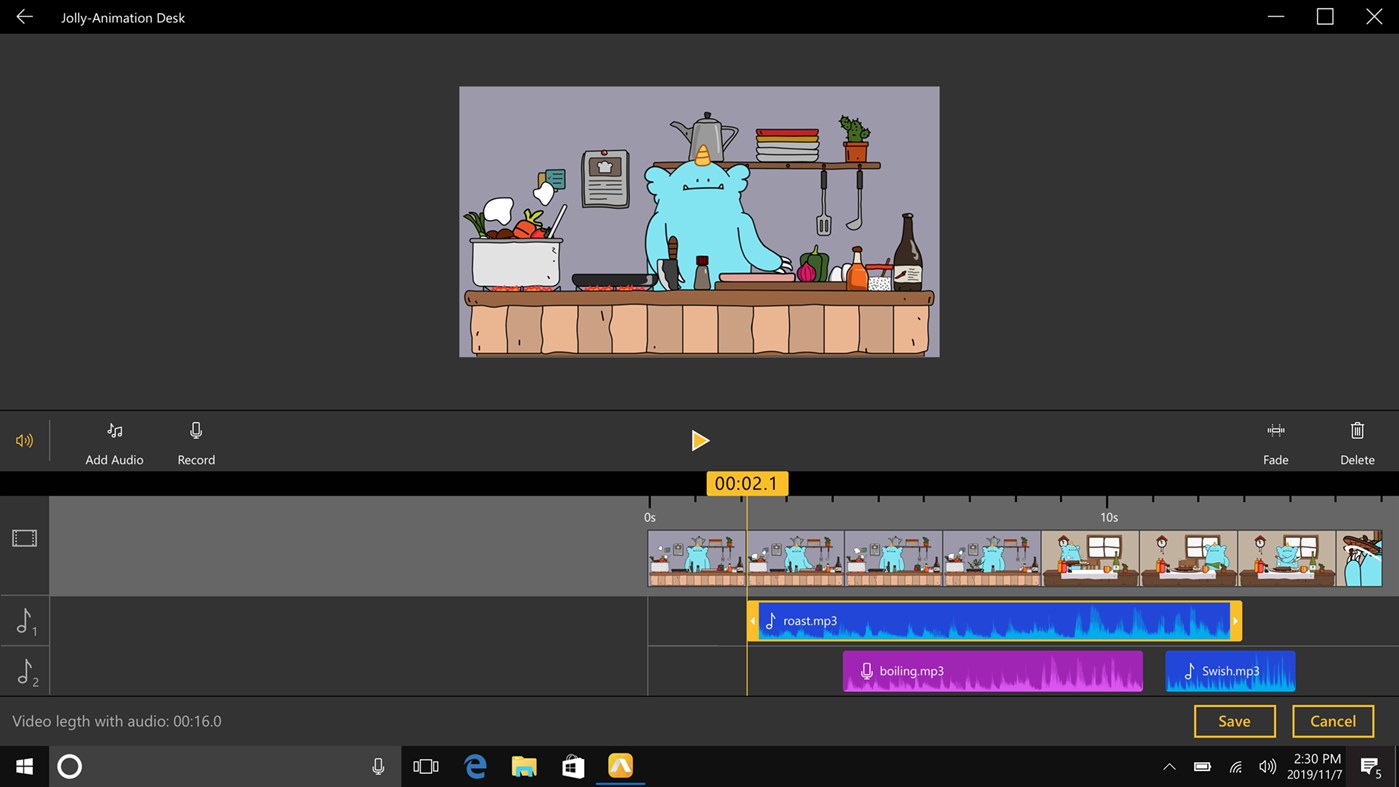
| Space | Play/ pause the animation | |
| > | Go to next frame | |
| < | Go to previous frame | |
| Home | Go to the first frame | |
| End | Go to the last frame | |
| MouseWheel | Move vertically to view all audio tracks | |
| Shift+MouseWheel | Move horizontally to view all audio tracks | |
| Ctrl+MouseWheel | Zoom in/out the timeline | |
| Ctrl+Alt+MouseWheel ; Ctrl+Alt+0 |
Expand the timeline to the max. | |
| Ctrl+Alt+MouseWheel ; Ctrl+Alt+1 |
Zoom out to show all timeline and audio tracks | |
| Delete | Delete | |
| F2 | Rename | |
| i | Move to where the audio starts | |
| O | Move to where the audio ends | |
| Alt + i | Trim off he part of audio before the timeline indicator | |
| Alt+ O | Trim off the part of audio after the timeline indicator | |
| Ctrl+A | Select all | |
| Ctrl+Shift+D | Deselect all | |
| F5 | Refresh | |
| Delete | Delete the selected project | |
| Esc | Exist editing mode | |
| F2 | Rename | |
| Ctrl+N | Add new sequence | |
| Ctrl+S | Select | |
| Ctrl+E | Export | |
| Ctrl + A | Select all | |
| Ctrl + Shift + D | Deselect all | |
| Enter | Play | |
| F | Preview the video in full screen | |
| > | Go to next sequence | |
| < | Go to previous sequence | |
| Ctrl+O | Open the select sequence | |
| T | Edit title | |
| Ctrl+T | Edit sequence description | |
| Ctrl+C | Duplicate | |
| Del | Delete | |
| Ctrl+H | Replace the current sequence |
Hotkeys in Storyboard Editing
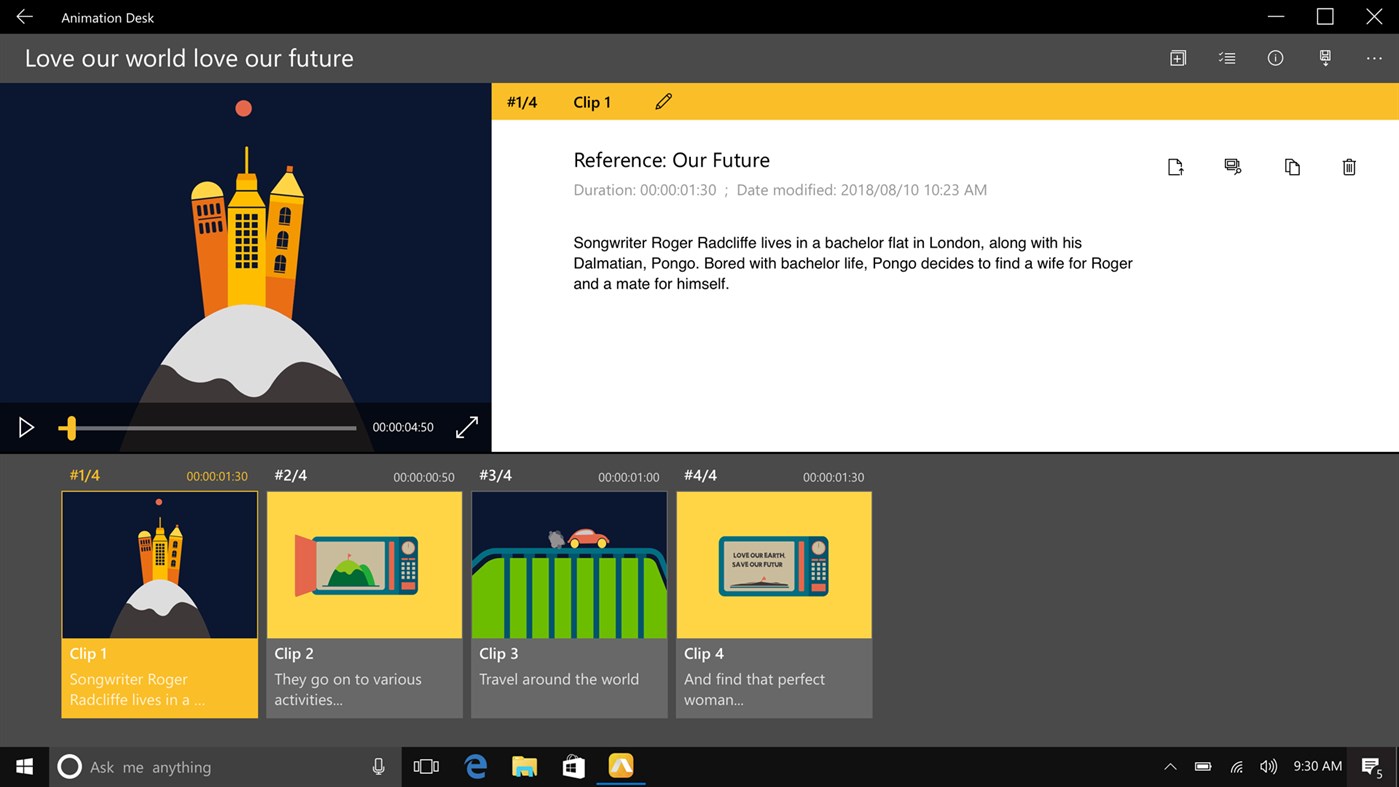
| Action | Description | |
| F2 | Rename | |
| Ctrl+N | Add new sequence | |
| Ctrl+S | Select | |
| Ctrl+E | Export | |
| Ctrl + A | Select all | |
| Ctrl + Shift + D | Deselect all | |
| Enter | Play | |
| F | Preview the video in full screen | |
| > | Go to the next sequence | |
| < | Go to the previous sequence | |
| Ctrl+O | Open the select sequence | |
| T | Edit title | |
| Ctrl+T | Edit sequence description | |
| Ctrl+C | Duplicate | |
| Del | Delete | |
| Ctrl+H | Replace the current sequence |
Updated
Comments
0 comments
Please sign in to leave a comment.