You can find buttons labeled with “Dropbox” and "Google Drive” in the “All Files” tab. Tap on the service that you wish to connect to.
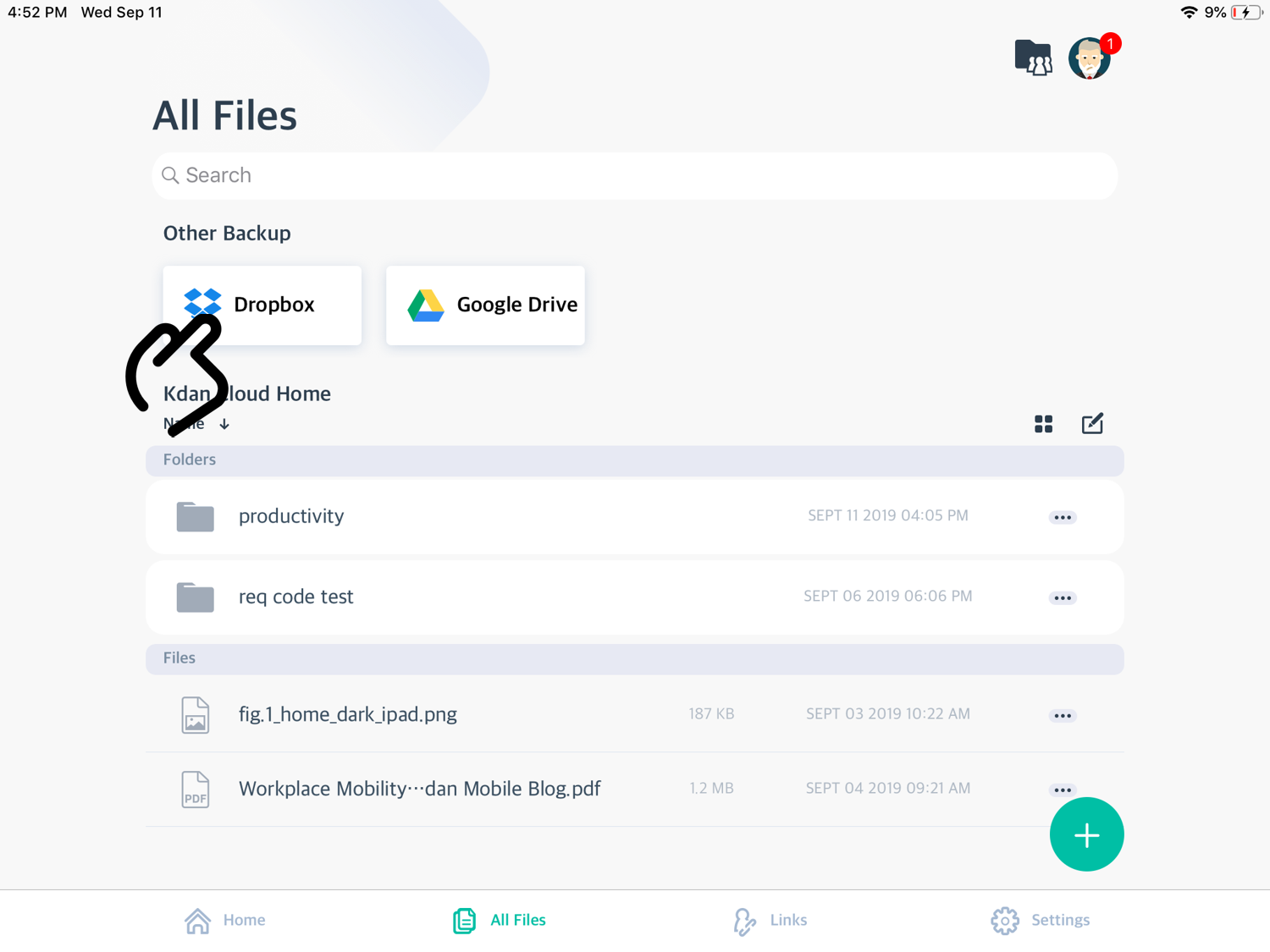
Tap the cloud icon on top-right, and tap “Connect”.
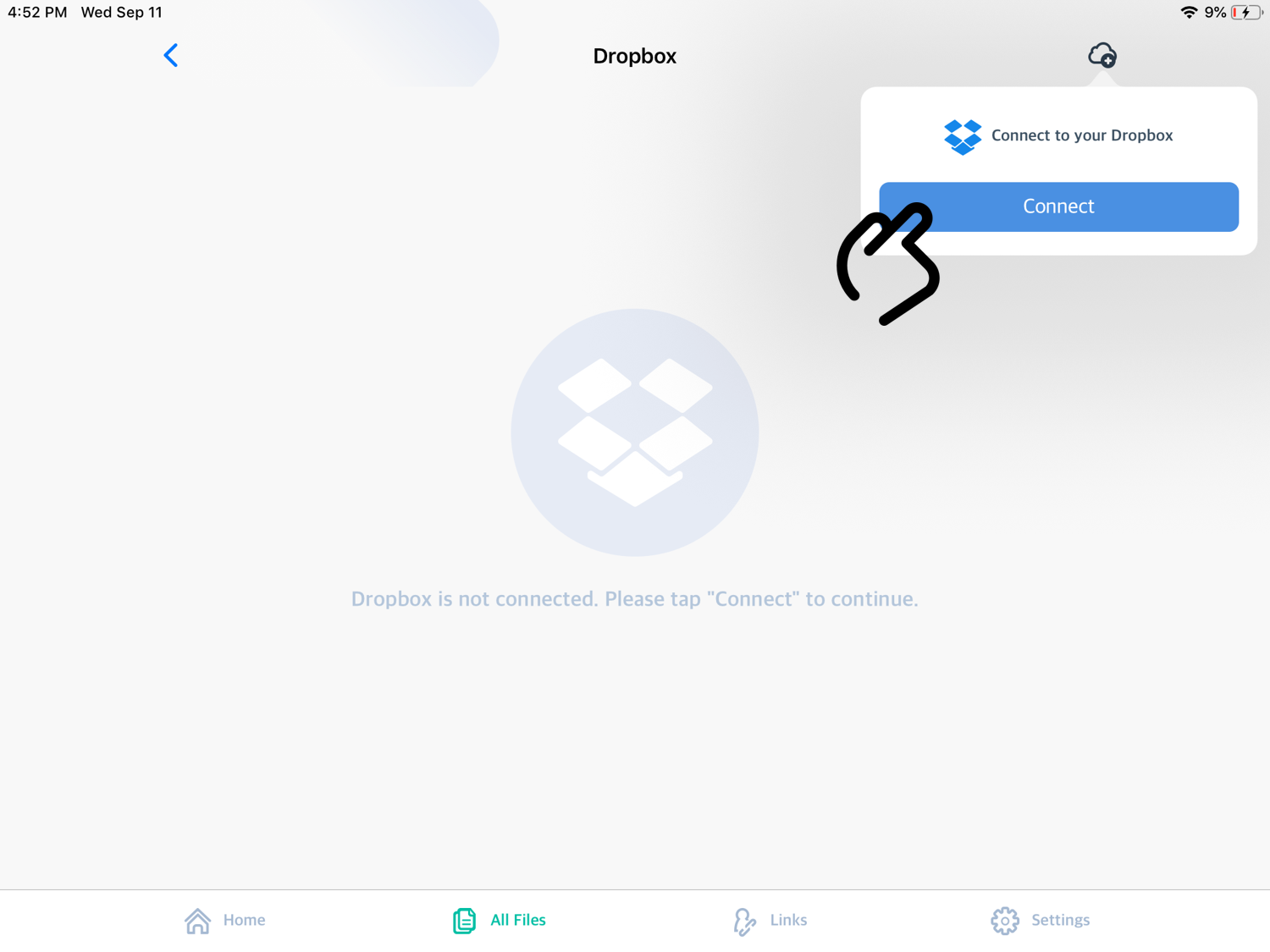
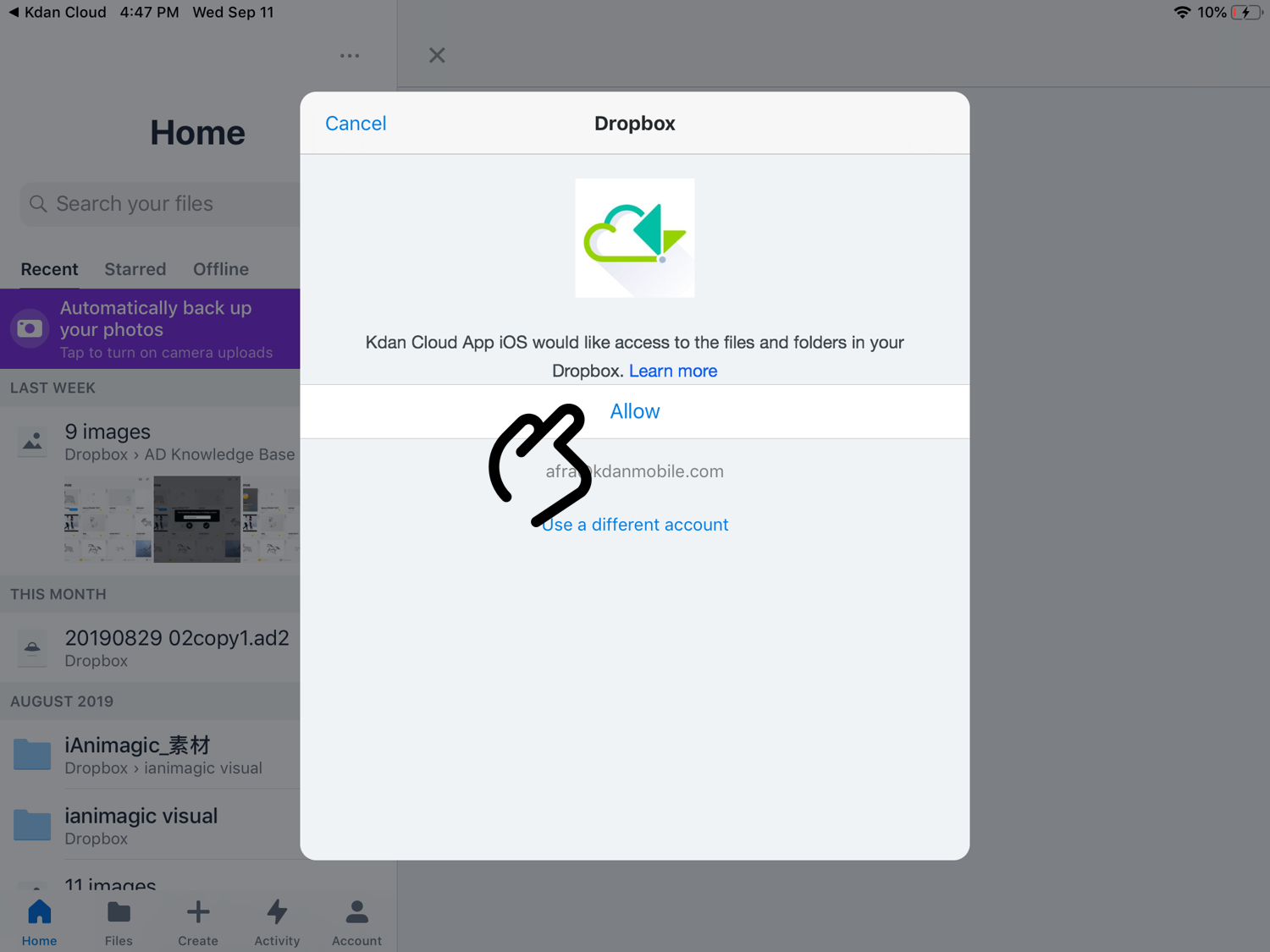
Enter your Dropbox or Google account and password. Please also allow Kdan Cloud to access the content in these cloud storage.
Now you can view your files on other cloud storage in “All Files” tab in Kdan Cloud!
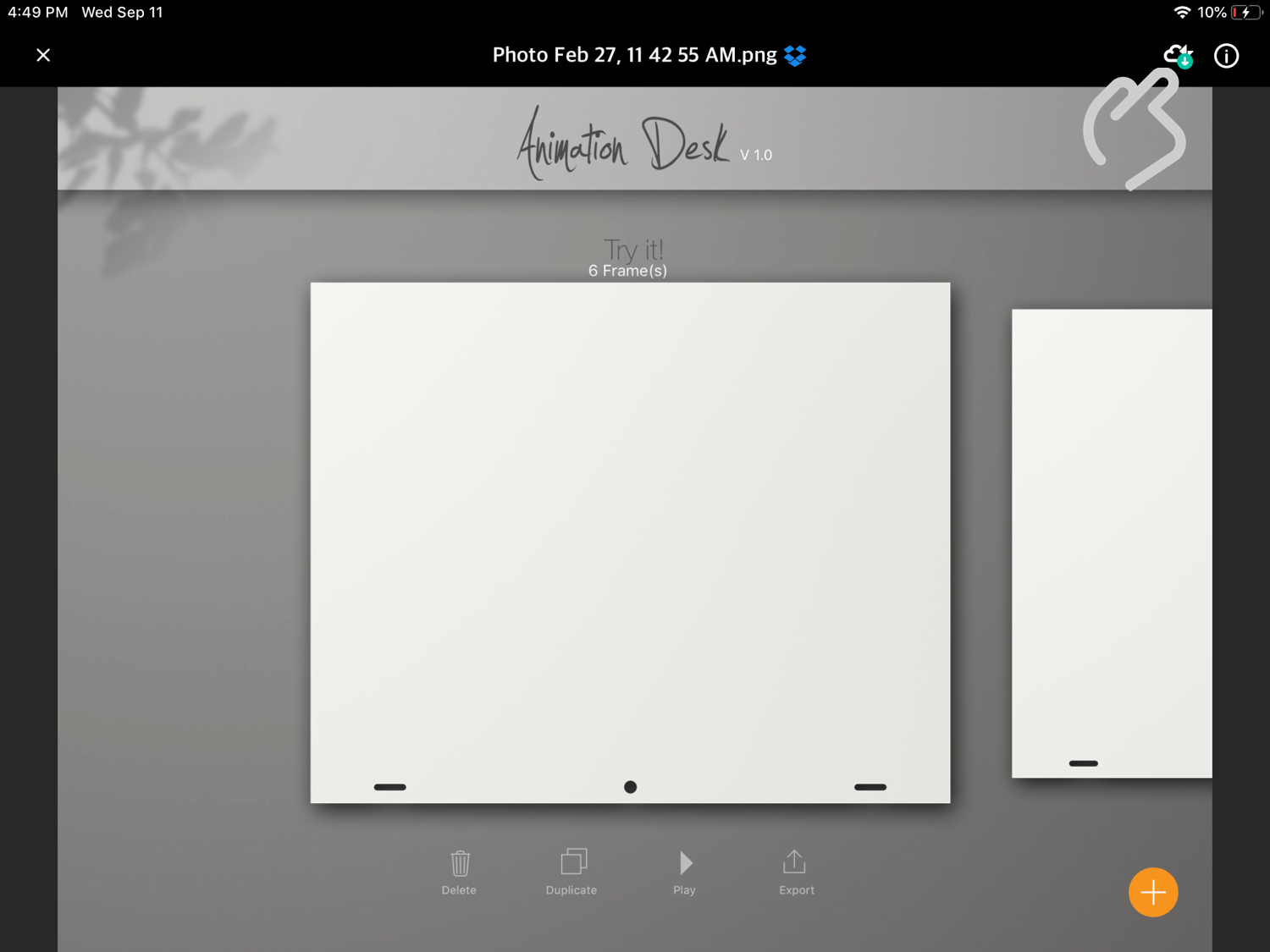
To download the files to Kdan Cloud. Please open the file first, and tap the download icon on the top right.
Choose a destination, tap “Put here”, and your files will be downloaded to Kdan Cloud.
Updated
Comments
6 comments
Thak
Thak
Thak
Kdan_Cloud_Cloud_Walker_01.png
Tap the cloud icon on top-right, and tap
Update
I'm unsure how to download a file from the internet and put it on here is that possible?
Please sign in to leave a comment.