To keep a record of what has been shared, you can check the “Links” tab. In this tab, you will find 2 sections, the Download Link and the Upload Link.
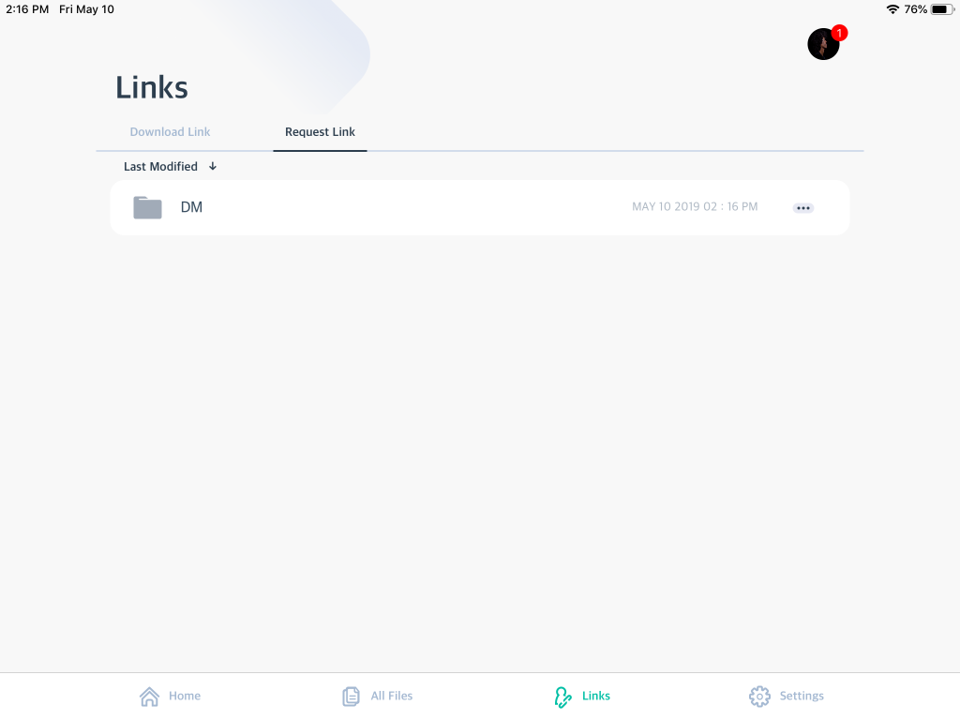
Download link: here you will find the download links which you create for other people. The recipients can download these files/folder with the download link.
Upload link: when you send someone an upload link to a folder, that means people can upload files to the assigned folder via the link.
Updated
Comments
1 comment
It was great to share any information and decision taken by the board of NBI.
Please sign in to leave a comment.