The sorting feature allows you to look up the files and folders.
- Switch to the “All Files” tab.
- By default, the files are sorted alphabetically, but you can also sort the files/ folders by their size and time that they’re modified.
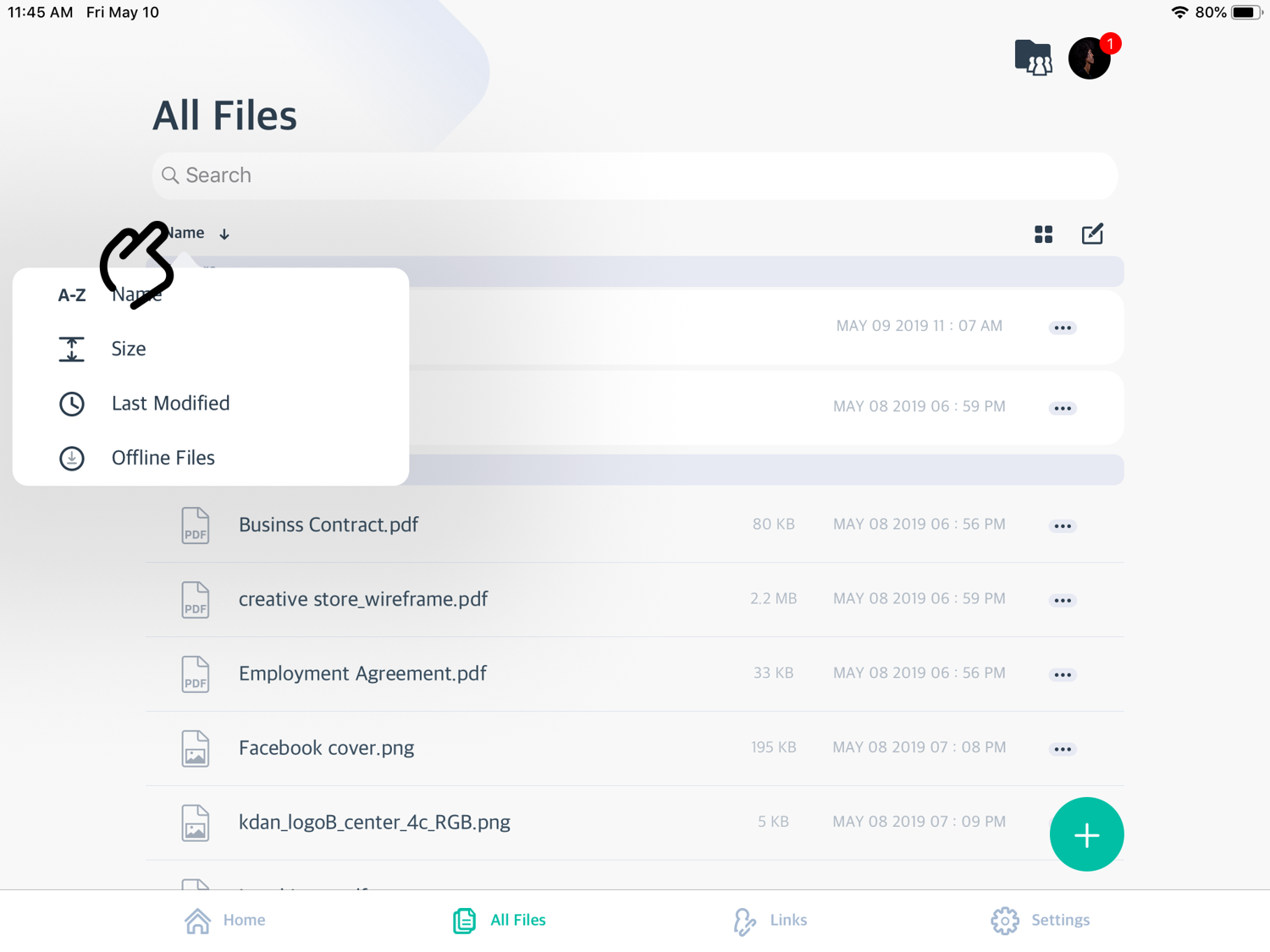
- You can also sort out the offline files. Click "Setup offline files" to read more about how to save an offline file.
Updated
Comments
0 comments
Please sign in to leave a comment.