Now you can access your files in Animation Desk much easier with the help of the iOS Files. Please note that iOS File is only available at iOS 11 or the OS later.
When you export a GIF, Photoshop files (PSD), PDF, or ad.packge, the files will be saved to Animation Desk Folder. You can access this folder in iOS File.
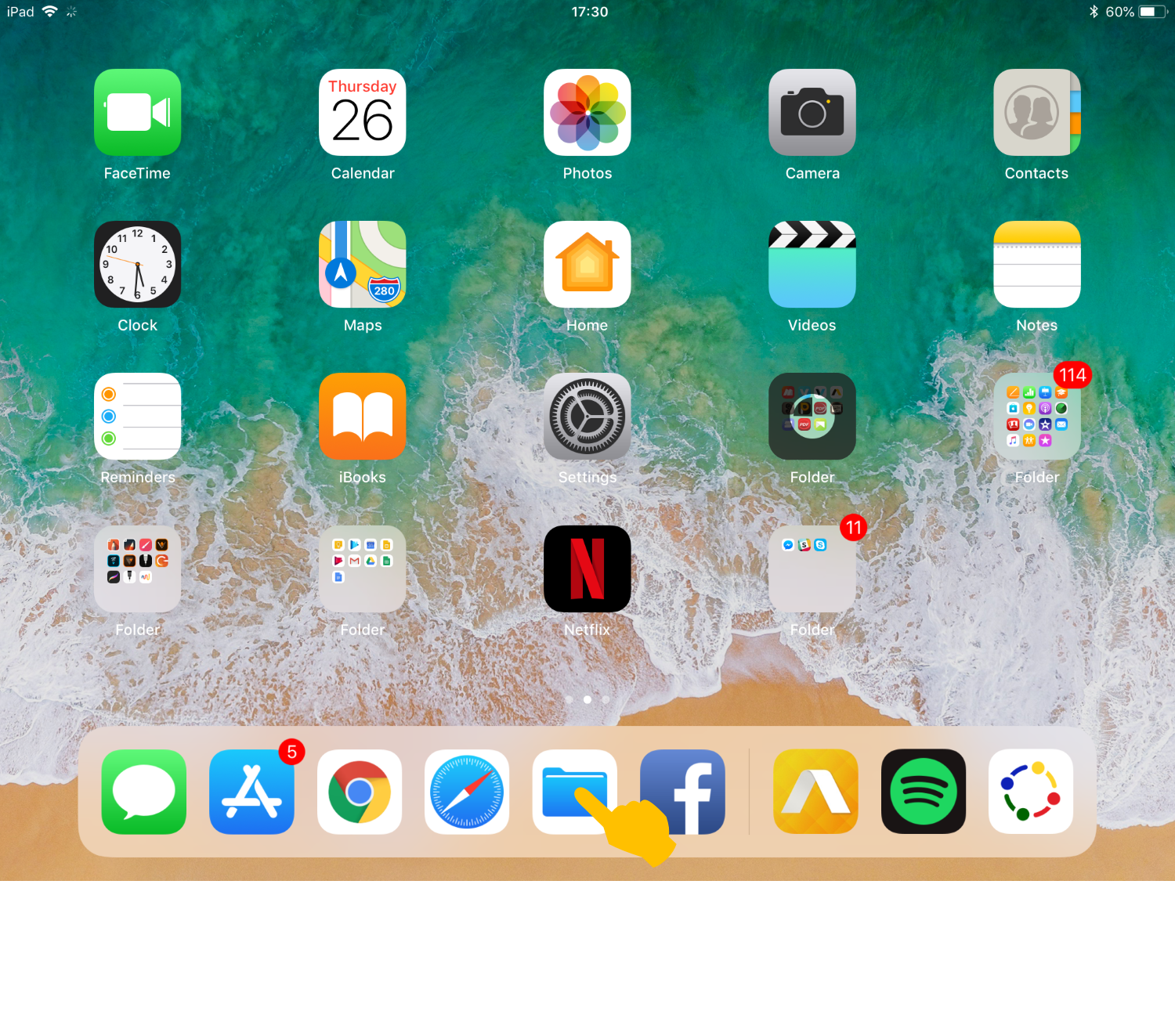
Make sure your export the file successfully. Go back to your desktop, and tap on the File icon.
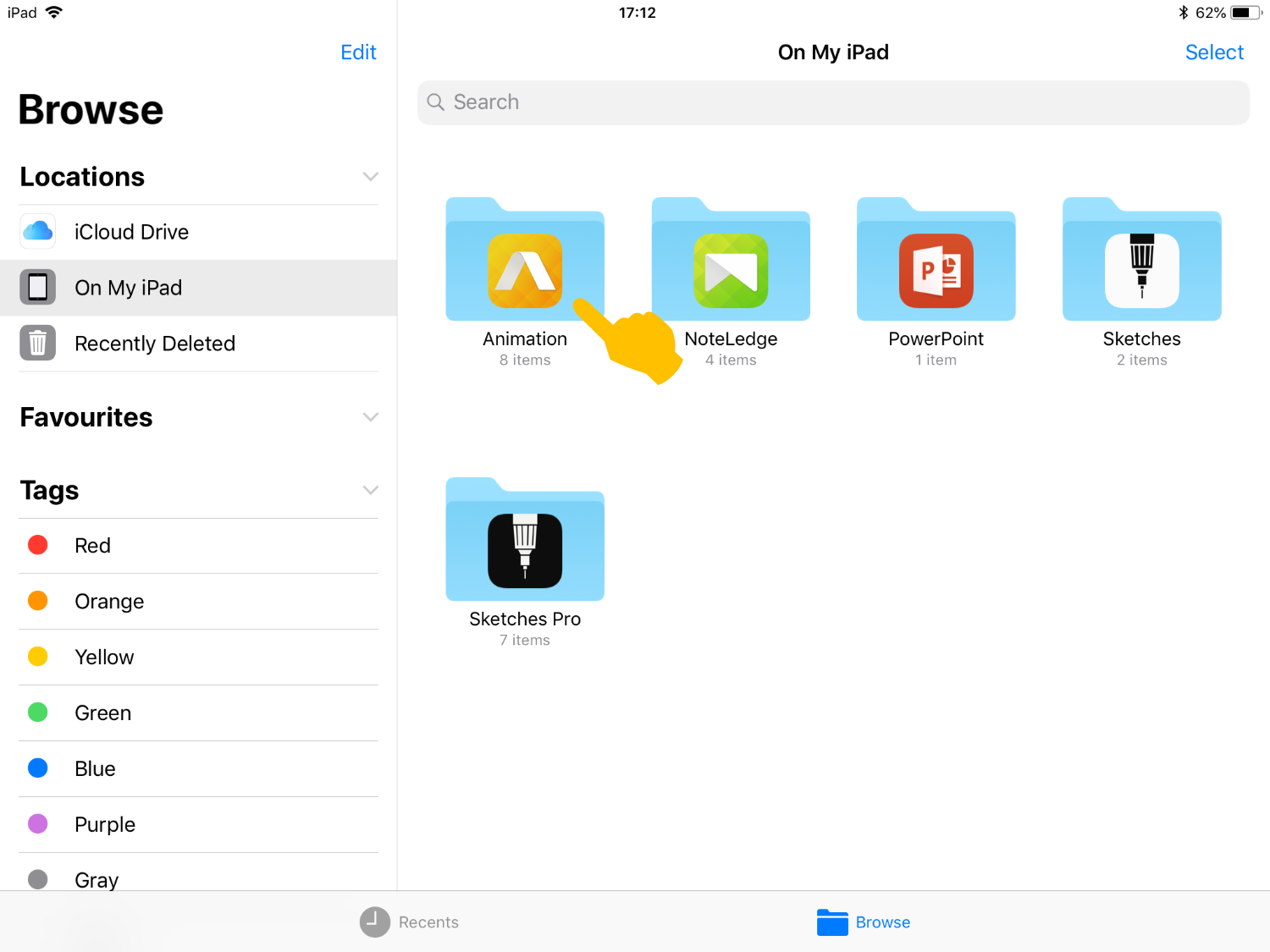
Select "On My iPad" and find Animation Desk.
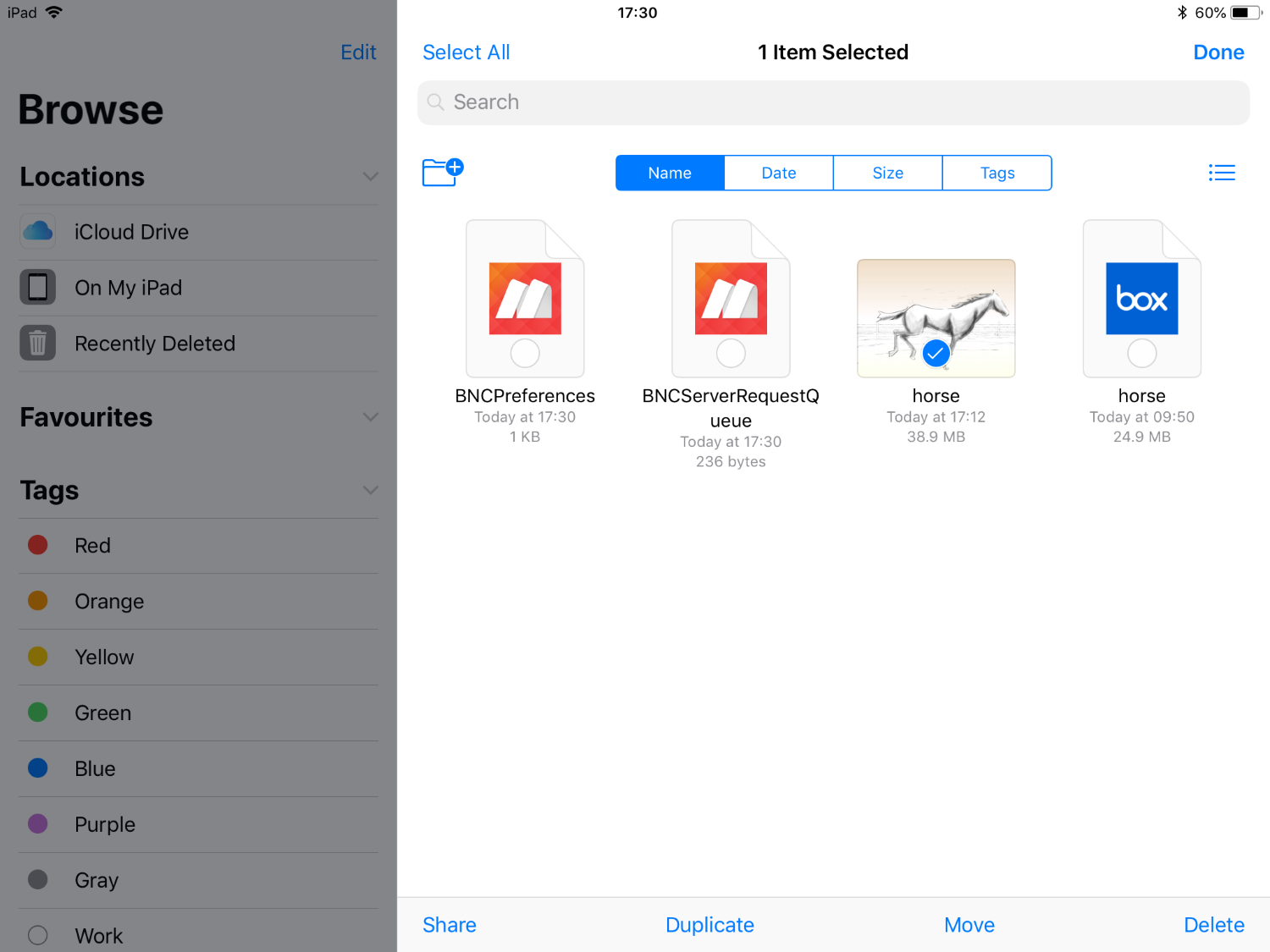
You can view all the files stored in the Animation Desk Folder here. You can further share, duplicate, move, or delete the file(s).
Updated
Comments
0 comments
Please sign in to leave a comment.