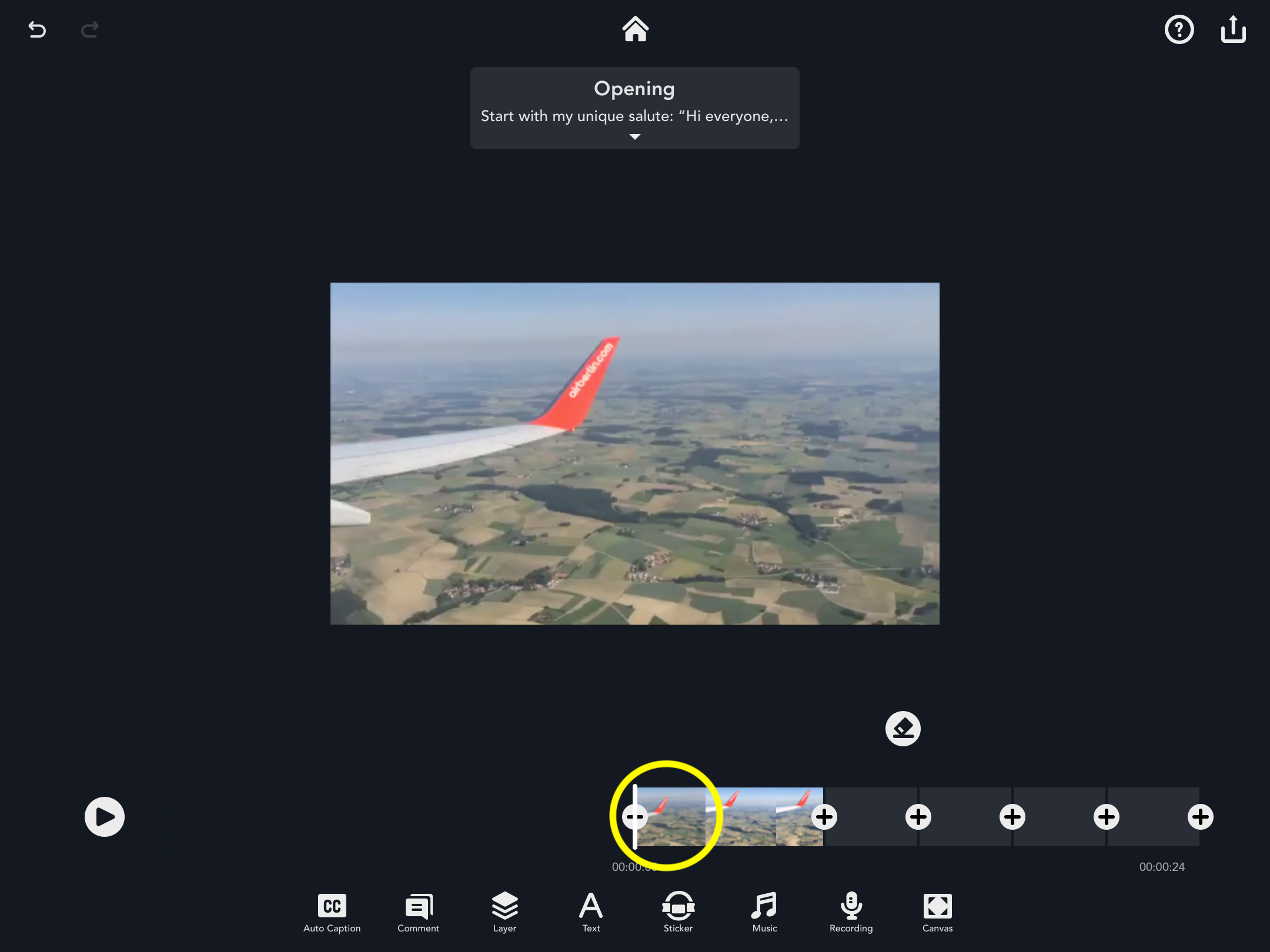
To trim the video, first select the pod that you would like to edit.
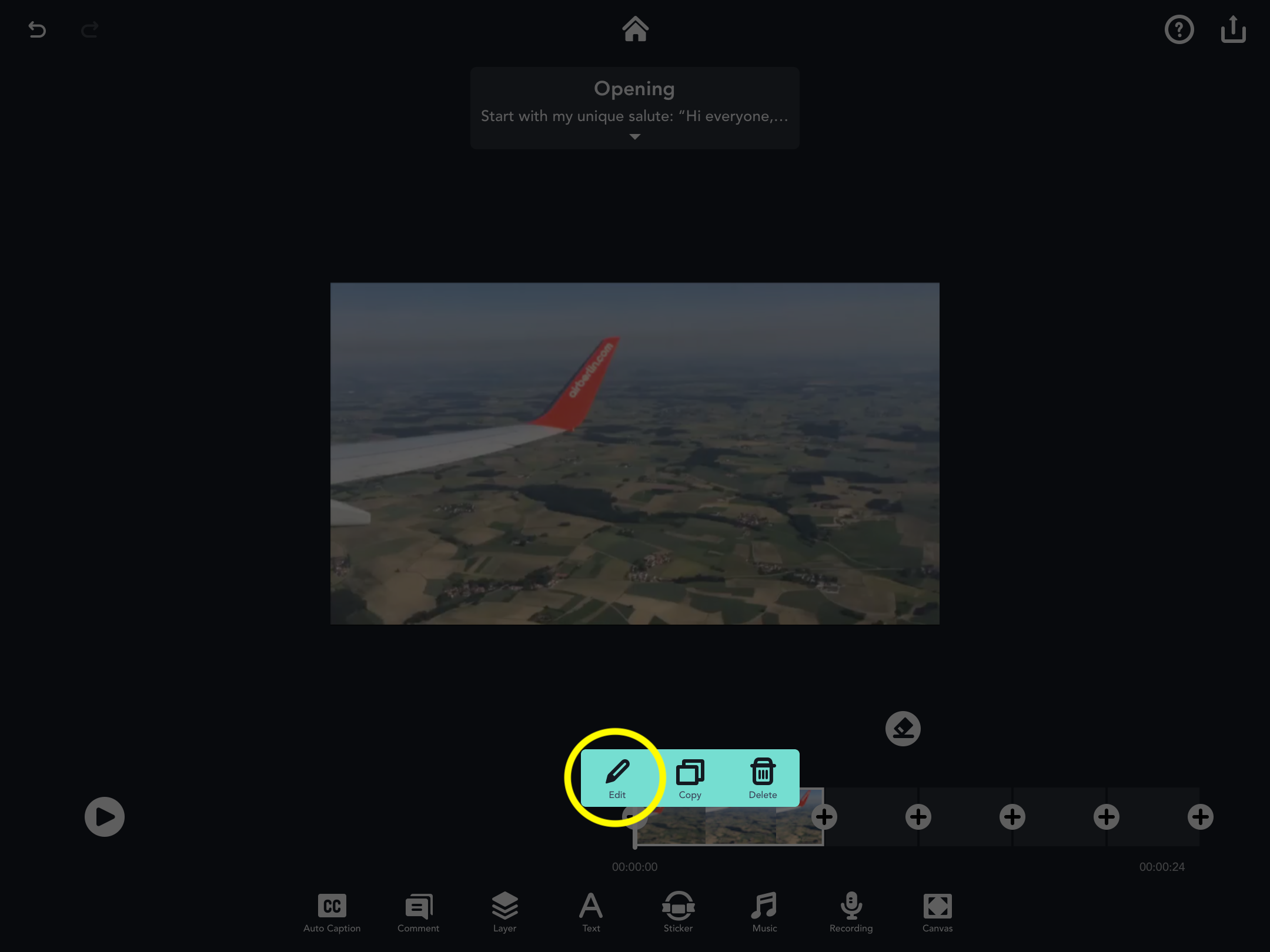
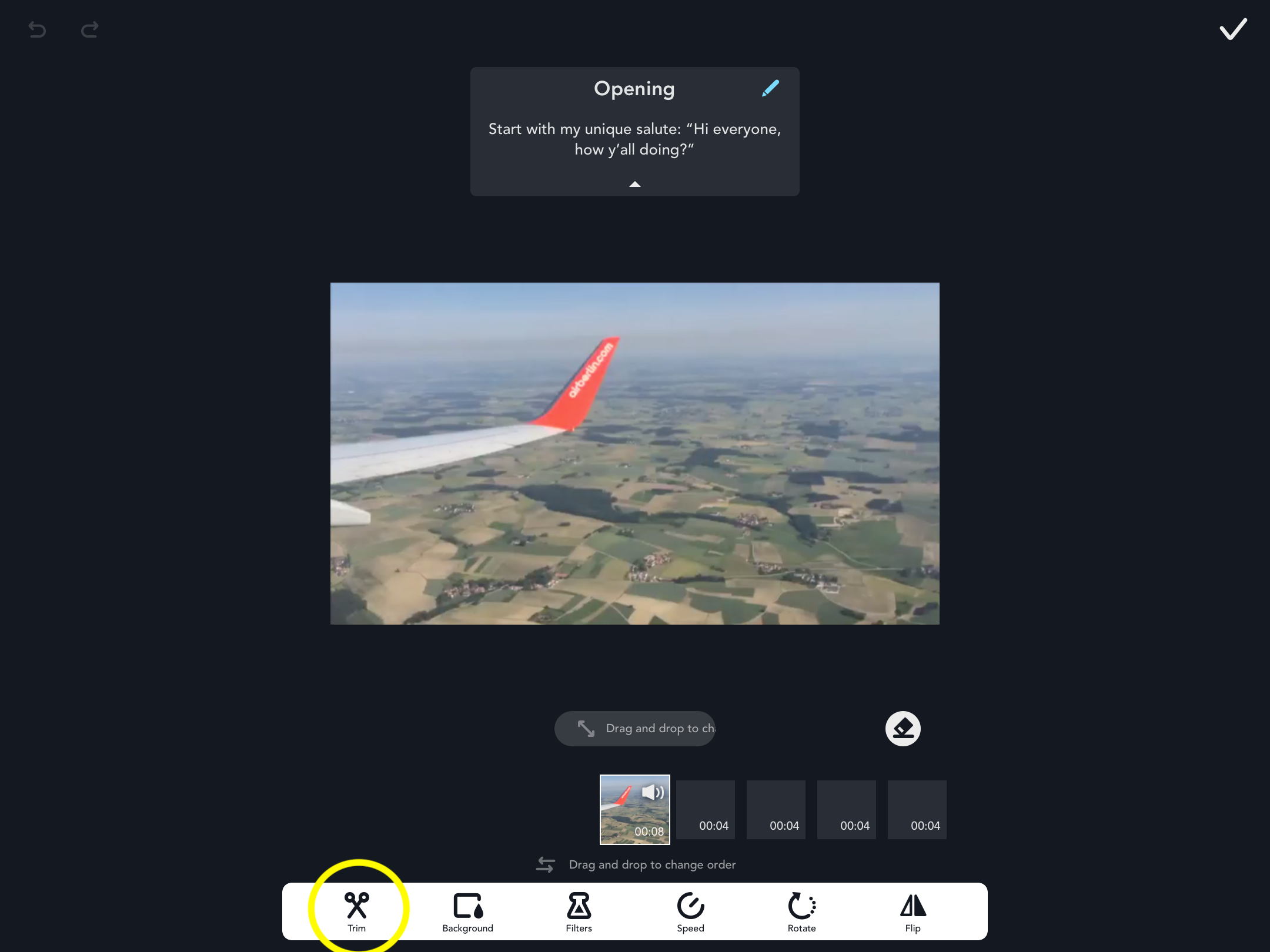
After tapping the “Edit” icon, locate the “Trim” icon at the bottom of the page.
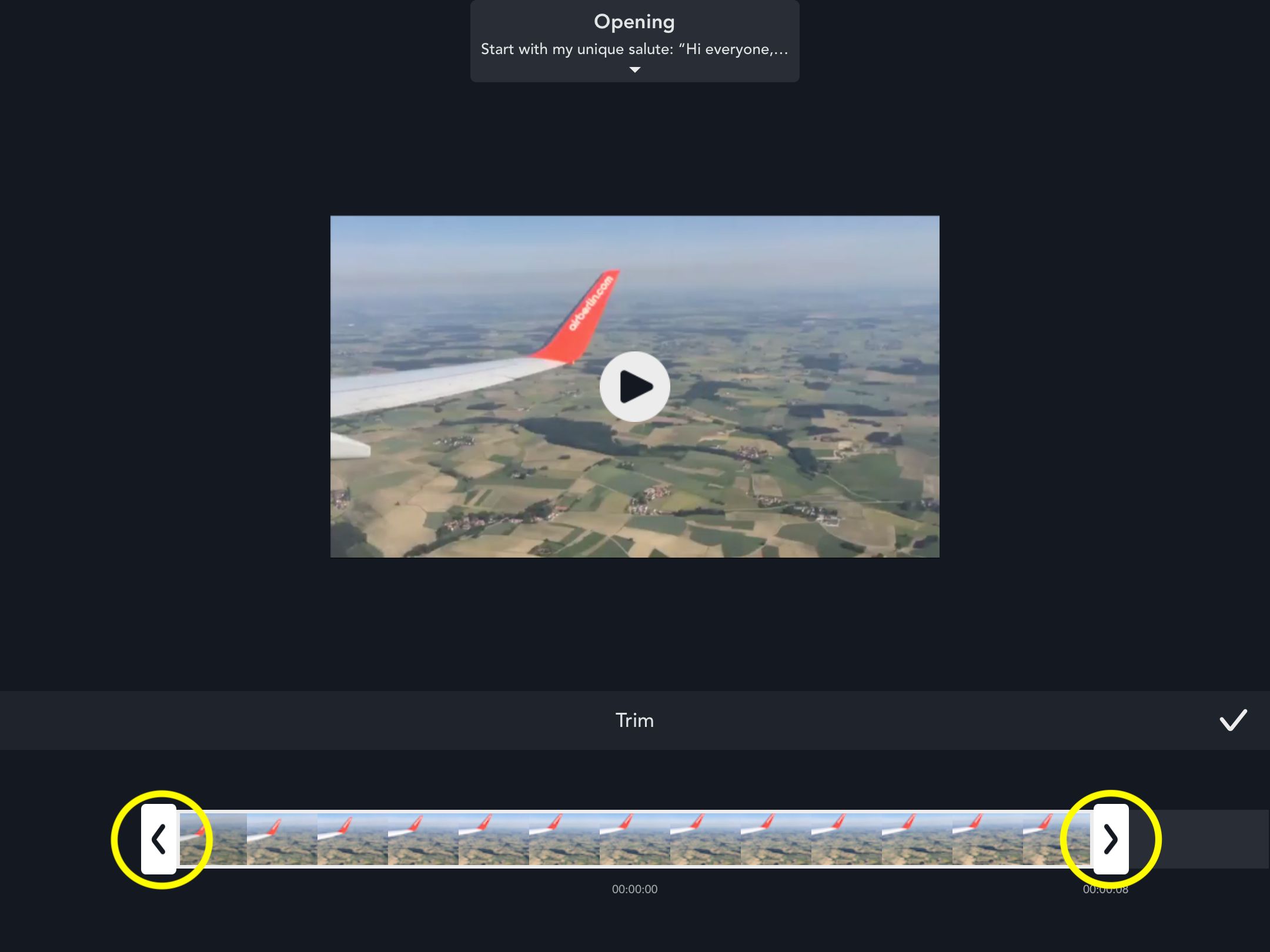
Then, simply drag the arrows on either the left or right side of the bar in order to obtain the desired length of the pod.
Updated
Comments
0 comments
Please sign in to leave a comment.