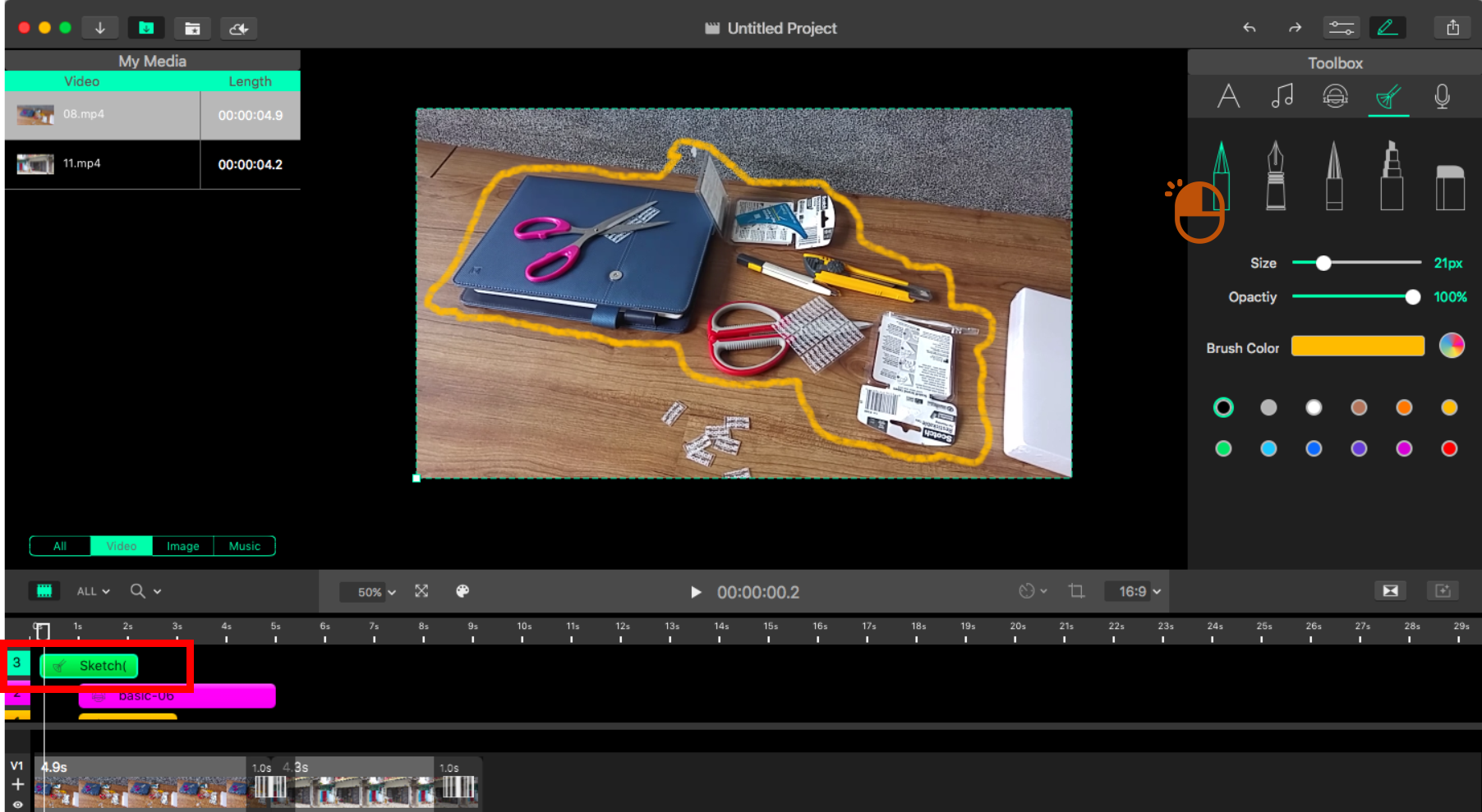
Click on the brush icon on the top. You can change the brush colors, thickness, and opacity.
Use the brush to draw in the viewer. You will also find a "Sketch" element in the effect time panel.
Updated
Click on the brush icon on the top. You can change the brush colors, thickness, and opacity.
Use the brush to draw in the viewer. You will also find a "Sketch" element in the effect time panel.
Updated
Comments
0 comments
Please sign in to leave a comment.