Type 1: Text Stamp
1. Tap the “Toolbox” icon  on the right hand annotation toolbar and go to the stamp tab.
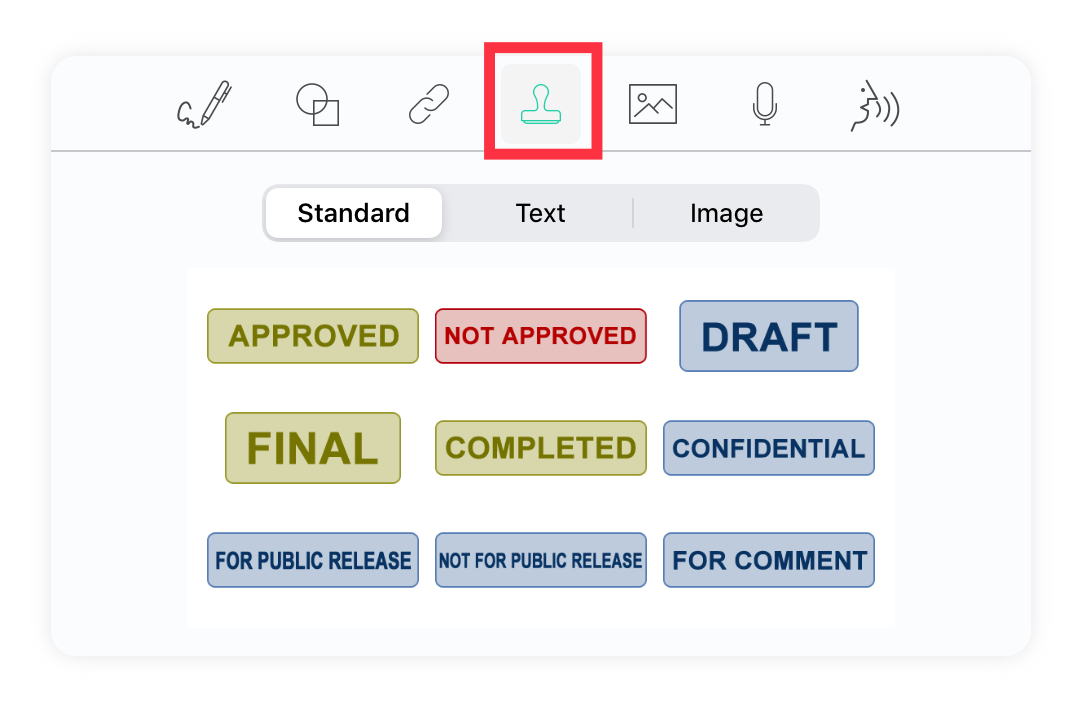
Alternatively, press and hold anywhere on the PDF to see the pop-up menu. Click "Stamp."

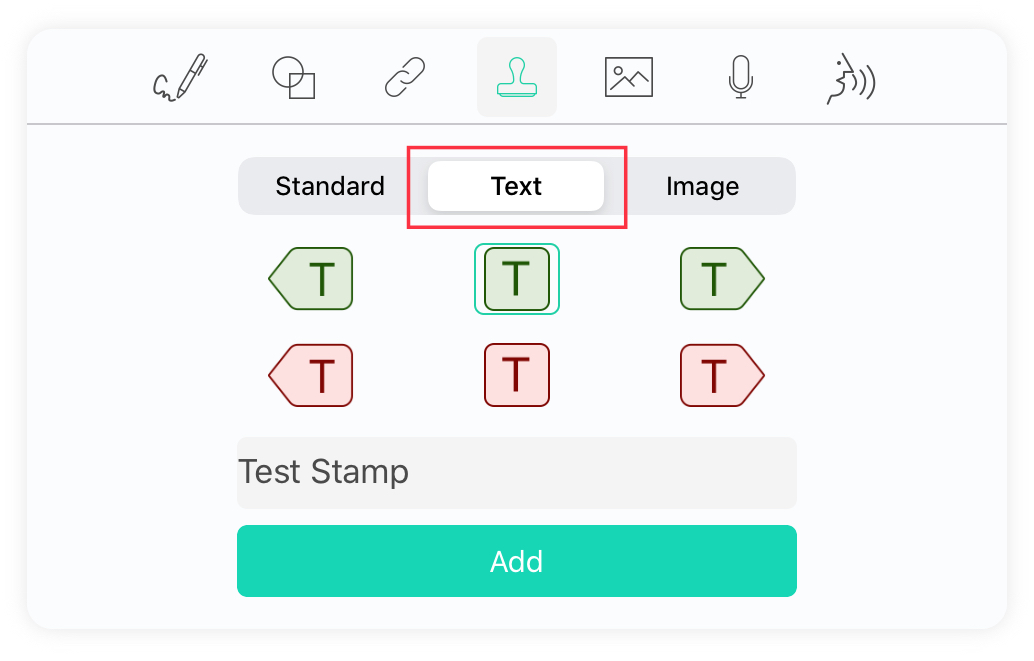
2. Select “Text Stamp,” fill in the text field, and select the shape of your customized stamp. Click anywhere on your document to add your stamp.
Type 2: Image Stamp
1. Tap the “Toolbox” icon on the right hand annotation toolbar and go to the stamp tab.
Alternatively, press and hold anywhere on the PDF to see the pop-up menu. Click "Stamp."
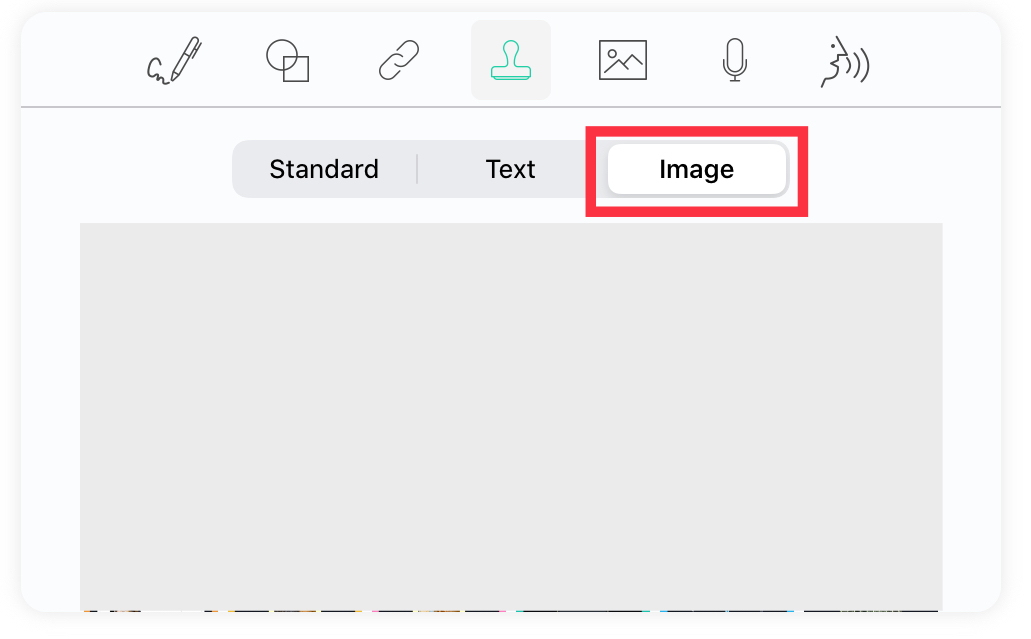
2. Select “Image Stamp”, import images from the photo library, and click anywhere on your document to create a new image stamp.
Updated
Comments
0 comments
Please sign in to leave a comment.