1. Open Markup.
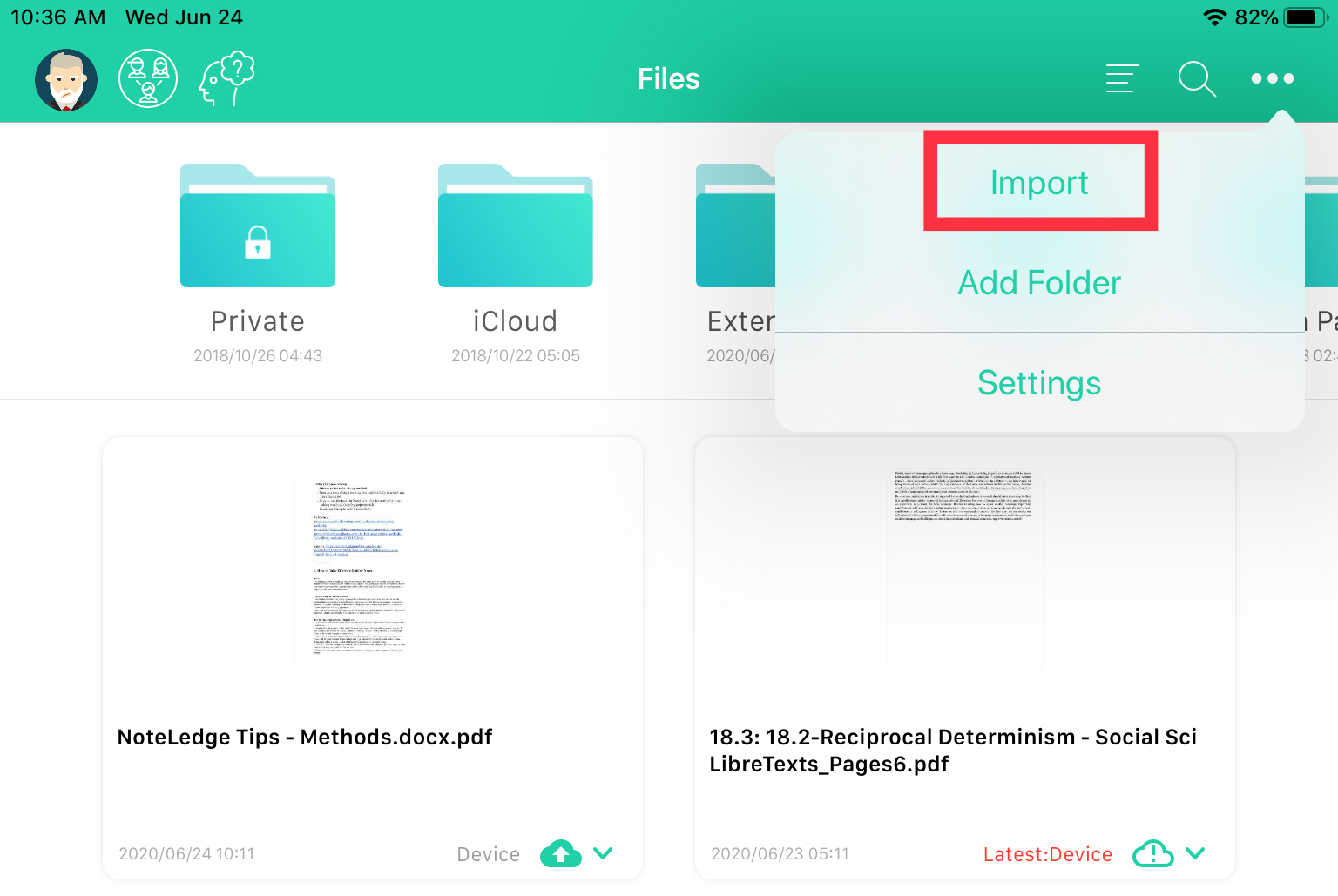
2. Tap the three dots at the upper right corner, then tap "Import."
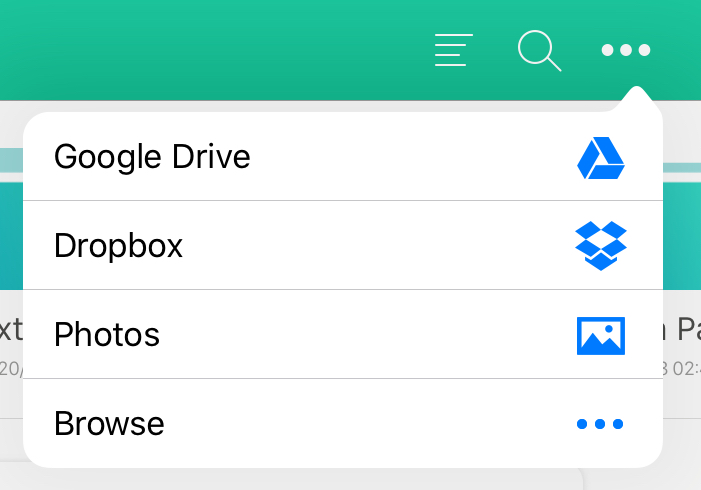
3. Tap "Browse."
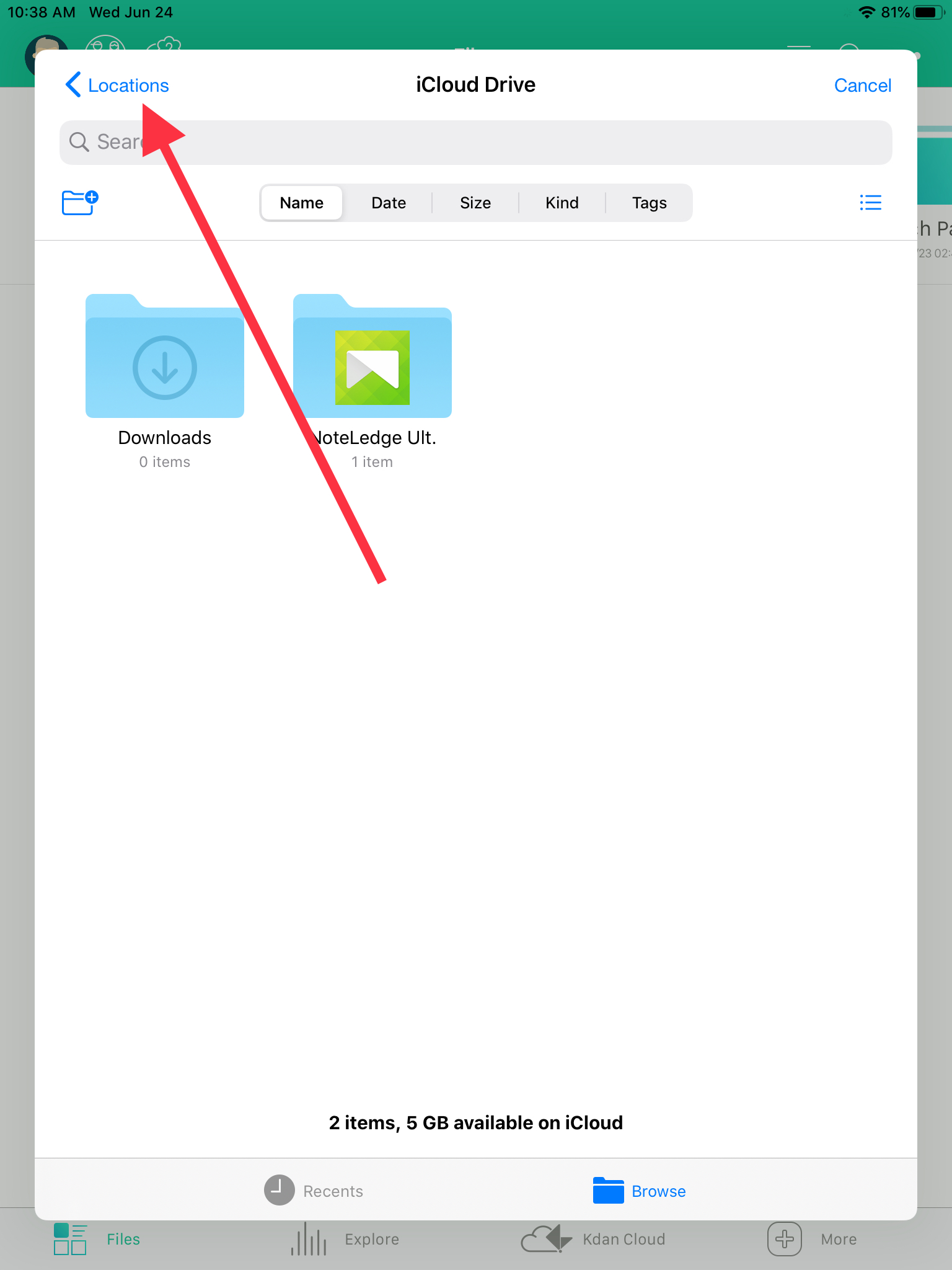
4. A pop up tab will come up. Tap "Locations."
5. Select your desired app and download your file from there.
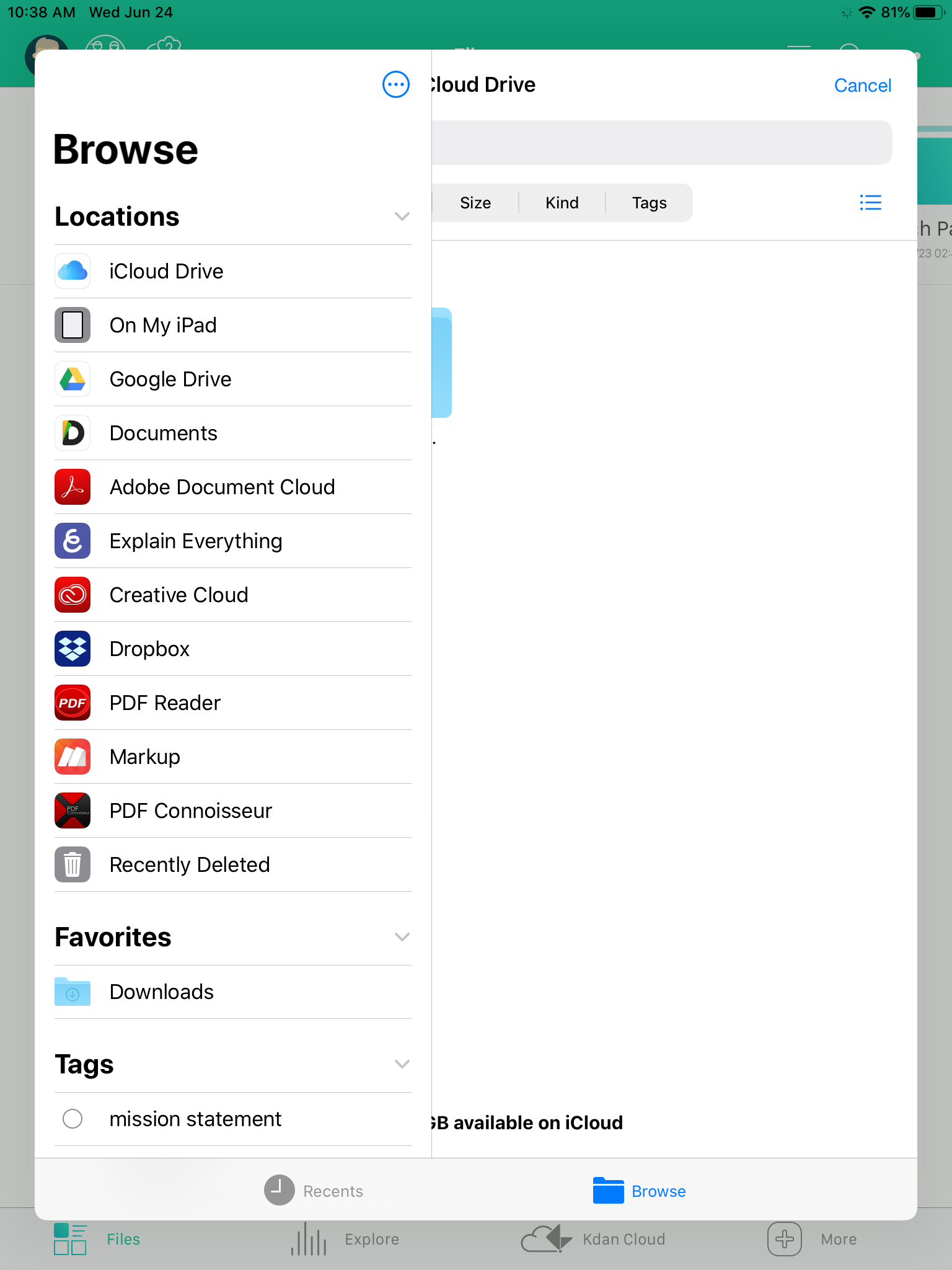
6. Your downloaded file will show up in the "Downloads" file.
Updated
Comments
0 comments
Please sign in to leave a comment.