PDF Reader turns your Android phone or tablet into a portable scanner.
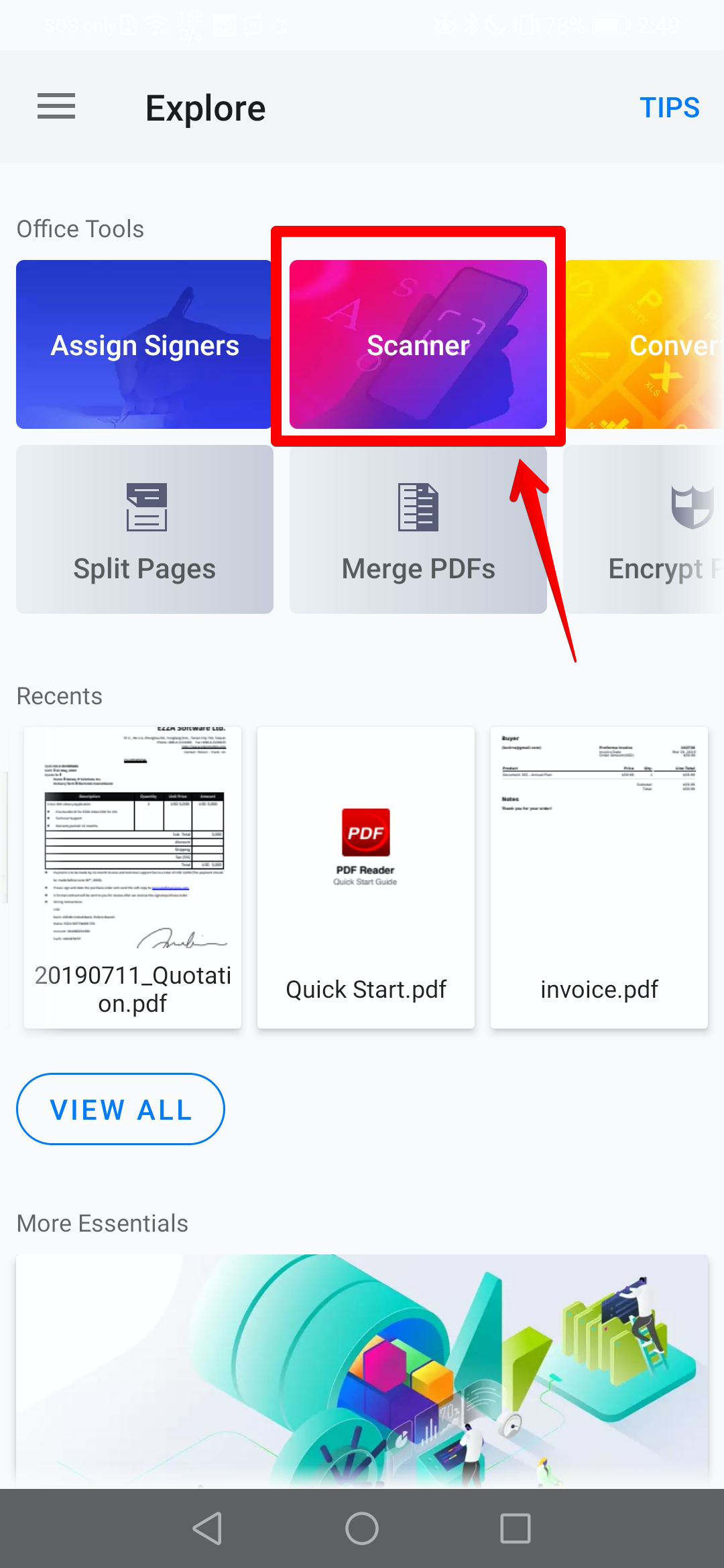
1. Switch to the "Explore" tab and tap the "Scanner" card to enter the scanner mode (For iPhone users)
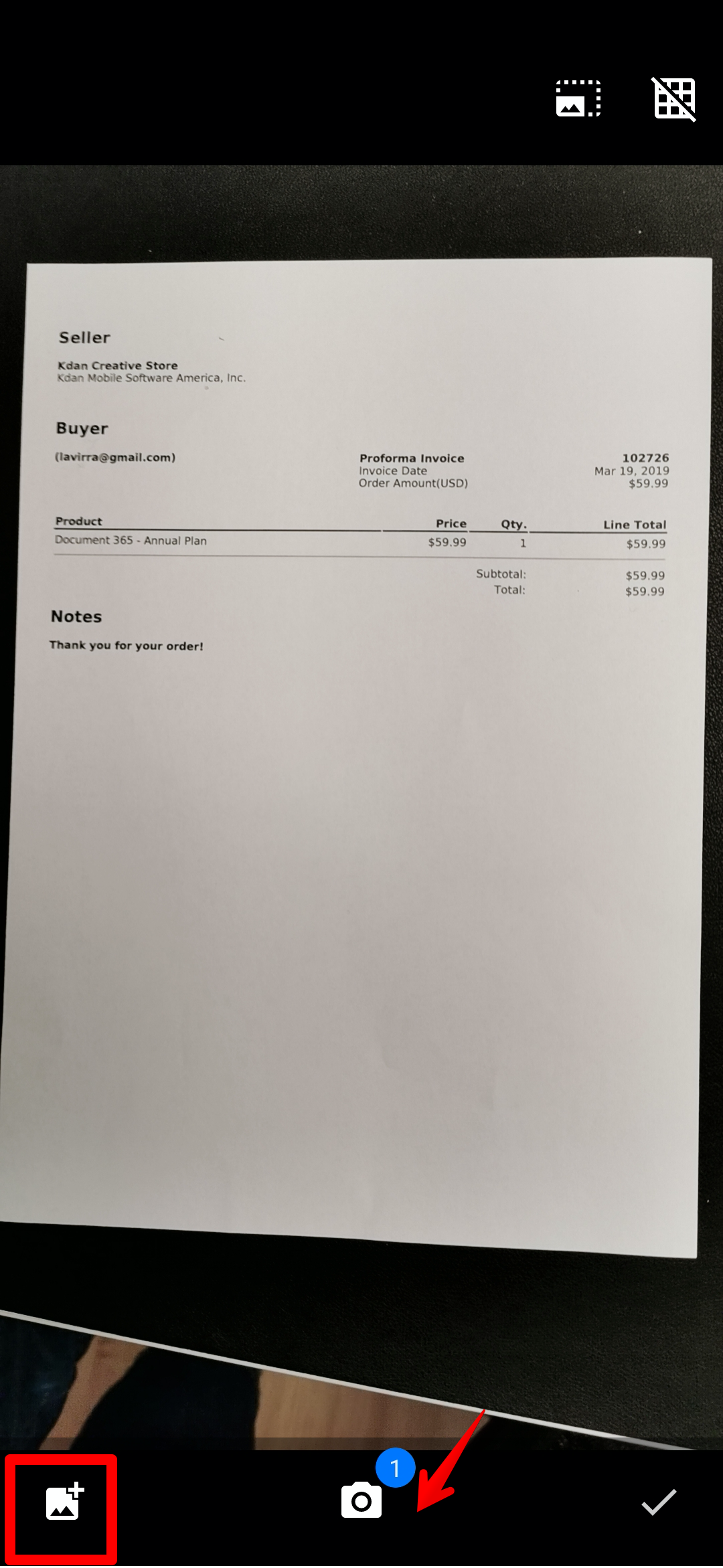
2. Snap photos by tapping the camera button or import images from your photo gallery
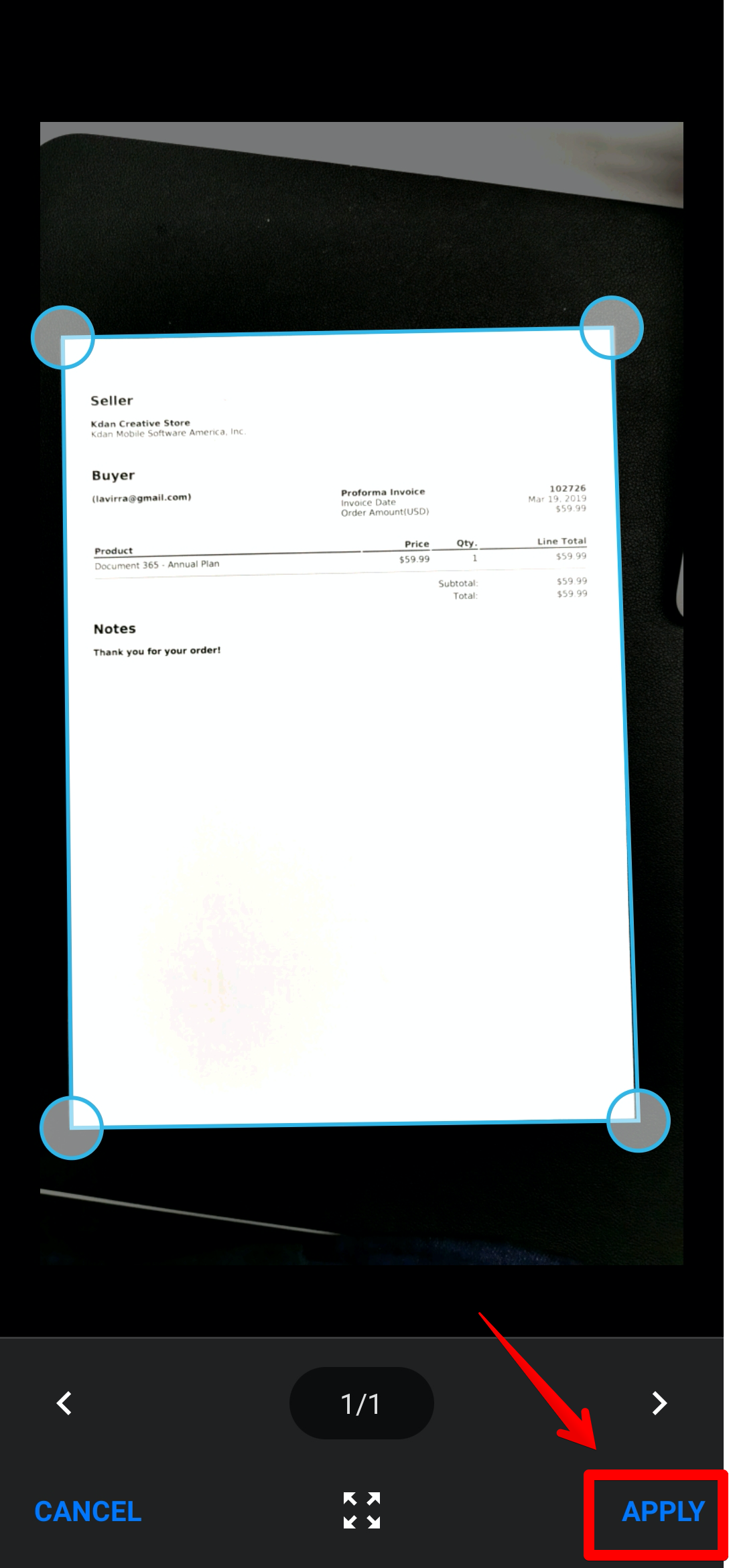
3. Adjust the borders of the scans using the crop tool. Then tap "Apply"
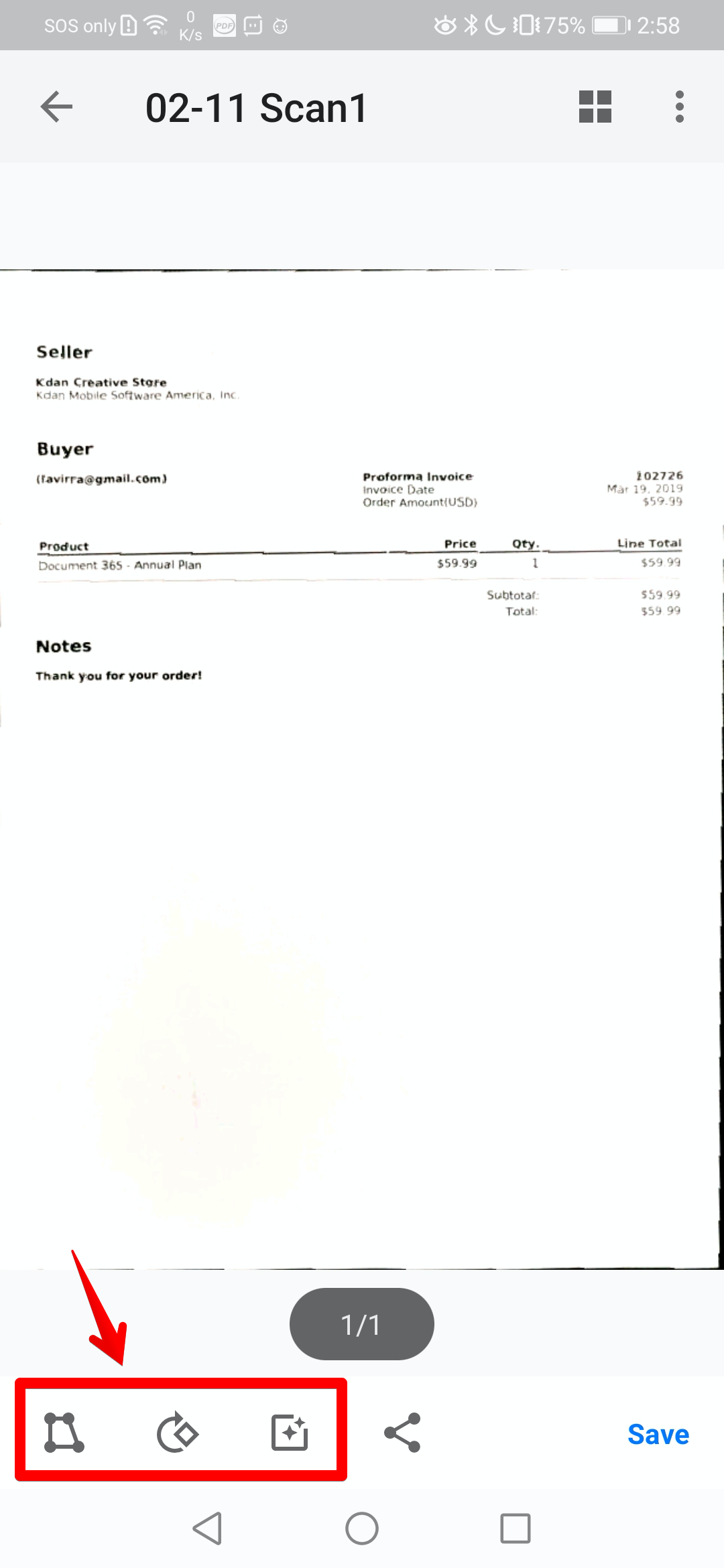
4. You also can edit scans with filters, rotate the scan, or re-crop the image before the conversion
5. Tap on the "Share" (  ) icon to export your scans
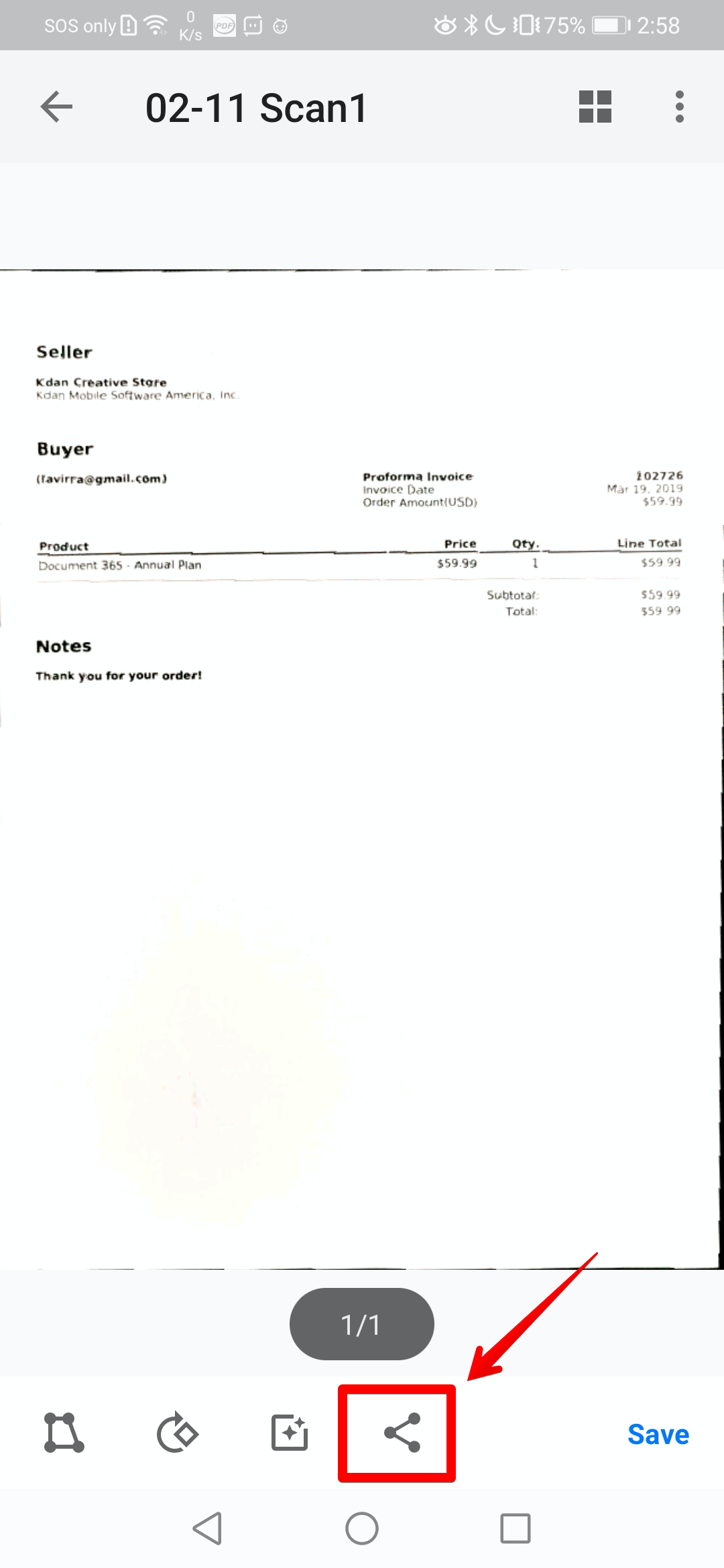
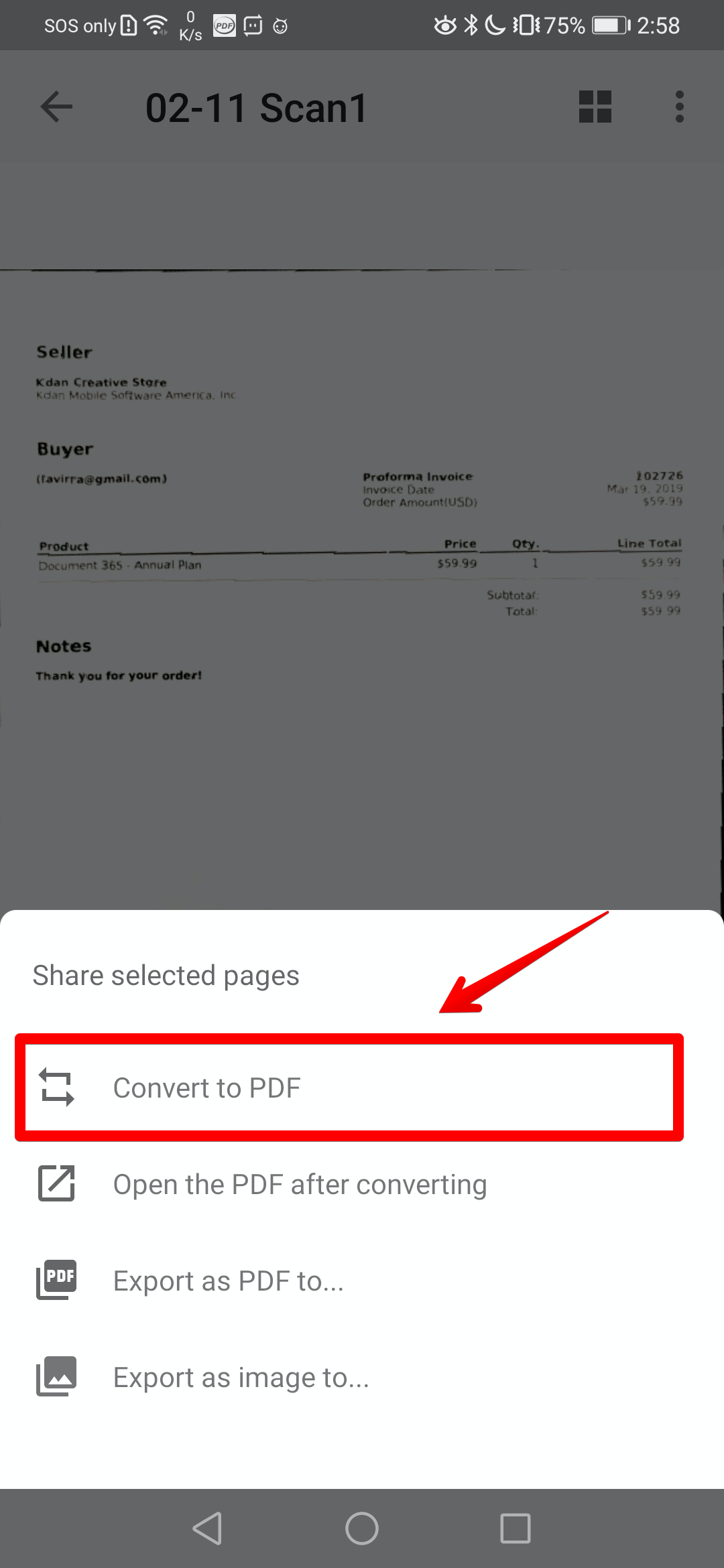
5. Choose "Convert to PDF" to save your scans to PDFs. Once the conversion is completed, the new PDF will be saved in the "Documents" tab
Updated
Comments
5 comments
very good and useful،
thank you very much for support and help me..
have a fun.
Hi Danial,
Thank you for your appreciation! We are always glad to give you assistance if you have any questions.
Alphabet Inc Whereat1app
I need your company help verify my companies
Hello Kimberly Smith,
We are afraid we could not understand the meaning of "verify your companies".
Do you mean help you to verify your account? If so, please contact us at appservice@kdanmobile.com with your Kdan ID or the registered email address for further assistance, thank you!
Please sign in to leave a comment.