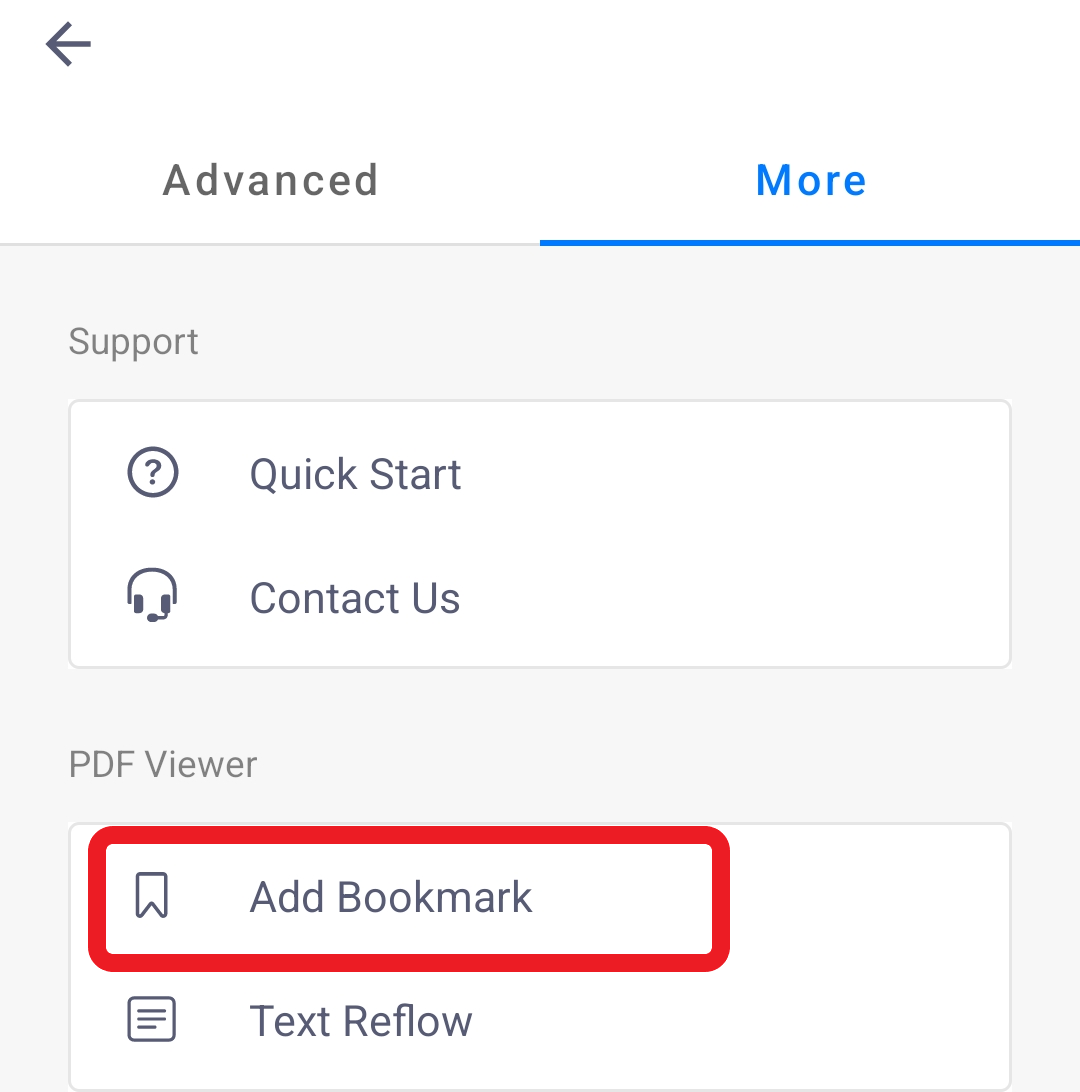
1. Go to the page you want to add a bookmark to and tap the three dots icon and tap “More”
2. Tap “Add Bookmark”
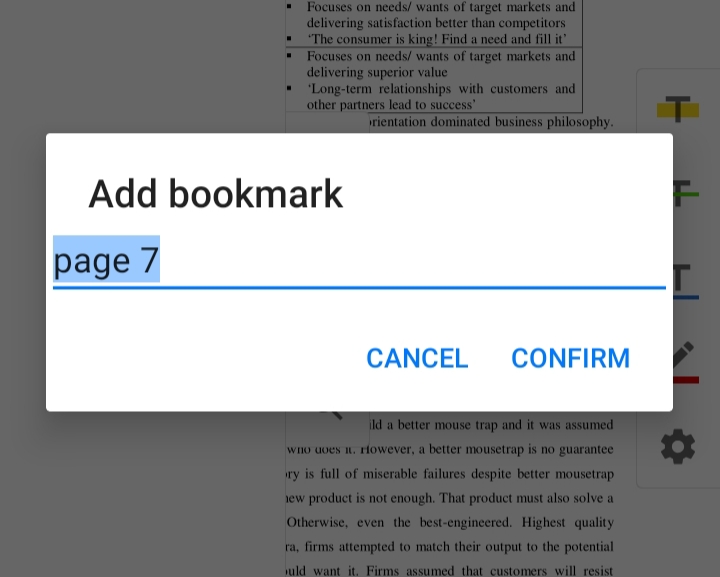
3. A pop-up box will appear and you can give the bookmark a name.
4. A red tag will be displayed at the upper right corner of the page after adding a bookmark.

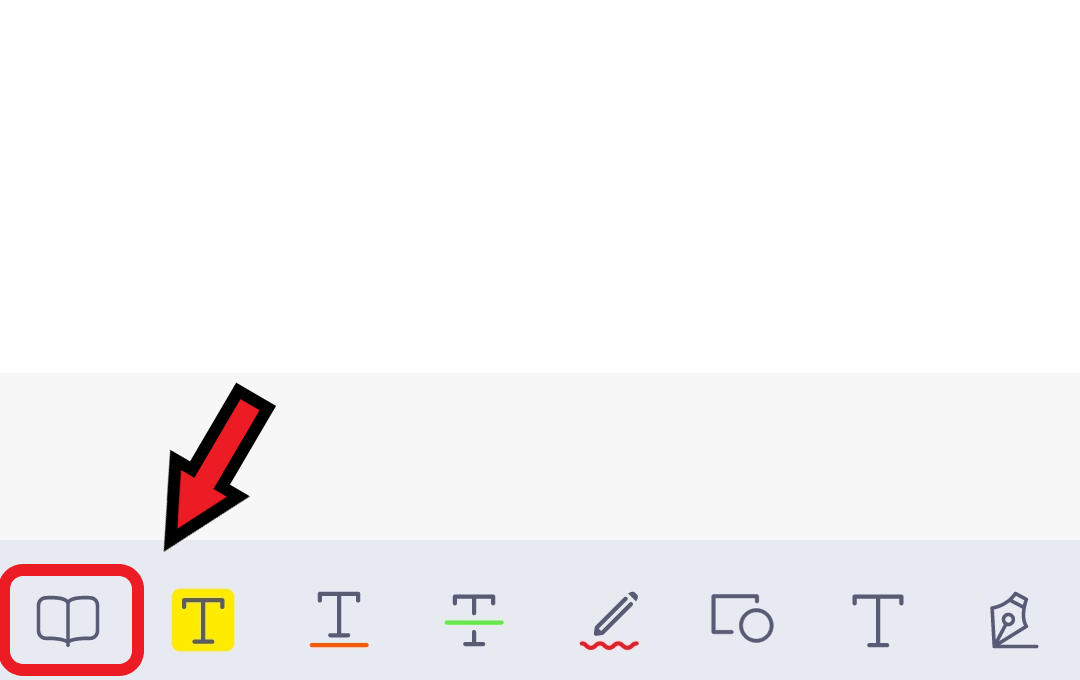
5. You can see all the bookmarks by tapping the Book icon in the navigation toolbar at the bottom.
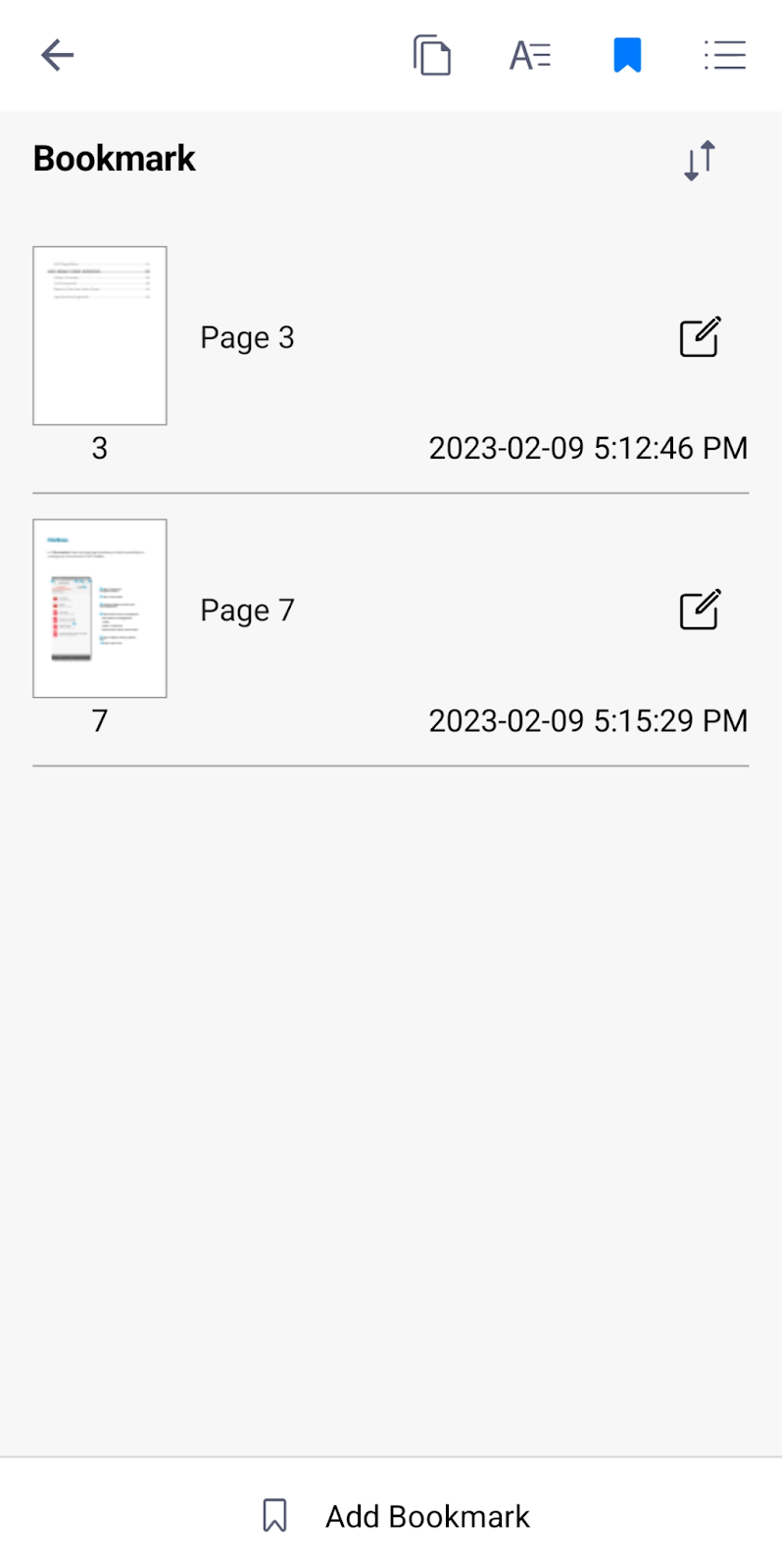
6. You can jump to any particular bookmarked page by tapping into them.
Updated
Comments
1 comment
const pipeAsyncFunctions = (...fns) => arg => fns.reduce((p, f) => p.then(f), Promise.resolve(arg));
Please sign in to leave a comment.